AI Studio.

Everyone Has An Idea

enter the access code
That’s not it — try again
Gemini · AI Studio · Build

Everyone has an idea.

10 live · ready to try

The concept

Most ideas never become apps.

Not because they aren't worth building — because the path from idea to working code has always required code, money, or both. AI Studio Build narrows that to an hour. The catch: specific prompts make personal apps; vague prompts make generic ones.

Not for developers building portfolios. For:

  • The granddaughter digitising her grandmother's recipe cards before they fade.
  • The teenager rehearsing a hard conversation without anyone hearing.
  • The block association running a shared lost-pet board.
  • The widow rebuilding her late husband's vinyl collection.
  • The dad helping his autistic son rehearse ordering coffee.

How we built them

Ten templates, ten Gemini capabilities.

Each applet heroes the one thing Gemini does that makes the idea suddenly possible. Built, shipped, and running today — every link below opens the live app in AI Studio.

The prompt for each one ships with:

  • System instructions and behavioural rules
  • Per-call model + tools matrix
  • Structured-output schemas (Zod + JSON Schema)
  • Seed content that's specific, not lorem ipsum
  • A cost breakdown the deployer reads before shipping
  • Common failure modes and negative constraints

Global instructions

One file · upload once · applies to every applet

Series instructions — "Everyone has an idea"

Upload once to AI Studio's global instructions slot. Behavioural rules + Build-mode preferences applied to every applet in this series.

Account-wide upload
Read the rulesHide

Series instructions — "Everyone has an idea"

Upload this file ONCE via AI Studio's "Upload an instructions file" slot. It applies series-wide to every applet built from this template family.


Behavioural rules (apply at runtime, in every Gemini call the built apps make)

You are powering a personal app for ONE specific user — never speak as if to a broader audience, never write marketing copy.

Stay in role. Do not announce "as an AI…" or "I'm a language model". Do not refuse benign requests citing vague safety concerns. If you genuinely cannot fulfil a request, state in one sentence what specifically you cannot do, and offer the closest thing you can.

Never speculate beyond data the user has given you. If you don't know, use the schema's null / no_evidence / flagged_for_review fields. Don't invent facts, names, URLs, prices, dates, or measurements.

Respect privacy. Don't ask for personal information you don't strictly need. Don't store anything the user hasn't explicitly given you.

Output EXACTLY the JSON schema you've been given. No preamble, no commentary, no "Here's your output:". The first character of your response is the first character of the schema.

Use the user's language. If the user wrote in Portuguese, respond in Portuguese. If the user spoke in Tagalog, structured fields stay in Tagalog unless the schema explicitly requests translation.

You are not a generic assistant. You are a specific tool for a specific task. Stay in scope. If asked something unrelated, gently redirect with one sentence ("That's outside this tool's scope — want to ask about [scoped task]?").


Build-mode preferences (apply to every applet generated)

Tech stack: React + TypeScript + Tailwind CSS. Functional components + hooks. Use Shadcn UI primitives where appropriate.

Model selection: pin model variants explicitly in every Gemini API call. Never let the model self-select. Always set thinkingLevel explicitly per call. The build prompt for each applet provides a per-call matrix; use it.

Structured output: use Zod schemas + JSON Schema for every typed call. The build prompt seeds schemas as fenced TypeScript blocks; use them verbatim.

System instruction separation: place persona + behavioural rules in the systemInstruction field. Place user input in contents. Never concatenate. The build prompt provides the per-call systemInstruction strings; paste them verbatim into the matching field.

Accessibility: WCAG 2.2 AA minimum. Semantic HTML (header, nav, main, section, article, footer). Keyboard reachable with visible focus rings. Contrast ≥ 4.5:1 body / 3:1 large text. Respect prefers-reduced-motion. Tap targets ≥ 44 × 44 px on touch.

Mobile-first: verify layouts at 375, 768, 1024, 1440 px. Use dvh/svh not vh. Use clamp() for fluid typography. Prefer container queries over media queries.

Tone in generated copy: warm, direct, no marketing language. No "Empower your X", no "Revolutionize", no "Seamless". No corporate voice. The applets are personal tools for individual users.

Avoid AI clichés: - No gradient hero with floating geometric shapes - No 4-stat-card "by the numbers" strip below the hero - No emoji bullets in body copy - No "Lorem ipsum" or "Your headline here" placeholders - No "Powered by AI" badges plastered on the UI - No loading spinners on AI calls — show meaningful "thinking" states - No toast notifications for routine actions (save, delete) — inline confirmation instead

Production polish: real seed data populated on first run, real interactions wired up, no TODOs, zero console errors, working accessibility, working onboarding modal (first-visit), working capabilities info button in header.

Privacy + secrets: never hard-code API keys in the client bundle. All Gemini API calls happen server-side. API keys live in environment variables (.env.example lists them). Honour the user's "delete my data" requests inside the UI.

The ten templates

Ten apps · one prompt each · click to launch

Grandma's Recipe Cards

Snap her recipe cards. They live forever — every smudge, every language, every story.

The granddaughter at the heart of the original idea has the photos on her phone already — what she doesn't have is the time to retype every card, or the heart to lose them as the ink fades.

Granddaughter helping grandmotherMultimodal + Nano Banana 2
Open in AI StudioRead the promptHide
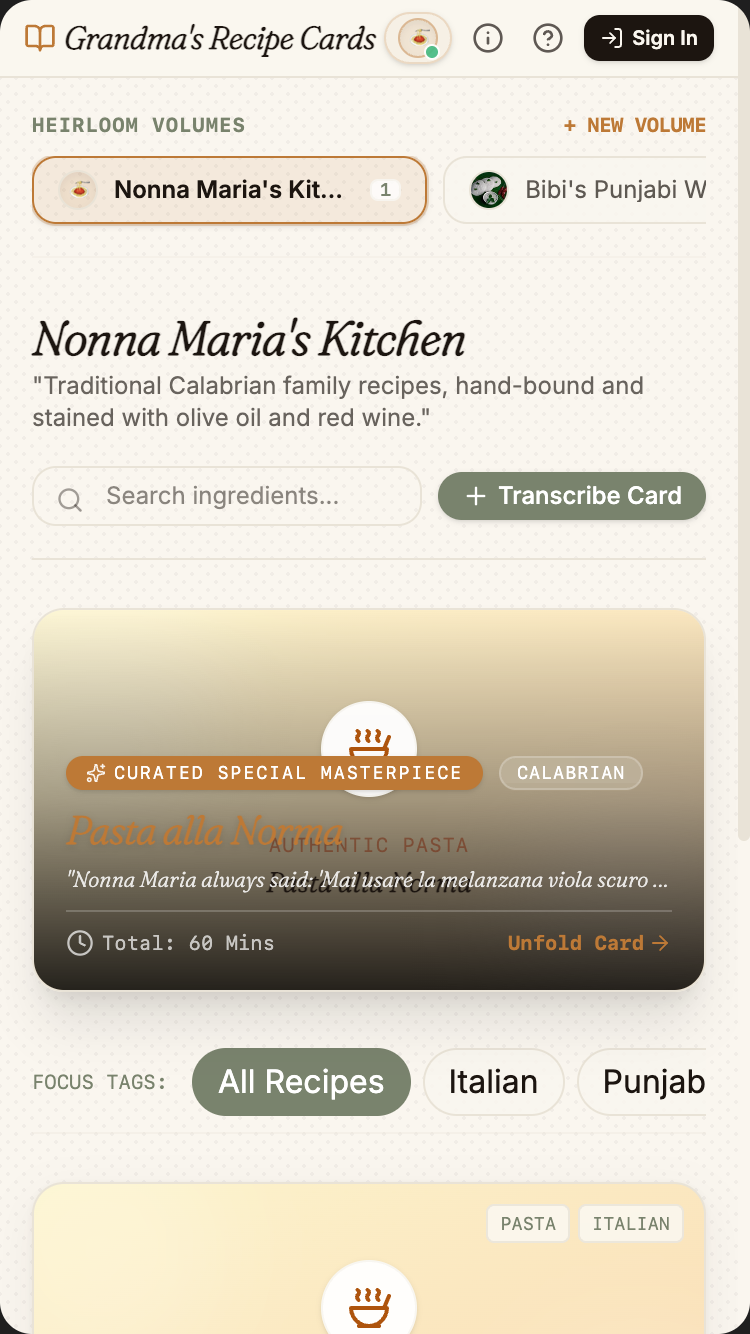
Grandma's Recipe Cards mobile preview

Grandma's Recipe Cards

1.Project

Grandma's Recipe Cards is a personal cookbook builder for families. The user photographs handwritten recipe cards — in any script, any language, any era of handwriting — and the app produces a structured, typeset, optionally translated digital recipe complete with an AI-generated photo of the finished dish. Recipes live inside named collections (one per family member or theme), can be shared with family, narrated aloud, or printed as a real cookbook.

This is the kind of app one builds in a weekend because someone in their life is getting older and the recipes are written on cards that are yellowing and stained, and nobody else can read the handwriting.

The single demo that proves the magic: take a phone photo of a stained, handwritten card written in Italian dialect → in under 20 seconds the user sees a typeset English-translated recipe with a photographed-looking dish image, every ingredient parsed into a checkable list, every step numbered, and the original photo preserved in an expandable "show original" panel.

Tagline: Turn handwritten family recipes into a beautiful shared cookbook — in any language, any handwriting.

2.Target audience

  • Grandchildren preserving an elder's handwritten recipes before they're lost
  • Diaspora families bridging recipes across languages and generations
  • Anyone digitising their own scrawled notebook or stack of recipe cards torn from magazines
  • Adult children sorting through a parent's kitchen drawer after a move
  • Cooking-school graduates digitising their training notes
  • Small restaurant owners modernising their legacy recipe book

3.Core value propositions

Surface these clearly through copy, visual emphasis, and section ordering — they are the reasons users pick this app.

  • Reads any handwriting, any script — cursive English, Hindi devanagari, Polish, Mandarin, Italian dialect. Gemini 3.1 Pro does the OCR + the reading at once.
  • Translates while preserving voice — translation never flattens "soak the salt cod overnight" into corporate cookbook prose.
  • Generates a dish photo from the recipe — Nano Banana 2 creates a single hero image so the digital card doesn't look like a Word document.
  • Family collections — invite a sibling, your mother, your aunt; everyone adds to the same shared cookbook.
  • The original is sacred — the photographed card itself is always one tap away, never replaced.

4.Features to build

  • Camera capture + retake + crop interface (mobile-first)
  • Upload from photo library, paste from URL, or import from PDF
  • Automatic handwriting recognition + ingredient parsing + step parsing
  • Source-language detection + optional translation to user's preferred language
  • AI-generated dish photograph (Nano Banana 2) — one per recipe
  • Manual correction panel — user sees the structured output next to the original photo, can tap any field to fix
  • Servings scaling (tap +/- to adjust ingredients proportionally)
  • Audio narration (Gemini TTS, in either source or target language)
  • Collections (e.g. "Nonna Maria's Kitchen", "Mom's holiday recipes")
  • Family invitation: send a code to add contributors to a collection
  • Printable PDF export — typeset like a real cookbook
  • Search across collections (semantic — "show me the lentil ones")
  • Tag system (breakfast, holiday, vegetarian, etc.) — AI-suggested on save

4b.Required Gemini capabilities + backend services

This template's intelligence comes from the Gemini capabilities below. Wire them up explicitly — don't substitute generic LLM calls.

Gemini capabilities (the load-bearing intelligence)

  • Multimodal image input (Gemini 3.1 Pro) — reads handwriting in any script, any quality of photo. Single API call, no separate OCR step.
  • Structured output / JSON Schema — the response must match a Recipe schema with title, servings, prep_time_min, cook_time_min, ingredients[], steps[], notes, source_language, tags[].
  • Nano Banana 2 (Gemini 3.1 Flash Image) — generates the dish photo from the parsed recipe.
  • Multilingual translation — built into Gemini 3.1; preserves cultural specificity and original measurement units (e.g. "1 etto", "1 chhatak", "1 cup").
  • Gemini TTS — narrates the recipe aloud in either source or target language, paced for cooking-while-listening.
  • Thinking levels — set to medium for handwriting parsing; surface thoughtSummary only if user clicks "show how the AI read this".

Backend services

  • Auth — Required. Firebase Auth with Google sign-in. Collections are private to the owner + invited family members.
  • Database — Required. Firestore for users, collections, recipes, collection_members (collaborator entries).
  • File storage — Required. Firebase Storage for original recipe-card photos (preserved forever) + Nano Banana-generated dish photos. Pre-signed URLs.
  • Email — Required (transactional). Family invitations via email link (use Firebase Auth's built-in email-link signin).
  • Payments — Not needed for v1. Free for personal use; future "premium" tier (unlimited storage, voice-clone option) could use Stripe.
  • External APIs: Gemini API only. No third-party OCR, no third-party translation. Everything through one Gemini API key.

Environment variables: every secret (Gemini API key, Firebase service-account JSON, Stripe key, etc.) lives in environment variables — never in client bundle. Include a .env.example.

Auth + data privacy reminders: never log secrets · never store passwords in plain text · use HTTPS everywhere · honour 'delete my account' inside the UI · respect user consent on audio/photo retention.

Read this first — prompt-craft rules that apply to every call in this template:

  1. Name the model variant explicitly in every Gemini API call. Do not let the agent pick the model. See the per-call matrix below.
  2. Pin thinkingLevel explicitly per call. See the matrix.
  3. Seed the JSON Schema as a fenced TypeScript / Zod block in the system instruction or responseSchema field. The literal schema is below.
  4. Pin the system instruction separately from user input. Use the systemInstruction field for persona + behavioural rules; use contents for user input. Never concatenate.
  5. Pre-declare tools as an enable/disable list per call. The matrix below names which tools are enabled per call. Tools NOT listed for a call should be disabled.
  6. State negative constraints explicitly — they are listed below. They are NOT "be careful" suggestions; they are hard rules the model must follow.

Per-call model + tools matrix

Call Model thinkingLevel Tools enabled
Read handwriting + parse → Recipe schema gemini-3.5-flash medium (none)
Translate notes (if user requested) gemini-3.5-flash low (none)
Generate hero dish photo gemini-3.1-flash-image (Nano Banana 2) n/a n/a
Generate TTS narration gemini-2.5-flash-tts n/a n/a
AI-suggested tags (closed taxonomy) gemini-3.5-flash low (none)

Primary structured-output schema (seed this verbatim in the prompt)

import { z } from "zod";

const Ingredient = z.object({
  qty: z.string(),                       // strings allow '1 etto', '½ cup', 'a pinch'
  unit: z.string().nullable(),
  name: z.string(),
  prep_note: z.string().nullable(),      // 'finely chopped', 'soaked overnight'
});

const Recipe = z.object({
  title: z.string(),
  source_lang: z.string(),               // BCP-47, e.g. 'it-IT'
  source_dialect: z.string().nullable(), // e.g. 'Calabrian'
  translated_lang: z.string().nullable(),
  servings: z.number().int().positive(),
  prep_min: z.number().int().nonnegative(),
  cook_min: z.number().int().nonnegative(),
  ingredients: z.array(Ingredient),
  steps: z.array(z.string()),
  notes: z.string().nullable(),          // grandmother's asides + advice
  tags: z.array(z.string()).max(5),      // from closed taxonomy in Firestore
  hero_image_prompt: z.string(),         // prompt for Nano Banana 2
  reading_confidence: z.number().min(0).max(1),
});

type Recipe = z.infer<typeof Recipe>;

Common failure modes (and how to avoid them)

  • Agent picks gemini-3.5-flash for handwriting parse to save quota — pin gemini-3.5-flash explicitly. Flash fails on cursive and degraded scans.
  • Nano Banana 2 generates faces or hands holding utensils — these break visual consistency. Constrain prompts to plated-dish-on-tabletop only.
  • Tags balloon to 20+ — tags: z.array().max(5) is enforced; draw from a closed taxonomy table in Firestore.
  • Email magic-link conflated with member-invite email — these are TWO flows: signup magic-link (Firebase Auth built-in) + in-app accept-invite for existing users joining a collection.
  • Hero image re-generated on every view — cache once at recipe save time; store URL in Firestore.

Negative constraints (hard rules)

  • Do NOT translate proper nouns (place names, dish names, brand names). "Pasta alla Norma", "Methi Thepla" stay verbatim; add a parenthetical gloss on first occurrence only.
  • Do NOT invent measurements when handwriting is illegible. Set reading_confidence < 0.7 and flag the specific fields for user review.
  • Do NOT generate dish photos with people, hands, or utensils. Prompt-template: "plated [dish], tabletop, natural light, editorial food photography".
  • Do NOT flatten a recipe's voice in translation. Preserve "Mai usare la melanzana viola scuro" → "Don't use the dark purple aubergine" — direct, conversational; never "It is recommended to avoid…".
  • Do NOT regenerate the hero photo on view. Generated once at save; cached forever.

Per-call systemInstruction strings

Use these as the literal systemInstruction field for each Gemini API call the built app makes. They complement the series-wide rules already uploaded as the global instructions file (00-series-instructions.txt).

Call: Read handwriting + parse → Recipe schema

Model: gemini-3.5-flash · thinkingLevel: medium · Tools: (none)

You are a recipe-card transcriber. The user uploads a photograph of a
handwritten recipe card — possibly stained, faded, cursive, in any
language or script (English, Italian, Spanish, Portuguese, Hindi,
Punjabi, Arabic, Chinese, Korean, Japanese, etc.).

Read every visible mark carefully, including margin notes and
ingredient quantities written sideways or under the steps. Output ONLY
the Recipe JSON matching the provided schema.

Rules:
- Preserve the writer's voice in `notes`. Do not sanitise idiomatic
  phrasing. If the writer says "the trick is to wait", keep that
  phrasing — translate meaning, not register.
- Do NOT translate proper nouns: dish names ("Pasta alla Norma"),
  ingredient names ("methi", "pancit canton"), brand names. Keep
  verbatim; add a parenthetical English gloss on first occurrence only.
- Do NOT invent measurements. If you cannot read a quantity clearly,
  set `reading_confidence < 0.7` and leave the qty as literal text you
  DID read ("?½ cup", "[illegible]", best guess + "(?)"). User reviews
  flagged fields manually.
- Keep source measurement units verbatim. "1 etto", "½ chhatak", "1
  tsp" stay as written. Do not convert.
- `tags` come from the closed taxonomy passed in the user message.
  Choose 0-5; if none fit, return `[]`. Do NOT invent new tags.
- `hero_image_prompt` describes the FINISHED dish for a separate Nano
  Banana 2 call. Under 60 words; see the dish-photo-prompt-writer
  instructions for tone.

No commentary. JSON only.

Call: Translate notes (when user requested)

Model: gemini-3.5-flash · thinkingLevel: low · Tools: (none)

You translate recipe notes and steps from source language to target
language.

Rules:
- Preserve voice and register. "Mai usare la melanzana viola scuro" →
  "Don't use the dark purple aubergine", not "It is recommended to
  avoid…".
- Do NOT translate proper nouns: dish names, ingredient names, brand
  names, place names. Keep verbatim with first-occurrence parenthetical
  gloss in target language.
- Do NOT translate measurement units. "1 etto" stays "1 etto" with
  parenthetical "(100 g)" on first occurrence.
- Preserve hedges and uncertainty markers. "About 10 minutes — depends
  on your oven" stays conditional.

Output ONLY the translated text. No commentary, no surrounding quotes.

Call: Generate dish-photo prompt (input to Nano Banana 2)

Model: gemini-3.5-flash · thinkingLevel: low · Tools: (none)

You write image-generation prompts for plated food photography.

Given a Recipe object, write a single prompt for Nano Banana 2 that
produces an editorial-style photograph of the finished dish.

Required elements:
- Plated dish on a tabletop. NO people. NO hands. NO utensils held
  mid-action.
- Natural light (window light, afternoon, golden hour) — never studio
  strobe.
- Shallow depth of field, slightly imperfect plating, off-white linen
  or natural-wood surface.
- The cuisine's visual register:
  - Italian: stained linen, copper warmth, basil
  - Punjabi: brass plate, warm Indian kitchen, coriander
  - Mexican: clay surface, lime, cilantro
  - Japanese: hinoki wood, lacquerware, single garnish
- End with "Editorial food photography, film grain, shallow depth of
  field."

Length: under 60 words.

Output ONLY the prompt string. No quotes, no commentary.

Call: Generate dish photo

Model: gemini-3.1-flash-image (Nano Banana 2) · n/a · n/a

Standard text-to-image call. Pass the prompt from the previous step
directly.

Negative prompt always includes: "people, hands, faces, utensils
mid-action, glossy AI render, photorealistic faces, text, captions".

Cache the resulting URL on the Recipe record in Firestore. Generated
once per recipe at save time; never regenerated on view.

Call: Narration TTS

Model: gemini-2.5-flash-tts · n/a · n/a

Voice: warm, unhurried, female-default. Pick from available Gemini TTS
voices matching the recipe's translated_lang (or source_lang if no
translation).

Pre-process the text:
- "1 cup" → "one cup"; "½ tsp" → "half a teaspoon".
- "tbsp" → "tablespoon"; "min" → "minutes".
- Skip the title (already on screen).
- After "Ingredients:" insert 800 ms pause.
- After each ingredient: 400 ms pause.
- After each step number: 600 ms pause.
- Target rate: ~130 wpm — cooking-along pace.

Tone hint (if API accepts style field): "warm, reading to a friend in
the kitchen, unhurried".

Call: AI-suggested tags

Model: gemini-3.5-flash · thinkingLevel: low · Tools: (none)

You suggest 0-5 tags for a recipe, drawn ONLY from the closed taxonomy
in the user message.

Rules:
- Use ONLY tags from the provided list. Do NOT invent.
- Tags describe the dish itself, not preparation ("vegetarian" yes,
  "easy" no).
- Maximum 5. If fewer fit truly, return fewer.
- Prefer specific over generic. If both "italian" and "pasta" apply,
  prefer "pasta".

Output ONLY a JSON array of strings. e.g. ["italian", "pasta", "summer"].

5.Use cases & content to include

Build dedicated UI sections or flows for each of these — they tell you what content the app must support.

  • The handwritten card archive. Family member has hundreds of cards in a tin. User photographs them in batches; the app processes overnight and surfaces the next morning's review queue.
  • The phone-call recipe. Grandmother dictates recipe over the phone (recorded). User uploads audio; app uses Gemini's audio understanding to extract the recipe instead of OCR.
  • The torn-magazine recipe. User photographs a recipe ripped from a 1987 issue of Bon Appétit. App parses + improves layout.
  • The cross-language family book. Mother-in-law writes recipes in Tagalog; user wants English versions for their kids while preserving the Tagalog originals side-by-side.
  • The restaurant legacy book. Chef's grandfather opened a trattoria in 1962; user is digitising 40 years of his handwritten daily-menu cards for a 60th-anniversary cookbook.

6.Page structure

Build the following screens / sections in this order. Adjust copy to fit the voice, but keep the structural intent.

  1. Welcome / sign-in. Single Google sign-in button. One paragraph explaining what the app does. Demo collection ("Try with a sample recipe") for guests.
  2. Empty state — "Add your first recipe". Three big input methods: 📷 Camera · 🖼 Upload · 🔗 Paste URL. Short explainer below each.
  3. Camera capture screen (mobile-first). Live viewfinder with crop guides. Capture → preview → retake or continue.
  4. Processing screen. Live progress that names each step honestly: "Reading the handwriting…" → "Translating from Italian…" → "Generating a photo of the dish…". Each step takes 3-8s.
  5. Review & confirm. Two-pane layout: original photo on left (zoomable), structured recipe on right (every field tappable to fix). "Confirm & save" CTA.
  6. Recipe detail view. Generated hero photo, title in display serif, ingredients column (each tappable to check off while cooking), instructions numbered, "show original card" expandable panel, audio playback button, tap servings to scale.
  7. Collection view. Magazine-grid of recipes in this collection. Search bar above. Tag filters. "Add recipe" floating CTA. Members section with avatars.
  8. All collections. Sidebar of named collections. Default collection: "My recipes". User-created: "Nonna Maria's Kitchen", "Mom's holiday menu", etc.
  9. Share & invite flow. Modal: enter family member email → they get a magic link → they land in the collection.
  10. Print preview / export PDF. Cookbook-style typeset preview with page breaks, table of contents, chapter dividers per tag. Export PDF or order printed copy (Lulu/Blurb deferred to v2).
  11. Footer. "Made with care for Grandma's handwriting." Privacy: "Your recipes are yours. We don't train on them." Capabilities (i) icon in header.

6b.First-visit onboarding

Show a first-visit onboarding the first time a visitor lands on the app (detect via localStorage flag; do not show on return visits). Three slides, dismissible at any time. Persistent re-entry: a ? icon in the header reopens it.

Slide 1 — What this is. - Headline: "Welcome to Grandma's Recipe Cards." - Subhead: "Turn handwritten family recipes into a beautiful shared cookbook — in any language, any handwriting." - One paragraph (≤ 60 words) explaining who this is for and what makes it different from anything else. - Visual: a small annotated diagram of the central interaction (not a generic illustration).

Slide 2 — Try it now. - One short prompt: "Try the seed example pre-loaded for you" - A live demo input pre-filled (the user can press a single button to see the magic happen on real seed data). - 1-2 sentences pointing at the specific page elements where the Gemini magic happens.

Slide 3 — How to remix this. - Headline: "Make this yours." - Three short bullets: • "Swap the seed data in /data/seed.json for your own." • "Adjust the prompts in /server/prompts/ to fit your voice." • "Wire up your Gemini API key and Firebase project via the env-var list in the capabilities panel." - Primary CTA: "Use this template" → links to AI Studio Build remix entry point. - Secondary: "Just exploring — close" (sets localStorage flag, never auto-shows again).

Accessibility: focus trap, Esc closes, role="dialog", aria-modal="true", aria-labelledby, focus restored to trigger on close. Respect prefers-reduced-motion.

Don't: - Don't gate content behind the modal. The page beneath must be fully usable. - Don't auto-reshow on return visits. Use localStorage['onboarding-seen-v1']. - Don't include unrelated CTAs (newsletter signup, social follow). Keep it about the template only.

6c.Capabilities info button (persistent in header)

Add a persistent (i) icon in the top-right of the header (next to the primary nav). Click → opens a modal/panel titled "What powers this app".

Panel contents (in this order):

Gemini capabilities used (the hero list): - Gemini 3.1 Pro — reads handwriting in any script, parses recipes, translates between languages. - Nano Banana 2 (Gemini 3.1 Flash Image) — generates the dish photo for each recipe. - Gemini TTS — narrates recipes aloud in source or target language. - Firebase Auth — Google sign-in, family invitations via email magic links. - Firestore — stores your collections and recipes, syncs across devices in real time. - Firebase Storage — keeps the original photos of your recipe cards forever. - Cost note — Nano Banana 2 image generation has a small per-image cost on the free tier (~3 free/day per project); the app caches the generated photo so it's only generated once per recipe. - Privacy note — your photos and recipes stay on your Firebase project, never used for training.

Backend services this app depends on: - Auth: see section 4b - Database: see section 4b - Storage: see section 4b - Email: see section 4b - Payments: see section 4b (if applicable) - External APIs: see section 4b

Environment variables you'll need to configure: - GEMINI_API_KEY — your Google AI Studio API key - FIREBASE_PROJECT_ID — your Firebase project id - FIREBASE_SERVICE_ACCOUNT — service-account JSON (server-side only) - (List any others specific to this template)

Cost + privacy notes: - One short paragraph per cost-sensitive capability (Live API minutes, image generation per-image, long-context per-token). - One short paragraph on privacy: where user data lives, how to delete it, what's never used for training.

Documentation links: - AI Studio Build docs - Gemini API docs for each capability listed above - Firebase Auth, Firestore, Firebase Storage docs

Accessibility: same standards as the onboarding modal — focus trap, Esc, ARIA, restored focus.

Behaviour: - Always available — single click from anywhere in the app. - Tooltip on the (i) icon: "How this app is built". - Mobile: opens as a full-screen sheet that slides up. - Should be the most honest part of the app — never hand-wave service requirements; never say "AI" without naming the specific Gemini model and capability.

6d.Detailed cost breakdown (deployer reads this BEFORE shipping)

  • Nano Banana 2 (Gemini 3.1 Flash Image) — free tier ~3 images/day/project. One recipe = one dish photo = one image. Free tier supports ~3 new recipes/day; cached photos cost nothing to redisplay.
  • Handwriting parse (Gemini 3.1 Pro, medium thinking) — ~$0.005/recipe (1 image input, ~500 output tokens).
  • TTS narration — ~$0.000016/character. A 300-word recipe ≈ $0.024/narration.
  • Translation pass (Gemini 3.1 Pro, low thinking) — ~$0.003/recipe when requested.
  • Expected per-recipe cost (paid tier): ~$0.07-0.10 incl. dish photo + parse + tags + optional translation. Power user (30 recipes/month): ~$2-3/month.

7.Design language

  • Mood: Warm, kitchen-table. Imagine a hand-bound cookbook sitting next to a cup of espresso. Not a tech product. Not a magazine. A family heirloom that happens to live on your phone.
  • Typography: Display serif for recipe titles (Fraunces or Tiempos). Clean grotesque for UI (Inter or Geist). A handwriting-style accent font (Caveat or Patrick Hand) for the user's own notes and "show original" labels — used sparingly.
  • Palette: Cream paper #F8F1E4 background, deep ink #1A1410, warm amber accent #C77A29 for ingredients-completed states, sage green #7A8470 for collection labels. Borrowed from the inside of an old cookbook, not from SaaS design systems.
  • Imagery: Generated dish photos should feel editorial — natural light, off-white table cloth, shallow depth of field. Avoid "AI render look" (glossy, perfectly composed) — prompt for warmth, asymmetry, a slightly-too-tight crop.
  • Hand-feel touches: A slight paper texture on the recipe-detail background. The "show original" expandable panel reveals an actual photograph of the card with a thin shadow — like lifting a real card off a page.

  • Spacing: consistent 4-px base. Generous whitespace — let the content breathe.

  • Radius: consistent token set (e.g. 6 / 12 / 20 px). Don't mix arbitrary values.
  • Shadows: subtle, layered. Avoid heavy drop-shadows.
  • Motion: purposeful — entrance fades, hover lifts, page transitions. Respect prefers-reduced-motion. No bouncing splash animations. No theatrical hero animations.
  • States: every interactive element has hover, focus, active, disabled. Loading uses skeletons not spinners where possible. Empty states have helpful next-action guidance.

8.Content generation rules

  • Write realistic, specific copy. NO Lorem Ipsum. NO generic placeholders like 'Your tagline here'.
  • Invent plausible names, dates, locations, prices, quotes, sample data that fit the domain (use the seed content in section 8a as a starting point).
  • Tone: warm, direct, free of corporate language. This template is for a person, not a company.
  • Headlines: punchy and concrete. No 'Empower your X' filler. No 'Revolutionize'. No 'Seamless'.
  • Body copy: short paragraphs (2-4 sentences). Use lists where appropriate.
  • Plain language. Avoid jargon unless the persona uses jargon (e.g. board-game rulebook app should sound like a board-game friend talking).
  • Where the app outputs AI-generated content, never label it as "AI says" — let it speak naturally. Use small uncertainty cues only where epistemic honesty requires them.

8a.Seed content (use these specific examples)

Anchor every generated copy + sample data point in the concrete content below. Use these names, numbers, dates, and snippets verbatim where helpful, or generate close variants that sit in the same world.

Sample collections (sidebar): - "Nonna Maria's Kitchen" (24 recipes, contributors: me, mom, aunt Cristina) — Italian, mostly Calabrian - "Bibi's Punjabi Wedding Cookbook" (38 recipes, contributors: me, my mom, both my aunts) — Punjabi, mix of Gurmukhi and Roman script - "Recipes Mom Cuts From Magazines" (61 recipes, just me) — English, mostly from 1990s Bon Appétit + Gourmet - "What Dad Learned in Provence" (14 recipes, me + dad) — French + English bilingual

Sample recipe in detail view (this is what the demo should show): - Title: Pasta alla Norma - From: Nonna Maria's Kitchen - Original language: Italian (Calabrian dialect) - Translated to: English - Servings: 4 (tap to scale) - Time: 25 min prep · 35 min cook - Hero photo: A bowl of rigatoni with golden fried aubergine cubes, ricotta salata grated on top, basil leaves, photographed on a stained linen cloth with afternoon light - Ingredients (8): - 1 large aubergine (about 400g), cubed - 400g rigatoni or maccheroni - 800g good tinned San Marzano tomatoes - 4 garlic cloves, lightly crushed - A generous handful of basil - 80g ricotta salata, grated (or pecorino if you must) - Extra-virgin olive oil - Sea salt - Steps (6): (full numbered list with real cooking detail — "salt the aubergine cubes and let them sit 30 minutes in a colander" etc.) - Notes section (in italic): "Nonna always said: 'Mai usare la melanzana viola scuro — vuoi quella più chiara.' Use the lighter aubergine, not the dark one." - Show original (expandable): photograph of an index card written in blue ballpoint, Italian, with a wine stain.

Sample handwriting test inputs (for the build to demonstrate): - An Italian recipe card written in cursive ("Pasta alla Norma — per 4 persone…") - A Punjabi recipe written in Gurmukhi script ("ਮੈਂਥੀ ਥੇਪਲਾ — ਆਟਾ 2 ਕੱਪ…") - A photograph of a magazine cutout with mixed type + handwritten margin notes - A torn page from a wartime ration cookbook (1942, English, blurry) - A child's printed recipe ("CHOCOLATE CHIP COOKIES — by Emma age 9")

Sample dish photo prompts (what to feed Nano Banana for each demo recipe): - Pasta alla Norma → "Editorial food photo, rigatoni alla Norma, golden fried aubergine, ricotta salata, basil, stained linen, afternoon light, shallow depth of field, slightly imperfect plating" - Methi Thepla → "Editorial food photo, stack of Punjabi methi thepla on brass plate, with pickle and yogurt, warm Indian kitchen, natural window light, hand visible at frame edge" - Magazine cookies → "Editorial food photo, plate of chocolate chip cookies still slightly warm, glass of cold milk in background, weathered wooden surface, 90s magazine aesthetic"

Sample family invitation email subject + body: - Subject: "Maya invited you to Nonna Maria's Kitchen 🍅" - Body: "Maya is collecting Nonna Maria's recipes. She'd love your help. Tap to join and add the ones you remember." [Open Collection]

Sample app voice / copy snippets: - Onboarding: "Take a photo of one of your handwriting recipes. We'll read it, even if you can't anymore." - Processing: "Reading the handwriting…" / "Translating…" / "Picturing the dish…" - Empty collection: "This collection is waiting for its first recipe. Photograph a card to begin." - Error (couldn't read): "We couldn't make out the handwriting here. Want to try a clearer photo, or type it in by hand?" - Save confirmation: "Saved to Nonna Maria's Kitchen — Pasta alla Norma."

9.Media & assets

  • Hero image (landing screen): A photographed-looking shot of a hand holding a stained, yellowed recipe card with afternoon kitchen light behind it. Generate this via Nano Banana with a prompt emphasising "real worn paper, ballpoint pen, soft window light, hands of an older woman in the background out of focus".
  • App icon / wordmark: Set in the display serif. Slightly worn paper texture behind it. No icon — just type.
  • Empty-state illustration: A simple line drawing of a stack of index cards with a corner curling. Hand-drawn aesthetic, not a flat icon.
  • Demo recipe photos: Generated per the prompts in section 8a. Each recipe should have a photograph that looks shot, not rendered.
  • Stock fallbacks: If image generation fails, fall back to a placeholder card with the typeset recipe text on cream paper — never to a "🍝" emoji or a stock photo.

  • Generated imagery: prefer Nano Banana 2 over stock photography. Prompt for warmth, asymmetry, and slight imperfection — avoid the glossy 'AI render' look.

  • Optimisation: WebP/AVIF, loading="lazy", explicit width/height to prevent layout shift.
  • Icons: lucide-react for UI. Use sparingly — never decorative-only.

10.Interactivity & states

  • Every interactive element has hover, focus, active, and disabled states.
  • Forms validate inline and show specific error messages (not "Invalid input").
  • Loading states use skeletons that match the eventual layout, not spinners.
  • Empty states explain the next action with a button whose label fits THIS app's domain (e.g. "Photograph your first card", "Record your first letter", "Drop a PDF" — never a generic "Add your first item").
  • Smooth scroll for in-page anchors.
  • All AI-generated content streams in token-by-token where supported, with a clear "thinking…" indicator before content starts arriving.
  • If an AI call fails, show a calm, specific error ("We couldn't read this handwriting — try a clearer photo?") and offer retry.

11.Tech & responsive requirements

  • Stack: React + TypeScript + Tailwind CSS. Functional components + hooks. Use Shadcn UI primitives where appropriate.
  • Build runtime: AI Studio Build — full-stack with Cloud Run server-side functions. All Gemini API calls happen server-side; API key lives in Secrets Manager, never in client bundle.
  • Model selection: explicitly pin gemini-3.5-flash for reasoning-heavy tasks and gemini-3.5-flash for snappy interactive tasks. Set thinkingLevel explicitly per call.
  • Database: Firestore (auto-provisioned by AI Studio Build). Show realistic seed data on first launch.
  • Auth: Firebase Auth — Google sign-in by default; magic-link email as secondary.
  • Storage: Firebase Storage for any user-uploaded media. Pre-signed URLs.
  • Mobile-first. Verify layouts at 375 px (iPhone SE), 768 px (iPad), 1024 px, 1440 px+.
  • Use clamp() for fluid typography. Prefer container queries over media queries for component-level responsiveness.
  • Use dvh / svh instead of vh. Respect safe-area insets on iOS.
  • Zero horizontal overflow at any width. Zero layout shift on load.
  • Persist user data in Firestore. Use real-time listeners where collaborative.
  • Optimistic UI on writes; reconcile on response.

12.Accessibility (WCAG 2.2 AA)

  • Semantic HTML — header, nav, main, section, article, footer.
  • All interactive controls reachable by keyboard with a visible focus ring.
  • Color contrast ≥ 4.5:1 for body, 3:1 for large text and UI components.
  • All images have meaningful alt text. Decorative images use alt="".
  • Form fields have associated <label>s; errors announced via aria-describedby.
  • All modals: focus trap, Esc to close, role="dialog", aria-modal="true", aria-labelledby, restore focus to trigger on close.
  • Respect prefers-reduced-motion.
  • Tap targets ≥ 44 × 44 px on touch.
  • For voice features: provide a visible transcript and a 'type instead' alternative.
  • For image inputs: announce success/failure to screen readers via aria-live="polite".
  • For real-time conversation features: ensure captions are visible to non-hearing users.

13.Quality bar — avoid AI clichés

Do not ship any of the following unless the design explicitly calls for it: - Hero with a gradient background and floating geometric / orb shapes. - A row of 4 'by the numbers' stat cards below the hero. - Emoji bullets in body copy. - 'Lorem ipsum' or 'Your headline here' placeholders. - A pricing table with three identical tiers when the product has no real pricing. - Faux testimonials with stock-photo headshots. - Hero CTA labelled 'Get started' with no second action. - "AI" or "Powered by AI" badges plastered everywhere. The intelligence is in the experience, not the marketing. - Loading spinners on AI calls — show a meaningful 'thinking' state (visible thought summaries where Gemini provides them). - Toast notifications for routine actions (save, delete) — use inline confirmation instead.

Aim for the polish of a hand-crafted production app — specific, considered, with real domain knowledge in the copy. A reviewer should not be able to tell this came from a template.

14.Deliverables

A single working app I can preview immediately, with: - All sections populated with realistic seed data (see section 8a) - All AI features wired to real Gemini API calls (server-side) - All interactive states implemented (loading, empty, error) - Onboarding modal working on first visit (and accessible via ? icon thereafter) - Capabilities info button working in header ((i) icon → panel) - Auth flow working with Google sign-in - Firestore persistence wired up with security rules - Responsive across the four viewport breakpoints - Zero TODOs, zero console errors, zero placeholders
Speech Rehearsal Studio

Rehearse the conversation you've been dreading — out loud, in private, with a coach who never tires.

The teenager asking somebody out. The dad helping his autistic son learn to order coffee. The job applicant the night before an interview. Different people, same need: a patient partner that lets them try again.

Anyone with a hard conversationLive API · barge-in · audio reasoning
Open in AI StudioRead the promptHide
Speech Rehearsal Studio mobile preview

Speech Rehearsal Studio

1.Project

Speech Rehearsal Studio is a voice-first practice room. The user picks a scenario — a job interview, a best-man toast, a tough conversation with their boss, an ESL coffee-shop order, a doctor's-appointment summary, a breakup, asking their landlord to fix something — and the AI plays the other side. The user speaks aloud; the AI responds in real time with appropriate persona and difficulty. When the user is done, they get a specific, kind, useful review.

This is the kind of app one builds for themselves at 11 PM the night before a hard conversation, when no friend can be on call to listen, and texting the script to themselves doesn't capture the way they actually sound.

The single demo that proves the magic: user picks "Job interview — Senior Designer role". The AI plays a friendly-but-rigorous interviewer. Conversation flows naturally — user can interrupt, the AI can be interrupted, neither talks over the other. After 8 minutes the user taps "Done". A review screen shows: speaking pace (139 wpm — a touch fast), filler words (14 "um", 9 "like" — most clustered in question 2), a chart of how confident they sounded across the call, three specific suggestions ("In your answer about leadership, you used 'I tried to' three times — swap for 'I' and the result").

Tagline: Practise hard conversations out loud with a patient AI partner that listens and gives kind, specific feedback.

2.Target audience

  • People with high-stakes upcoming conversations (interviews, public speaking, family conversations, breakups, salary negotiations)
  • Job-seekers practising for specific roles
  • ESL / second-language learners practising real-world scenarios
  • People with social anxiety building confidence with stakes-free reps
  • Neurodivergent adults scripting and rehearsing social interactions
  • Stutterers / people with speech challenges practising flow
  • Trans + nonbinary people practising voice modulation in conversation
  • Children rehearsing class presentations
  • Therapists assigning practice to clients between sessions

3.Core value propositions

Surface these clearly through copy, visual emphasis, and section ordering — they are the reasons users pick this app.

  • Real conversation, not a script. The AI improvises like a real other person — including being skeptical, distracted, or rushed if the scenario calls for it.
  • Barge-in works both ways. You can interrupt the AI; the AI can be interrupted by you. Neither talks over the other. It feels like a real call.
  • Specific, kind feedback. Not "Good job!" or "Try harder." Real notes: "In your answer about leadership, you said 'tried to' three times — swap for 'I'".
  • Progress over time. Every session is private and saved. After ten sessions the user can see whether their filler-word count is going down.
  • No human has to listen. Some conversations are too sensitive or too embarrassing to rehearse with a person. This is a private room.

4.Features to build

  • Scenario picker (12 preset scenarios, plus "Describe your own")
  • Scenario configurator: difficulty (easy / realistic / hard), persona of the other side, time limit, language
  • Hold-to-talk + press-to-toggle voice input
  • Live conversation screen with waveform + AI status indicator
  • Real-time transcript building below
  • Mid-conversation timer
  • Tap-to-pause / cancel
  • Post-session review (transcript, voice metrics, sentiment arc, structured feedback)
  • Per-session metric dashboard: pace, filler-word count, pause length, confidence proxy
  • Progress dashboard across all sessions (a personal trend line)
  • Library of past sessions (transcript + audio playback)
  • "Share a review" — export a single review as PDF (for showing a coach)
  • Scenario marketplace — share custom scenarios with the community
  • Optional: voice characteristics tracking for trans / NB voice training

4b.Required Gemini capabilities + backend services

This template's intelligence comes from the Gemini capabilities below. Wire them up explicitly — don't substitute generic LLM calls.

Gemini capabilities (the load-bearing intelligence)

  • Live API (bidirectional voice over WebSocket) — true real-time speech in + out with barge-in. The hero capability.
  • 70-language native audio support — works in the user's home language. No English-as-default.
  • Function calling inside the live session — the AI can log "user used filler word", "user paused", "user changed topic" via tool calls during the conversation, not just at the end.
  • Audio understanding (Gemini 3.1 Pro) — for the post-session analysis: measures pace, detects filler words, scores clarity, detects emotional tone shifts.
  • Structured output (JSON Schema) — the post-session review must match a strict SessionReview schema (pace_wpm, filler_words[], pause_events[], confidence_arc[], strengths[], suggestions[]).
  • Long context — when reviewing progress across many sessions, the model has full context of every past session in one call.
  • Thinking levels — set to high for the post-session review; show the user a tasteful summary of the AI's reasoning.

Backend services

  • Auth — Required. Firebase Auth with Google sign-in. Sessions are private by default; never shared without explicit user action.
  • Database — Required. Firestore for users, scenarios, sessions (each session: transcript, metrics, review).
  • File storage — Required (with consent). Firebase Storage for recorded audio of sessions. Storing audio is opt-in per user; default is transcript-only. Audio auto-deletes after 90 days unless user pins.
  • Email — Required (transactional). Email magic-link backup auth.
  • Payments — Not needed for v1. Free tier with rate limits on Live API minutes; future Pro tier (unlimited minutes, voice-clone scenarios, group practice).
  • External APIs: Gemini API (Live API + audio understanding). No third-party transcription, no third-party feedback.

Environment variables: every secret (Gemini API key, Firebase service-account JSON, Stripe key, etc.) lives in environment variables — never in client bundle. Include a .env.example.

Auth + data privacy reminders: never log secrets · never store passwords in plain text · use HTTPS everywhere · honour 'delete my account' inside the UI · respect user consent on audio/photo retention.

Read this first — prompt-craft rules that apply to every call in this template:

  1. Name the model variant explicitly in every Gemini API call. Do not let the agent pick the model. See the per-call matrix below.
  2. Pin thinkingLevel explicitly per call. See the matrix.
  3. Seed the JSON Schema as a fenced TypeScript / Zod block in the system instruction or responseSchema field. The literal schema is below.
  4. Pin the system instruction separately from user input. Use the systemInstruction field for persona + behavioural rules; use contents for user input. Never concatenate.
  5. Pre-declare tools as an enable/disable list per call. The matrix below names which tools are enabled per call. Tools NOT listed for a call should be disabled.
  6. State negative constraints explicitly — they are listed below. They are NOT "be careful" suggestions; they are hard rules the model must follow.

Per-call model + tools matrix

Call Model thinkingLevel Tools enabled
Live conversation (bidirectional voice) gemini-3.1-flash-live-preview (current Live variant) low function_call: pause_logged, topic_shift
Post-session audio analysis → SessionReview gemini-3.5-flash high (none)
Custom scenario generation from free-text gemini-3.5-flash medium (none)
Cross-session trend insights (≥3 sessions) gemini-3.5-flash high (none)

Primary structured-output schema (seed this verbatim in the prompt)

import { z } from "zod";

const FillerWord = z.object({
  word: z.string(),
  timestamp_sec: z.number(),
  context_sentence: z.string(),
});

const PauseEvent = z.object({
  timestamp_sec: z.number(),
  duration_sec: z.number(),
  classification: z.enum(["thoughtful", "hesitation", "gap"]),
});

const ConfidenceWindow = z.object({
  window_start_sec: z.number(),
  score: z.number().min(0).max(1),       // proxy, NOT absolute truth
});

const Suggestion = z.object({
  timestamp_ref_sec: z.number(),
  issue: z.string(),
  rewrite: z.string(),                   // concrete, not vague
});

const SessionReview = z.object({
  scenario_id: z.string(),
  duration_sec: z.number(),
  transcript: z.string(),
  pace_wpm: z.number().int(),
  pace_assessment: z.enum(["too_slow", "on_target", "a_touch_fast", "too_fast"]),
  filler_words: z.array(FillerWord),     // detected POST-session, not in-session
  pause_events: z.array(PauseEvent),
  confidence_proxy: z.array(ConfidenceWindow),
  strengths: z.array(z.string()).min(2).max(4),
  suggestions: z.array(Suggestion).min(2).max(4),
  trend_insights: z.array(z.string()).nullable(),  // NULL if <3 prior sessions
});

type SessionReview = z.infer<typeof SessionReview>;

Common failure modes (and how to avoid them)

  • Agent attempts in-session filler-word logging via Live API function calls — latency-prohibitive and brittle on mobile. Filler-word detection moves to the post-session pass (this template chooses post-session for reliability). In-session function calls reserved for pause + topic-shift state only.
  • Trend insights generated with <3 prior sessions — schema sets trend_insights: null until session #3. Display "more sessions needed to detect patterns" in UI.
  • Live API mic gain too low → silent transcription. Add a pre-session 30-second mic check + visual level meter.
  • Microphone permission denied → graceful fallback to typed practice mode with clear error message.
  • Confidence-proxy treated as absolute truth. Always label "based on tone + pace + word choice; not infallible".

Negative constraints (hard rules)

  • Do NOT show filler-word feedback DURING the session. Surface only in post-session review (avoids making the user self-conscious mid-rehearsal).
  • Do NOT generate trend insights from <3 prior sessions. Set trend_insights: null.
  • Do NOT write "you sounded 73% confident" — confidence_proxy is a proxy. Use phrasing like "your tone dipped briefly around 4:30".
  • Do NOT save audio without explicit per-session consent. Default: transcript-only; audio retention is opt-in per session.
  • Voice characteristics tracking (pitch/resonance for trans/NB users) is v2 scope. Do not implement in v1; do not promise in marketing copy.

Per-call systemInstruction strings

Use these as the literal systemInstruction field for each Gemini API call the built app makes. They complement the series-wide rules already uploaded as the global instructions file (00-series-instructions.txt).

Call: Live conversation

Model: gemini-3.1-flash-live-preview · thinkingLevel: low · Tools: function calls log_pause_event, log_topic_shift

You are a conversation partner in a private rehearsal app. The user is
practising a real conversation they're nervous about — a job interview,
hard family talk, wedding toast, doctor's appointment, breakup, asking
for a raise, learning a new language.

You play the OTHER side. You're not a coach. You're the interviewer,
the parent, the partner, the barista, the doctor.

Rules:
- Play your role believably for its persona (friendly / neutral /
  skeptical / hostile — passed in user message). A "skeptical" hiring
  manager isn't hostile; they ask pointed follow-ups.
- Respond in the user's chosen language (passed in metadata).
- Match the user's pace. 4-second pause → let them think, don't fill.
- If interrupted, stop mid-sentence. Don't talk over the user.
- Stay in role the whole session. If user asks "are you AI?" mid-
  session, stay in character ("I'm Petra from the hiring team — but if
  you want a break, just say so").
- Keep responses short (1-3 sentences) — dialogue, not monologue.

Tool calls:
- `log_pause_event({timestamp_sec, duration_sec})` when user pauses
  >2.5 seconds.
- `log_topic_shift({timestamp_sec, from_topic, to_topic})` when user
  changes subject mid-thought.
- Do NOT call tools for filler-word logging — that runs in the post-
  session pass.

Audio output: speak naturally; match the scenario's energy. No
narration. No "as your AI assistant…".

Call: Post-session review → SessionReview schema

Model: gemini-3.5-flash · thinkingLevel: high · Tools: (none)

You write a tactful, specific review of a rehearsal session the user
just finished. The user reads this immediately after.

Input: full session transcript with timestamps + tool-call events +
any prior SessionReview objects (for trend analysis).

Voice:
- Specific, not vague. "You said 'tried to' three times in the
  leadership story" — not "Use stronger language".
- Generous on strengths (2-4 real positives, each tied to a timestamp).
  Many users feel they messed up; prove they didn't.
- Constructive on suggestions (2-4, never more). Each suggestion has
  timestamp, issue, and a concrete rewrite.
- Calm. Never punitive. Never cheerleading. No emojis.

Confidence proxy: per-5-second-window score (0-1) based on tone
steadiness, pace consistency, filler density. Always label "proxy" —
never bare "confidence".

Filler words: count "um", "uh", "like" (filler use only), "you know",
"I mean", "right?", "kind of", "sort of", "basically". "I like coffee"
is NOT a filler use of "like".

Trend insights:
- ONLY if user has 3+ prior sessions in input. Otherwise set
  `trend_insights: null`. Do not invent a trend.

Output ONLY the SessionReview JSON. No commentary.

Call: Custom scenario generation

Model: gemini-3.5-flash · thinkingLevel: medium · Tools: (none)

You convert a user's free-text scenario description into a structured
scenario card the Live API will roleplay.

Input: a paragraph describing the conversation the user wants to
practise.

Output: Scenario JSON with:
- `title` (5-8 words, neutral)
- `category` (Work / Personal / Family / Language / Voice / Other)
- `other_side_persona` (1-2 sentences describing who the AI plays)
- `other_side_voice_traits` (3-5 short descriptors)
- `difficulty_default` (easy / realistic / hard)
- `opening_line` (what the AI says first)
- `success_criteria` (3 bullets — what does "going well" look like)

Stay neutral. Don't moralise. Don't refuse benign scenarios because
they're emotionally heavy.

Output ONLY the Scenario JSON. No commentary.

Call: Cross-session trend insights

Model: gemini-3.5-flash · thinkingLevel: high · Tools: (none)

You analyse a user's last 3-30 rehearsal sessions and surface patterns
they wouldn't notice on their own.

Input: array of SessionReview objects, chronological.

Output: JSON array of 2-4 strings. Each:
- A specific pattern with a number ("Your average pace dropped from
  162 to 134 wpm over 8 sessions").
- An observation or suggestion tied to the pattern.
- Concrete. Not motivational.

Hard rules:
- Minimum 3 sessions. If fewer in input, return `[]`.
- Focus on patterns ACROSS sessions, not within one.
- Praise specific changes, not effort.

Output ONLY the JSON array.

5.Use cases & content to include

Build dedicated UI sections or flows for each of these — they tell you what content the app must support.

  • The night-before-the-interview rehearsal. User practises for tomorrow's interview at a specific company; AI plays a hiring manager with that company's known interviewing style.
  • The toast practice. Best-man, maid-of-honor, eulogy. User reads through; AI says when something landed and when it didn't.
  • The ESL coffee-shop order. Learner practises ordering in their target language; AI plays a barista with realistic background noise + clarifying questions.
  • The hard conversation with a family member. User scripts what they want to say to their estranged parent; AI plays the parent realistically, including pushback. User can rehearse this 14 times without anyone knowing.
  • The voice-training session for trans/NB users. Pitch tracking + per-word feedback on resonance and intonation, over months.
  • The doctor-summary practice. Patient practises explaining their symptoms accurately and concisely before an appointment.
  • The salary negotiation rehearsal. User practises asking for a raise; AI plays manager with realistic objections.

6.Page structure

Build the following screens / sections in this order. Adjust copy to fit the voice, but keep the structural intent.

  1. Welcome. Single sentence: "Practice the conversations that matter. Privately. Out loud. As many times as you need." Google sign-in. Demo with no account (single 3-min session).
  2. Scenario gallery. Cards grouped by category (Work, Personal, Family, Speaking, Language, Voice training, Custom). Filter by difficulty + language. Each card: scenario name, 1-line stakes, "Practise" CTA.
  3. Scenario configurator (modal). Difficulty (easy / realistic / hard). Persona of other side (friendly / neutral / skeptical / hostile). Time limit (3 / 8 / 15 min / no limit). Language. Privacy: "audio not saved" toggle. "Start" button.
  4. Live conversation screen. Big mic button (hold to talk OR tap to toggle). Live waveform of user voice. AI's responses as live captions below. AI talking indicator (subtle pulse). Timer top right. Pause / end session buttons.
  5. Session ending transition. "Reviewing your conversation…" — 4-6s. Shows what the AI is analyzing: pace, fillers, sentiment, content.
  6. Review screen. Five panels: (a) transcript, with filler words highlighted and click-to-jump-to-audio; (b) voice metrics — pace chart, filler-word histogram, average pause; (c) sentiment arc — line chart of confidence/clarity across the session; (d) three specific suggestions, each with the moment it applies to (click → jumps to transcript); (e) "What you did well" — three concrete strengths.
  7. History page. All past sessions. Filter by scenario / date. Trend chart: filler words over time, average pace over time, sessions per week.
  8. Custom scenario builder. Free-text prompt: "I'm a 34-year-old engineer asking my landlord to fix a broken radiator. I want him to be reluctant but fair." AI generates a scenario card.
  9. Settings. Voice + microphone test. Audio retention (30d / 90d / forever / never). Account & privacy. Export all my data.
  10. Footer. "Your audio stays yours." Capabilities (i) icon. Privacy policy link.

6b.First-visit onboarding

Show a first-visit onboarding the first time a visitor lands on the app (detect via localStorage flag; do not show on return visits). Three slides, dismissible at any time. Persistent re-entry: a ? icon in the header reopens it.

Slide 1 — What this is. - Headline: "Welcome to Speech Rehearsal Studio." - Subhead: "Practise hard conversations out loud with a patient AI partner that listens and gives kind, specific feedback." - One paragraph (≤ 60 words) explaining who this is for and what makes it different from anything else. - Visual: a small annotated diagram of the central interaction (not a generic illustration).

Slide 2 — Try it now. - One short prompt: "Try the seed example pre-loaded for you" - A live demo input pre-filled (the user can press a single button to see the magic happen on real seed data). - 1-2 sentences pointing at the specific page elements where the Gemini magic happens.

Slide 3 — How to remix this. - Headline: "Make this yours." - Three short bullets: • "Swap the seed data in /data/seed.json for your own." • "Adjust the prompts in /server/prompts/ to fit your voice." • "Wire up your Gemini API key and Firebase project via the env-var list in the capabilities panel." - Primary CTA: "Use this template" → links to AI Studio Build remix entry point. - Secondary: "Just exploring — close" (sets localStorage flag, never auto-shows again).

Accessibility: focus trap, Esc closes, role="dialog", aria-modal="true", aria-labelledby, focus restored to trigger on close. Respect prefers-reduced-motion.

Don't: - Don't gate content behind the modal. The page beneath must be fully usable. - Don't auto-reshow on return visits. Use localStorage['onboarding-seen-v1']. - Don't include unrelated CTAs (newsletter signup, social follow). Keep it about the template only.

6c.Capabilities info button (persistent in header)

Add a persistent (i) icon in the top-right of the header (next to the primary nav). Click → opens a modal/panel titled "What powers this app".

Panel contents (in this order):

Gemini capabilities used (the hero list): - Gemini Live API — bidirectional real-time voice. The other side responds while you're still talking, and you can interrupt it. No round-trip ping-pong. - Gemini 3.1 Pro (audio understanding) — analyses your recorded session for pace, filler words, sentiment arc, and quality. - Function calling (inside Live API session) — the AI logs events ("user paused 4.2s", "user said 'um' here") during the conversation, not after. - Structured output — the post-session review is generated as structured JSON to ensure consistent feedback shape. - Firebase Auth — Google sign-in so your progress is yours alone. - Firestore — stores your scenarios, sessions, transcripts, and metrics. - Firebase Storageoptionally stores session audio with your explicit consent; defaults to transcript-only. - Cost note — Live API has a per-minute cost; the free tier covers casual rehearsal. Show estimated cost per session in settings. - Privacy note — your audio is never used to train models. You can delete any session permanently.

Backend services this app depends on: - Auth: see section 4b - Database: see section 4b - Storage: see section 4b - Email: see section 4b - Payments: see section 4b (if applicable) - External APIs: see section 4b

Environment variables you'll need to configure: - GEMINI_API_KEY — your Google AI Studio API key - FIREBASE_PROJECT_ID — your Firebase project id - FIREBASE_SERVICE_ACCOUNT — service-account JSON (server-side only) - (List any others specific to this template)

Cost + privacy notes: - One short paragraph per cost-sensitive capability (Live API minutes, image generation per-image, long-context per-token). - One short paragraph on privacy: where user data lives, how to delete it, what's never used for training.

Documentation links: - AI Studio Build docs - Gemini API docs for each capability listed above - Firebase Auth, Firestore, Firebase Storage docs

Accessibility: same standards as the onboarding modal — focus trap, Esc, ARIA, restored focus.

Behaviour: - Always available — single click from anywhere in the app. - Tooltip on the (i) icon: "How this app is built". - Mobile: opens as a full-screen sheet that slides up. - Should be the most honest part of the app — never hand-wave service requirements; never say "AI" without naming the specific Gemini model and capability.

6d.Detailed cost breakdown (deployer reads this BEFORE shipping)

  • Live API (audio in + audio out) — ~$0.10/minute. An 8-minute session ≈ $0.80.
  • Post-session SessionReview (Pro + thinking high) — ~$0.05/session.
  • Custom scenario generation — ~$0.02/scenario (one-time per saved scenario).
  • Expected per-session cost: ~$0.85. Power user (1 session/day × 30) ≈ ~$25/month.
  • Free tier: 30 minutes Live API total per user per month.
  • Pro tier monetisation note: API calls bill to deployer's project regardless of user subscription. To break even at Pro $7/mo with 30 sessions, you need Pro pricing closer to $25/mo OR cap Pro sessions/month.

7.Design language

  • Mood: A private practice room. Calm, focused, slightly dim. Not a productivity app, not a self-improvement app. More like a vocal coach's studio after hours.
  • Typography: Inter or Geist for everything. No serif. Tabular numerics for metrics. Body 16-17px, generous line-height.
  • Palette: Off-white #F7F6F3 background, ink #1A1A1A text, calm sage #6B7F6F accent for confidence/clarity positives, terracotta #B85A4A for areas that need attention. Never red — red feels punitive in a self-improvement context.
  • The conversation screen is the showpiece. Big mic button centered, with a subtle ring that pulses when the AI is "listening", solid when "speaking", soft when "thinking". A single waveform line of the user's voice along the bottom. AI responses appear as quietly-styled captions, not chat bubbles.
  • Review screen visualisation is sober: simple line charts (no fills, no gradients), 1-2 decimal precision, dates next to metrics. The user is meant to feel a coach is reviewing with them, not a dashboard yelling.
  • Microcopy is warm and direct, never cheerleading. "You finished the session." NOT "Awesome job! 🎉".

  • Spacing: consistent 4-px base. Generous whitespace — let the content breathe.

  • Radius: consistent token set (e.g. 6 / 12 / 20 px). Don't mix arbitrary values.
  • Shadows: subtle, layered. Avoid heavy drop-shadows.
  • Motion: purposeful — entrance fades, hover lifts, page transitions. Respect prefers-reduced-motion. No bouncing splash animations. No theatrical hero animations.
  • States: every interactive element has hover, focus, active, disabled. Loading uses skeletons not spinners where possible. Empty states have helpful next-action guidance.

8.Content generation rules

  • Write realistic, specific copy. NO Lorem Ipsum. NO generic placeholders like 'Your tagline here'.
  • Invent plausible names, dates, locations, prices, quotes, sample data that fit the domain (use the seed content in section 8a as a starting point).
  • Tone: warm, direct, free of corporate language. This template is for a person, not a company.
  • Headlines: punchy and concrete. No 'Empower your X' filler. No 'Revolutionize'. No 'Seamless'.
  • Body copy: short paragraphs (2-4 sentences). Use lists where appropriate.
  • Plain language. Avoid jargon unless the persona uses jargon (e.g. board-game rulebook app should sound like a board-game friend talking).
  • Where the app outputs AI-generated content, never label it as "AI says" — let it speak naturally. Use small uncertainty cues only where epistemic honesty requires them.

8a.Seed content (use these specific examples)

Anchor every generated copy + sample data point in the concrete content below. Use these names, numbers, dates, and snippets verbatim where helpful, or generate close variants that sit in the same world.

Preset scenarios (12 cards, organised by category):

Work - Senior designer interview at a Series B SaaS company — 30 min, friendly-but-rigorous, asks portfolio-walk + behavioural + a "tell me about a time you disagreed" question - Asking for a 18% raise — your manager has been distracted; you have data - Giving feedback to a peer who's underperforming — neither HR nor formal; just real - Pitching a new product idea to your CEO — you have 12 minutes; she's skeptical of new ideas after Q3's miss

Personal - Best-man toast for your brother's wedding — 4 minutes, his fiancée's family doesn't know your brother well - Telling your parents you're leaving the family business — they expect you to take over; you've thought about this for two years - Breakup conversation with a partner you still love — 7 years together; you're sure - Coming out to a grandparent — you don't know how they'll react; the relationship matters

Family / Care - Talking to a parent about taking the car keys away — they don't want to hear this; they're 81 - Hard conversation with a teenager about a worrying thing — they shut down when adults lecture

Language - Ordering coffee + small talk in French — A2 level, real coffee-shop pace - Phone call to schedule a doctor's appointment in Spanish — receptionist is busy, has questions

Custom - "Describe your own scenario" — opens a modal where the user types what they need to practise

Sample session review (the demo output):

Session: "Senior designer interview at a Series B SaaS company" Duration: 18 min 42 sec · 14 May 2026 · 21:34

Voice metrics - Average speaking pace: 139 words/minute (a touch fast — target 110-130 for interview clarity) - Filler words: 14 "um", 9 "like", 3 "you know" — most clustered in question 2 (leadership story) - Longest pause: 4.2 seconds (after "how do you handle disagreement") - Average pause length: 1.1 seconds (healthy — interviews benefit from thoughtful pauses)

Confidence arc [Sparkline chart showing confidence dipping at minute 6 and 12, recovering by end]

Three suggestions 1. Leadership story (minute 6). You said "I tried to" three times — swap two of these for "I" or "we". The story is stronger than your hedging suggests. 2. Portfolio walk (minute 11). You spent 2 min 14 sec on the first project and 38 sec on the rest. Either go deep on one and skip the others, or spend 90 sec on each. 3. Closing. You ended with "I think I'm a good fit." Try ending with a question that shows curiosity: "What's the team's biggest open design problem right now?"

Three things you did well 1. Specificity. You used real numbers and named real systems in the impact question. 2. Disagreement story. You named the person, the disagreement, the resolution, and what you learned. Textbook. 3. Comfortable silence. The 4-second pause after the disagreement question was a strength, not a weakness.

Sample voice metric labels (microcopy): - "Pace" — not "Speed". Pace implies rhythm; speed implies machine. - "Pauses" — neutral. Not "hesitations". - "Filler words" — accurate. Not "verbal tics". - "Confidence proxy" — note: "based on tone + pace + word choice. Not infallible."

Sample custom-scenario prompts (what users describe): - "I'm a 34-year-old engineer asking my landlord to fix a broken radiator. He's been ignoring my messages for 3 weeks. I want him to fix it but I don't want to escalate." - "I'm explaining to my 8-year-old daughter that her cat died. I haven't slept." - "I'm meeting my husband's parents for the first time. They speak Korean and limited English. I speak limited Korean." - "I'm asking a senior colleague to be a reference. I've never asked for one before."

Sample app voice / microcopy: - Welcome: "Practice the conversations that matter. Privately. Out loud. As many times as you need." - Pre-session: "Take a breath. Press the mic when you're ready." - Mid-session pause: "Take your time. I'll wait." - Session end: "You finished the session." - Review: "Here's what I noticed — three things that stood out, three you did well." - Streak indicator: "12 days of practice this month."

9.Media & assets

  • Hero image (landing): A single photograph of an empty room with a chair, soft afternoon light, microphone on a small table. Generate via Nano Banana with prompt "minimal practice room, soft natural light through a window, single wooden chair, small table with microphone, no people, calm and private mood, film photography aesthetic".
  • Scenario cards: Each scenario gets a small generated illustration — minimal line art on a calm background, not a stock photo. Use the cooking-pot OR the chair OR the microphone OR the doorway as visual cues per scenario category.
  • Empty state: A line drawing of an empty chair facing another empty chair. No text needed.
  • Audio waveform: Render in CSS / Canvas. Soft sage line. Not a typical green-on-black waveform; this should look like a heartbeat line in a hospital.
  • Avoid: stock photos of people on phones, "AI-rendered" hero images, microphone icons that look like emojis.

  • Generated imagery: prefer Nano Banana 2 over stock photography. Prompt for warmth, asymmetry, and slight imperfection — avoid the glossy 'AI render' look.

  • Optimisation: WebP/AVIF, loading="lazy", explicit width/height to prevent layout shift.
  • Icons: lucide-react for UI. Use sparingly — never decorative-only.

10.Interactivity & states

  • Every interactive element has hover, focus, active, and disabled states.
  • Forms validate inline and show specific error messages (not "Invalid input").
  • Loading states use skeletons that match the eventual layout, not spinners.
  • Empty states explain the next action with a button whose label fits THIS app's domain (e.g. "Photograph your first card", "Record your first letter", "Drop a PDF" — never a generic "Add your first item").
  • Smooth scroll for in-page anchors.
  • All AI-generated content streams in token-by-token where supported, with a clear "thinking…" indicator before content starts arriving.
  • If an AI call fails, show a calm, specific error ("We couldn't read this handwriting — try a clearer photo?") and offer retry.

11.Tech & responsive requirements

  • Stack: React + TypeScript + Tailwind CSS. Functional components + hooks. Use Shadcn UI primitives where appropriate.
  • Build runtime: AI Studio Build — full-stack with Cloud Run server-side functions. All Gemini API calls happen server-side; API key lives in Secrets Manager, never in client bundle.
  • Model selection: explicitly pin gemini-3.5-flash for reasoning-heavy tasks and gemini-3.5-flash for snappy interactive tasks. Set thinkingLevel explicitly per call.
  • Database: Firestore (auto-provisioned by AI Studio Build). Show realistic seed data on first launch.
  • Auth: Firebase Auth — Google sign-in by default; magic-link email as secondary.
  • Storage: Firebase Storage for any user-uploaded media. Pre-signed URLs.
  • Mobile-first. Verify layouts at 375 px (iPhone SE), 768 px (iPad), 1024 px, 1440 px+.
  • Use clamp() for fluid typography. Prefer container queries over media queries for component-level responsiveness.
  • Use dvh / svh instead of vh. Respect safe-area insets on iOS.
  • Zero horizontal overflow at any width. Zero layout shift on load.
  • Persist user data in Firestore. Use real-time listeners where collaborative.
  • Optimistic UI on writes; reconcile on response.

12.Accessibility (WCAG 2.2 AA)

  • Semantic HTML — header, nav, main, section, article, footer.
  • All interactive controls reachable by keyboard with a visible focus ring.
  • Color contrast ≥ 4.5:1 for body, 3:1 for large text and UI components.
  • All images have meaningful alt text. Decorative images use alt="".
  • Form fields have associated <label>s; errors announced via aria-describedby.
  • All modals: focus trap, Esc to close, role="dialog", aria-modal="true", aria-labelledby, restore focus to trigger on close.
  • Respect prefers-reduced-motion.
  • Tap targets ≥ 44 × 44 px on touch.
  • For voice features: provide a visible transcript and a 'type instead' alternative.
  • For image inputs: announce success/failure to screen readers via aria-live="polite".
  • For real-time conversation features: ensure captions are visible to non-hearing users.

13.Quality bar — avoid AI clichés

Do not ship any of the following unless the design explicitly calls for it: - Hero with a gradient background and floating geometric / orb shapes. - A row of 4 'by the numbers' stat cards below the hero. - Emoji bullets in body copy. - 'Lorem ipsum' or 'Your headline here' placeholders. - A pricing table with three identical tiers when the product has no real pricing. - Faux testimonials with stock-photo headshots. - Hero CTA labelled 'Get started' with no second action. - "AI" or "Powered by AI" badges plastered everywhere. The intelligence is in the experience, not the marketing. - Loading spinners on AI calls — show a meaningful 'thinking' state (visible thought summaries where Gemini provides them). - Toast notifications for routine actions (save, delete) — use inline confirmation instead.

Aim for the polish of a hand-crafted production app — specific, considered, with real domain knowledge in the copy. A reviewer should not be able to tell this came from a template.

14.Deliverables

A single working app I can preview immediately, with: - All sections populated with realistic seed data (see section 8a) - All AI features wired to real Gemini API calls (server-side) - All interactive states implemented (loading, empty, error) - Onboarding modal working on first visit (and accessible via ? icon thereafter) - Capabilities info button working in header ((i) icon → panel) - Auth flow working with Google sign-in - Firestore persistence wired up with security rules - Responsive across the four viewport breakpoints - Zero TODOs, zero console errors, zero placeholders
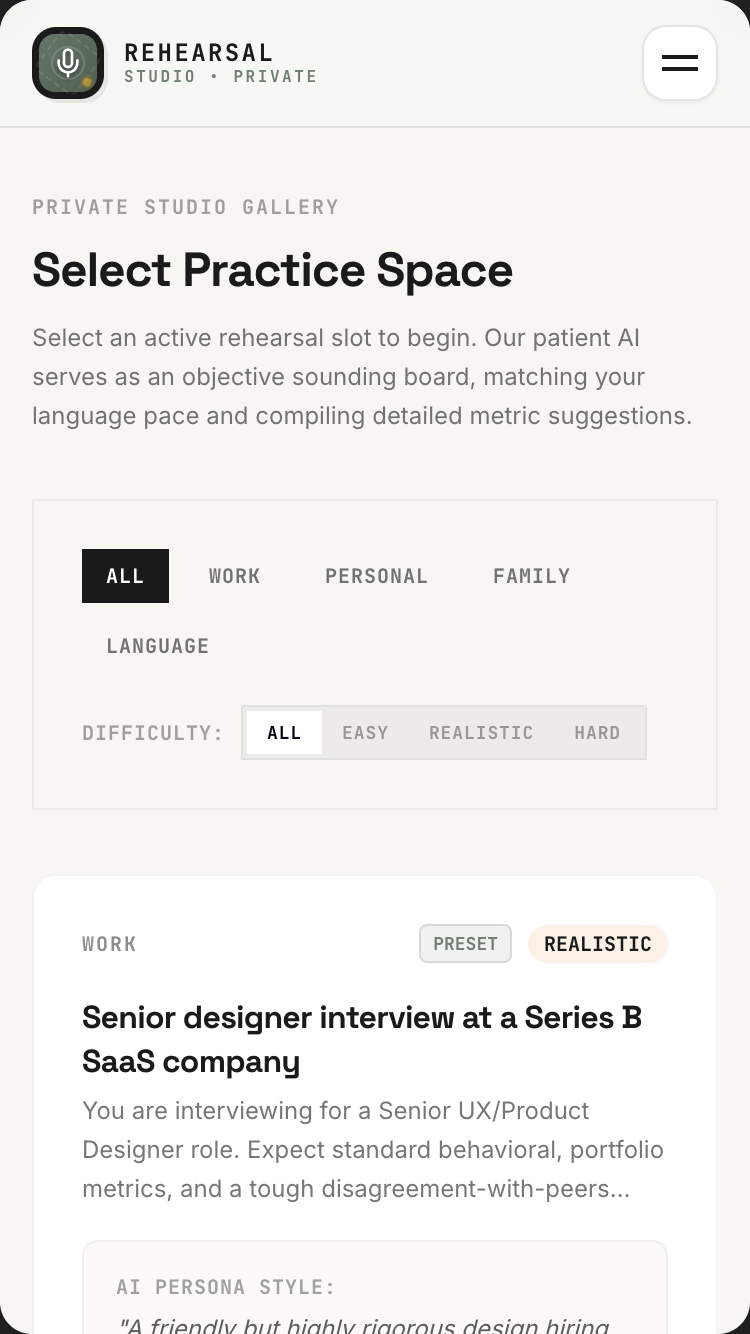
The Rulebook Whisperer

Drop the rulebook. Ask anything. Every answer points back to the exact page.

A board-game manual the night before a party. A lease the day before move-in. A benefits handbook the week of open enrolment. The kind of PDF nobody reads until someone has to.

Board-gamer, contract-reader, anyone with a thick PDF1M-token long context
Open in AI StudioRead the promptHide
The Rulebook Whisperer mobile preview

The Rulebook Whisperer

1.Project

The Rulebook Whisperer is a chat-with-any-PDF app that uses Gemini's 1M-token context window to skip RAG entirely. The user drops in a PDF — a 200-page board game rulebook, a 64-page lease, a 312-page appliance manual, a 480-page textbook, a 41-page running route guide — and asks questions in natural language. Every answer cites the exact page number, clickable to jump to that page in the embedded viewer.

This is the kind of app one builds because they just bought a complicated new game and the rulebook is 184 pages with 38 special cases, and they don't want to read all of it just to play tonight.

The single demo that proves the magic: user drops a 184-page sci-fi board game rulebook. Asks "What happens if I draw a hazard card while in warp?" — the AI answers in 4 seconds with the rule, references three related sections, and provides three clickable [p. 47], [p. 92], [p. 138] citations. User clicks [p. 138] and the embedded PDF viewer jumps to that page with the relevant paragraph highlighted.

Tagline: Drop any rulebook, manual, contract, or thick PDF — then ask it anything. Every answer cites the exact page.

2.Target audience

  • Board-gaming groups with thick, complicated rulebooks
  • Homeowners with stacks of appliance manuals and policy documents
  • Renters reading complex leases
  • Students with dense textbooks
  • Researchers with academic papers and primary sources
  • HR / compliance teams searching policy docs
  • Lawyers + paralegals navigating contracts and case files
  • Drivers studying for licence tests with thick rulebooks
  • DMs prepping a tabletop RPG with multiple sourcebooks
  • Hobbyists with technical manuals (knitting patterns, RC car servicing, etc.)

3.Core value propositions

Surface these clearly through copy, visual emphasis, and section ordering — they are the reasons users pick this app.

  • No upload-and-wait indexing. Drop the PDF; ask a question 4 seconds later. No vector store, no embeddings setup, no retrieval pipeline. The 1M-token context window holds the whole document.
  • Real citations to real pages. Every claim has a [p. N] citation. Click it → embedded viewer jumps to that page, highlights the relevant paragraph.
  • Multimodal — tables, diagrams, scanned docs. Gemini reads diagrams, tables, scanned pages, handwritten margin notes. Not just OCR'd text.
  • Cross-document Q&A. Stack multiple PDFs (e.g. 3 board-game rulebooks + 1 errata sheet). Ask "what's different in this expansion?".
  • Conversation memory. "What about if I'm also stunned?" — follow-up questions remember the context.

4.Features to build

  • Drop or upload PDF (up to ~1M tokens — roughly 1500 pages of plain text or 300-500 pages of image-heavy content)
  • No OCR step. No embedding step. The whole document goes into a single Gemini call (long context)
  • Side-by-side embedded PDF viewer + chat interface
  • Citation system: every claim has [p. N] references that scroll the viewer + highlight the source paragraph
  • Follow-up question memory (multi-turn conversation per document)
  • Multi-document mode (drop multiple PDFs, ask across all of them)
  • Bookmarks for important passages
  • Question history per document
  • Document library with folders ("Board games", "House manuals", "Class")
  • Share document + conversation with someone (read-only link)
  • Export Q&A history as Markdown or PDF (for legal review records, study notes)
  • Privacy: user can permanently delete a document + conversation

4b.Required Gemini capabilities + backend services

This template's intelligence comes from the Gemini capabilities below. Wire them up explicitly — don't substitute generic LLM calls.

Gemini capabilities (the load-bearing intelligence)

  • 1M-token context window (Gemini 3.1 Pro) — fits a ~1500-page text PDF or ~500-page image-heavy PDF. No RAG required for the vast majority of documents.
  • Multimodal PDF input — reads tables, diagrams, scanned pages, handwritten margin notes. One API call.
  • Structured output / JSON Schema — answers are returned as { answer_md, citations: [{page, paragraph_quote}], related_pages: [{page, why_relevant}] } for consistent rendering.
  • Function calling — jumpToPage(page_number, paragraph_index) — the citation click is implemented as a tool call back to the viewer.
  • Thinking levelshigh for legal/technical Q&A; medium for board-game questions. User can toggle.
  • URL Context tool — when a citation references a hyperlinked external resource (e.g. a board-game errata page), the AI can fetch and include that too.

Backend services

  • Auth — Required (light). Firebase Auth with Google sign-in. Private library by default. Anonymous "demo doc" mode for first-time visitors.
  • Database — Required. Firestore for users, documents (metadata + question history), bookmarks, share_links.
  • File storage — Required, central. Firebase Storage for the PDF files themselves. Pre-signed URLs. Cleanup policy: a document deleted from UI is hard-deleted within 7 days.
  • Email — Required (transactional). Share-link notifications.
  • Payments — Optional. Free tier: 3 documents, 50 questions/month. Pro: $9/mo for unlimited via Stripe.
  • External APIs: Gemini API (long context + multimodal + structured output). Optional URL Context for hyperlinked references.

Environment variables: every secret (Gemini API key, Firebase service-account JSON, Stripe key, etc.) lives in environment variables — never in client bundle. Include a .env.example.

Auth + data privacy reminders: never log secrets · never store passwords in plain text · use HTTPS everywhere · honour 'delete my account' inside the UI · respect user consent on audio/photo retention.

Read this first — prompt-craft rules that apply to every call in this template:

  1. Name the model variant explicitly in every Gemini API call. Do not let the agent pick the model. See the per-call matrix below.
  2. Pin thinkingLevel explicitly per call. See the matrix.
  3. Seed the JSON Schema as a fenced TypeScript / Zod block in the system instruction or responseSchema field. The literal schema is below.
  4. Pin the system instruction separately from user input. Use the systemInstruction field for persona + behavioural rules; use contents for user input. Never concatenate.
  5. Pre-declare tools as an enable/disable list per call. The matrix below names which tools are enabled per call. Tools NOT listed for a call should be disabled.
  6. State negative constraints explicitly — they are listed below. They are NOT "be careful" suggestions; they are hard rules the model must follow.

Per-call model + tools matrix

Call Model thinkingLevel Tools enabled
Initial PDF processing + first Q&A (full doc in context) gemini-3.5-flash medium (none)
Follow-up questions on same doc (doc cached) gemini-3.5-flash medium (none)
Fetch external hyperlink cited inside the PDF gemini-3.5-flash low url_context
Semantic search across saved-doc library gemini-3.5-flash low (none)

Primary structured-output schema (seed this verbatim in the prompt)

import { z } from "zod";

const Citation = z.object({
  page: z.number().int().positive(),
  paragraph_index: z.number().int().nonnegative(),
  paragraph_quote: z.string(),             // 30-150 chars from the actual source
});

const RelatedPage = z.object({
  page: z.number().int().positive(),
  why_relevant: z.string(),                // 1 sentence
});

const Answer = z.object({
  answer_md: z.string(),                   // markdown with inline [p. N] cite markers
  citations: z.array(Citation),
  related_pages: z.array(RelatedPage).max(5),
  confidence: z.number().min(0).max(1),
  no_evidence_in_doc: z.boolean(),         // true if the doc doesn't contain the answer
});

type Answer = z.infer<typeof Answer>;

Common failure modes (and how to avoid them)

  • Agent attempts to OCR + chunk + embed the PDF — defeats the whole purpose. The 1M-token context window handles the whole doc in one call. Pin Pro and pass the file directly.
  • Document exceeds ~1M tokens (heavily illustrated 500+ pages of scans) — fallback: auto-split into "Volume 1 / Volume 2" with cross-volume citation hand-off. Surface this to the user before splitting.
  • jumpToPage mistakenly treated as a function call — it is NOT. Citations are returned in structured output as {page, paragraph_index}; the client binds the click handler to scroll the embedded viewer.
  • Citation highlight times out before slow readers find the passage — highlight persists until the user scrolls or asks another question. Never time-boxed.
  • Sample lease in demo confused for legal advice — banner: "Demo only. Not legal advice." on every sample legal/medical/financial doc.

Negative constraints (hard rules)

  • Do NOT speculate beyond the document. If the answer isn't in the PDF, set no_evidence_in_doc: true and explain what the doc DOES say nearby.
  • Do NOT cite without paragraph_quote. Every citation must include the actual quoted text from the PDF.
  • Do NOT translate the document in the answer unless explicitly asked. Quote source language; offer per-citation translation on request.
  • Do NOT count pages for the size limit — count tokens. A heavily-illustrated 200-page PDF can blow 1M tokens; a sparse 1500-page text-only PDF can fit.
  • Do NOT time-box the citation highlight. Persistent until user scrolls or asks again.

Per-call systemInstruction strings

Use these as the literal systemInstruction field for each Gemini API call the built app makes. They complement the series-wide rules already uploaded as the global instructions file (00-series-instructions.txt).

Call: Initial PDF Q&A (full doc in context)

Model: gemini-3.5-flash · thinkingLevel: medium · Tools: (none)

You answer questions about a document the user has uploaded. The full
PDF is in your context. Output ONLY the Answer JSON matching the schema.

Rules:
- Every claim in `answer_md` is supported by at least one citation in
  `citations[]`. If a claim can't be supported, drop it.
- Each citation includes `page`, `paragraph_index`, and a verbatim
  30-150-char `paragraph_quote` from the source.
- `related_pages` (max 5) — passages the user might want next (edge
  cases, definitions, errata).
- If the document does NOT contain the answer, set
  `no_evidence_in_doc: true`, explain what the doc DOES say nearby,
  and offer to look outside if URL Context is available.
- `confidence`: 0-1 based on how directly the doc supports your answer.
- Don't translate unless asked.
- Don't summarise the whole doc — answer the specific question.

Inline citations in `answer_md` look like `[p. 47]`; the client renders
clickable chips. Do not invent page numbers.

Output ONLY the Answer JSON. No commentary.

Call: Follow-up Q&A (doc cached, multi-turn)

Model: gemini-3.5-flash · thinkingLevel: medium · Tools: (none)

Same as initial Q&A, but you have prior Q&A turns in context. Use
them to maintain the conversation thread.

- Reference prior answers when relevant ("As I noted on p. 47…").
- Don't re-cite the same paragraph in adjacent turns unless the user
  asks again.
- If the user asks a clarifying question with the same answer, answer
  in fewer words; don't repeat the full reasoning.

Output ONLY the Answer JSON.

Call: External hyperlink fetch (URL Context)

Model: gemini-3.5-flash · thinkingLevel: low · Tools: url_context

You fetch an external page cited inside the PDF (errata page,
referenced article, regulator's update).

Output structured summary:
- `url` — exact URL fetched
- `title`, `publisher`, `publish_date` (if discoverable)
- `key_facts` — 3-5 bullets, each with 1-sentence quoted snippet
- `paywall` — true if behind paywall
- `relevance_to_question` — 1 sentence on how it relates to what the
  user is reading

Output ONLY the JSON. No commentary.

Call: Library semantic search

Model: gemini-3.5-flash · thinkingLevel: low · Tools: (none)

Semantic search across the user's saved-document library.

Input: user query + library (array of `{document_id, title,
last_question_summary, tags}`).

Output: top 3 most-relevant document IDs with a 1-sentence reason
each.

JSON: `[{document_id, title, why_relevant}, ...]`. No commentary.

5.Use cases & content to include

Build dedicated UI sections or flows for each of these — they tell you what content the app must support.

  • The board-game group. Friends just opened Spirit Island and someone asks "Can a Spirit place presence on an isolated land?" — they ask the app instead of skimming 100 pages.
  • The lease review. New renter drops their 64-page lease before signing. Asks: "What happens if I want to break this early?", "What's the deposit timeline if I move out clean?", "Is subletting allowed?".
  • The appliance manual. Washing machine flashes E7. User drops the manual; asks "what does E7 mean and how do I clear it?".
  • The HR policy. Employee got a confusing email about a benefit. Drops the 41-page benefits handbook. Asks "I'm 33, single, no dependents — what does this mean for me?".
  • The exam prep. Student drops the 312-page driving manual. Asks practice questions; gets answers with the exact regulation cited.
  • The contract negotiation. Vendor sent a 24-page MSA. Founder asks "What can they unilaterally change?", "When does liability cap kick in?".
  • The RPG session prep. DM drops the 384-page sourcebook + 64-page setting guide + her own 18-page session notes. Asks "Has my party met any NPCs from the Crimson Court before?".

6.Page structure

Build the following screens / sections in this order. Adjust copy to fit the voice, but keep the structural intent.

  1. Welcome. Drop-zone hero: "Drop any PDF. Ask it anything." Below: small print on what it can do (rulebooks, leases, manuals, etc.). Single Google sign-in button in header.
  2. Demo mode for first visit. A sample 184-page board game rulebook is pre-loaded. User can ask questions without signing in. After 3 questions, a soft prompt: "Save your conversation? Sign in (Google)."
  3. Document processing. Drop animation → thumbnail preview → "Reading [N] pages…" with realistic per-page progress. ~6s for ~200 pages.
  4. Reader view (the main workspace). Split layout — embedded PDF viewer on left (with proper PDF.js rendering, page navigation), chat panel on right. Question input fixed at bottom of chat panel.
  5. Citation interaction. Each [p. N] in answer text is a button. Click → PDF jumps to page N, scrolls to the relevant paragraph, highlights it persistently until the user scrolls or asks another question.
  6. Multi-document tray. When 2+ docs loaded: doc tabs above the viewer. AI can answer across all of them simultaneously.
  7. Library view. Grid of past documents with thumbnails, file size, last question, # questions asked. Folders for organisation. Search across all documents.
  8. Document detail / question history. All questions and answers asked of this document, in chronological order. Click any answer to re-jump to its page.
  9. Bookmarks page. All bookmarked passages across all documents, with the user's note + a click-to-open-in-context.
  10. Settings. Storage usage. Privacy controls. Export all my data. Delete account.
  11. Footer. Privacy: "Your documents are yours alone — never trained on." Capabilities (i) button in header.

6b.First-visit onboarding

Show a first-visit onboarding the first time a visitor lands on the app (detect via localStorage flag; do not show on return visits). Three slides, dismissible at any time. Persistent re-entry: a ? icon in the header reopens it.

Slide 1 — What this is. - Headline: "Welcome to The Rulebook Whisperer." - Subhead: "Drop any rulebook, manual, contract, or thick PDF — then ask it anything. Every answer cites the exact page." - One paragraph (≤ 60 words) explaining who this is for and what makes it different from anything else. - Visual: a small annotated diagram of the central interaction (not a generic illustration).

Slide 2 — Try it now. - One short prompt: "Try the seed example pre-loaded for you" - A live demo input pre-filled (the user can press a single button to see the magic happen on real seed data). - 1-2 sentences pointing at the specific page elements where the Gemini magic happens.

Slide 3 — How to remix this. - Headline: "Make this yours." - Three short bullets: • "Swap the seed data in /data/seed.json for your own." • "Adjust the prompts in /server/prompts/ to fit your voice." • "Wire up your Gemini API key and Firebase project via the env-var list in the capabilities panel." - Primary CTA: "Use this template" → links to AI Studio Build remix entry point. - Secondary: "Just exploring — close" (sets localStorage flag, never auto-shows again).

Accessibility: focus trap, Esc closes, role="dialog", aria-modal="true", aria-labelledby, focus restored to trigger on close. Respect prefers-reduced-motion.

Don't: - Don't gate content behind the modal. The page beneath must be fully usable. - Don't auto-reshow on return visits. Use localStorage['onboarding-seen-v1']. - Don't include unrelated CTAs (newsletter signup, social follow). Keep it about the template only.

6c.Capabilities info button (persistent in header)

Add a persistent (i) icon in the top-right of the header (next to the primary nav). Click → opens a modal/panel titled "What powers this app".

Panel contents (in this order):

Gemini capabilities used (the hero list): - Gemini 3.1 Pro (1M-token context window) — the entire PDF goes into a single API call. No vector embedding, no retrieval pipeline. - Multimodal PDF input — reads tables, diagrams, scanned pages, even handwritten margin notes. - Structured output (JSON Schema) — answers come back with { answer, citations[], related_pages[] } so the UI can render citation chips and side-references. - Function calling — the [p. N] citation buttons call jumpToPage(pageNumber) to scroll the embedded viewer. - URL Context tool — fetches external resources cited inside the PDF (errata, hyperlinks). - Firebase Auth + Firestore + Firebase Storage — your library is yours, syncs across devices. - Cost note — long-context calls have a per-token cost. The app reports an estimated per-question cost in your library. Most questions on a 200-page PDF cost a few cents. - Privacy note — documents stored in your Firebase project; never used for training. Deletion is permanent within 7 days.

Backend services this app depends on: - Auth: see section 4b - Database: see section 4b - Storage: see section 4b - Email: see section 4b - Payments: see section 4b (if applicable) - External APIs: see section 4b

Environment variables you'll need to configure: - GEMINI_API_KEY — your Google AI Studio API key - FIREBASE_PROJECT_ID — your Firebase project id - FIREBASE_SERVICE_ACCOUNT — service-account JSON (server-side only) - (List any others specific to this template)

Cost + privacy notes: - One short paragraph per cost-sensitive capability (Live API minutes, image generation per-image, long-context per-token). - One short paragraph on privacy: where user data lives, how to delete it, what's never used for training.

Documentation links: - AI Studio Build docs - Gemini API docs for each capability listed above - Firebase Auth, Firestore, Firebase Storage docs

Accessibility: same standards as the onboarding modal — focus trap, Esc, ARIA, restored focus.

Behaviour: - Always available — single click from anywhere in the app. - Tooltip on the (i) icon: "How this app is built". - Mobile: opens as a full-screen sheet that slides up. - Should be the most honest part of the app — never hand-wave service requirements; never say "AI" without naming the specific Gemini model and capability.

6d.Detailed cost breakdown (deployer reads this BEFORE shipping)

  • Long-context call on a 200-page text PDF (Gemini 3.1 Pro) — ~$0.25-0.40/question on first ask. Once the doc is cached for the session, follow-up Q&A drops to ~$0.04/question.
  • A typical session (5 questions on a 200-page PDF) — ~$0.50-0.70 total.
  • Free tier: 3 documents, 50 questions/month.
  • Pro at $9/mo: covers ~150 typical questions.
  • Cost monitoring: show a per-doc cost-so-far indicator in the library — most heavy users blow the free tier on a single board-game rulebook session.

7.Design language

  • Mood: A quiet reading room. A library carrel with green-shaded lamp. Not a chatbot.
  • Typography: Inter or Geist for UI. A serif (Tiempos or Source Serif) for the answer text in the chat panel — answers should feel authoritative and readable, like a librarian wrote them. The PDF viewer itself renders the PDF's native fonts.
  • Palette: Library tones. Cream paper #F6F1E7 background, charcoal #222020 text, deep green #3D6243 accent (used for citation chips and hover states), muted gold #B58C3F for bookmark highlights. The PDF page-highlight on citation click is a soft yellow #FFF3C4 band (looks like a highlighter, not a search-result outline).
  • Citation chips are pill-shaped, small, bracketed: [p. 47]. Hover reveals a tiny tooltip with the paragraph preview. Click jumps.
  • The chat panel does not look like a messaging app. No avatars, no bubbles. Questions are in a small italic header style. Answers are body prose with citations inline.

  • Spacing: consistent 4-px base. Generous whitespace — let the content breathe.

  • Radius: consistent token set (e.g. 6 / 12 / 20 px). Don't mix arbitrary values.
  • Shadows: subtle, layered. Avoid heavy drop-shadows.
  • Motion: purposeful — entrance fades, hover lifts, page transitions. Respect prefers-reduced-motion. No bouncing splash animations. No theatrical hero animations.
  • States: every interactive element has hover, focus, active, disabled. Loading uses skeletons not spinners where possible. Empty states have helpful next-action guidance.

8.Content generation rules

  • Write realistic, specific copy. NO Lorem Ipsum. NO generic placeholders like 'Your tagline here'.
  • Invent plausible names, dates, locations, prices, quotes, sample data that fit the domain (use the seed content in section 8a as a starting point).
  • Tone: warm, direct, free of corporate language. This template is for a person, not a company.
  • Headlines: punchy and concrete. No 'Empower your X' filler. No 'Revolutionize'. No 'Seamless'.
  • Body copy: short paragraphs (2-4 sentences). Use lists where appropriate.
  • Plain language. Avoid jargon unless the persona uses jargon (e.g. board-game rulebook app should sound like a board-game friend talking).
  • Where the app outputs AI-generated content, never label it as "AI says" — let it speak naturally. Use small uncertainty cues only where epistemic honesty requires them.

8a.Seed content (use these specific examples)

Anchor every generated copy + sample data point in the concrete content below. Use these names, numbers, dates, and snippets verbatim where helpful, or generate close variants that sit in the same world.

Demo documents (preloaded for first-time visitors):

  1. Sample board-game rulebook — "Stellar Frontier — 2nd Edition" — 184 pages — fictional but realistic sci-fi 4X game. Demo questions: - "What happens if I draw a Hazard card while in warp?" - "Can two players share a colony on the same planet?" - "How does combat work between fleets of different sizes?"
  2. Sample residential lease — 38 pages — fictional, includes common edge cases. Demo questions: - "Can I break this lease early? What's the penalty?" - "When does the security deposit have to be returned?" - "Is subletting allowed?"
  3. Sample appliance manual — Whirlpool washer-dryer combo — 64 pages. Demo questions: - "What does error code E7 mean and how do I clear it?" - "How often should I clean the filter?"

Sample question + answer (the demo output that should be the hero screenshot):

Q: What happens if I draw a Hazard card while in warp?

A: Hazard cards drawn while a fleet is in warp resolve differently from standard Hazards.

When your fleet is in warp (declared during your Move phase) and you draw a Hazard, you must:

  1. Apply the Hazard's Warp Effect if it has one [p. 47] — most Hazards have either a Warp Effect or a Standard Effect, never both.
  2. If the Hazard has no Warp Effect, it is deferred — set it face-up next to your fleet card. It resolves when you exit warp [p. 92].
  3. Important edge case: if your fleet exits warp into combat the same turn, the deferred Hazard resolves before combat begins [p. 138].

One additional rule: you cannot voluntarily exit warp early to avoid a deferred Hazard [p. 47, last paragraph].

Related sections you might also need: - Warp travel basics [p. 44-46] - Combat resolution order [p. 130-138] - Hazard card anatomy [p. 41]

Sample library state (8 user-saved documents): - Stellar Frontier — Rulebook (v2 + Errata) · 188 pages · 23 questions - Spirit Island Core Rules · 64 pages · 14 questions - Apartment Lease — 144 Hanbury Street, signed · 38 pages · 8 questions - Bosch SHX878ZD5N Dishwasher Manual · 92 pages · 4 questions - Cuisinart Coffee Maker · 24 pages · 2 questions - Class Notes — Behavioral Economics, Spring 2026 · 412 pages · 47 questions - Annual Benefits Enrollment Handbook 2026 · 41 pages · 11 questions - Master Services Agreement — TechCo (draft) · 24 pages · 17 questions

Sample microcopy: - Empty state: "Drop a PDF. Ask it anything. We'll cite the page." - Drop-zone hover: "Up to 1,500 pages." - Processing: "Reading 184 pages…" (with a progress bar that's honest about pace) - After processing: "Ready. Ask me anything about Stellar Frontier." - No-answer state: "I couldn't find that specifically in this document. Want me to guess based on context (clearly marked), or stop here?" - Citation tooltip: "Page 138, paragraph 4 — 'A deferred Hazard resolves before combat begins…'" - Conversation continuation: "Follow-up on the same document, or load another?"

9.Media & assets

  • Hero image (landing): A still life of a heavy hardcover book lying open on a wooden table with a green-shaded library lamp casting warm light. Generate via Nano Banana with "library reading room, leather-bound book open on oak desk, brass green-shade lamp, soft warm light, film photography, slight grain, evening atmosphere".
  • App icon / wordmark: Set in the serif. Slightly weathered.
  • PDF thumbnail rendering: Use the actual first page of the PDF, rendered at low-res — not a generic document icon.
  • Empty library state: A line drawing of an empty wooden bookshelf. No text needed.
  • Avoid: stock photos of hands typing on laptops, gradient-y "AI" abstract imagery, file-folder icons.

  • Generated imagery: prefer Nano Banana 2 over stock photography. Prompt for warmth, asymmetry, and slight imperfection — avoid the glossy 'AI render' look.

  • Optimisation: WebP/AVIF, loading="lazy", explicit width/height to prevent layout shift.
  • Icons: lucide-react for UI. Use sparingly — never decorative-only.

10.Interactivity & states

  • Every interactive element has hover, focus, active, and disabled states.
  • Forms validate inline and show specific error messages (not "Invalid input").
  • Loading states use skeletons that match the eventual layout, not spinners.
  • Empty states explain the next action with a button whose label fits THIS app's domain (e.g. "Photograph your first card", "Record your first letter", "Drop a PDF" — never a generic "Add your first item").
  • Smooth scroll for in-page anchors.
  • All AI-generated content streams in token-by-token where supported, with a clear "thinking…" indicator before content starts arriving.
  • If an AI call fails, show a calm, specific error ("We couldn't read this handwriting — try a clearer photo?") and offer retry.

11.Tech & responsive requirements

  • Stack: React + TypeScript + Tailwind CSS. Functional components + hooks. Use Shadcn UI primitives where appropriate.
  • Build runtime: AI Studio Build — full-stack with Cloud Run server-side functions. All Gemini API calls happen server-side; API key lives in Secrets Manager, never in client bundle.
  • Model selection: explicitly pin gemini-3.5-flash for reasoning-heavy tasks and gemini-3.5-flash for snappy interactive tasks. Set thinkingLevel explicitly per call.
  • Database: Firestore (auto-provisioned by AI Studio Build). Show realistic seed data on first launch.
  • Auth: Firebase Auth — Google sign-in by default; magic-link email as secondary.
  • Storage: Firebase Storage for any user-uploaded media. Pre-signed URLs.
  • Mobile-first. Verify layouts at 375 px (iPhone SE), 768 px (iPad), 1024 px, 1440 px+.
  • Use clamp() for fluid typography. Prefer container queries over media queries for component-level responsiveness.
  • Use dvh / svh instead of vh. Respect safe-area insets on iOS.
  • Zero horizontal overflow at any width. Zero layout shift on load.
  • Persist user data in Firestore. Use real-time listeners where collaborative.
  • Optimistic UI on writes; reconcile on response.

12.Accessibility (WCAG 2.2 AA)

  • Semantic HTML — header, nav, main, section, article, footer.
  • All interactive controls reachable by keyboard with a visible focus ring.
  • Color contrast ≥ 4.5:1 for body, 3:1 for large text and UI components.
  • All images have meaningful alt text. Decorative images use alt="".
  • Form fields have associated <label>s; errors announced via aria-describedby.
  • All modals: focus trap, Esc to close, role="dialog", aria-modal="true", aria-labelledby, restore focus to trigger on close.
  • Respect prefers-reduced-motion.
  • Tap targets ≥ 44 × 44 px on touch.
  • For voice features: provide a visible transcript and a 'type instead' alternative.
  • For image inputs: announce success/failure to screen readers via aria-live="polite".
  • For real-time conversation features: ensure captions are visible to non-hearing users.

13.Quality bar — avoid AI clichés

Do not ship any of the following unless the design explicitly calls for it: - Hero with a gradient background and floating geometric / orb shapes. - A row of 4 'by the numbers' stat cards below the hero. - Emoji bullets in body copy. - 'Lorem ipsum' or 'Your headline here' placeholders. - A pricing table with three identical tiers when the product has no real pricing. - Faux testimonials with stock-photo headshots. - Hero CTA labelled 'Get started' with no second action. - "AI" or "Powered by AI" badges plastered everywhere. The intelligence is in the experience, not the marketing. - Loading spinners on AI calls — show a meaningful 'thinking' state (visible thought summaries where Gemini provides them). - Toast notifications for routine actions (save, delete) — use inline confirmation instead.

Aim for the polish of a hand-crafted production app — specific, considered, with real domain knowledge in the copy. A reviewer should not be able to tell this came from a template.

14.Deliverables

A single working app I can preview immediately, with: - All sections populated with realistic seed data (see section 8a) - All AI features wired to real Gemini API calls (server-side) - All interactive states implemented (loading, empty, error) - Onboarding modal working on first visit (and accessible via ? icon thereafter) - Capabilities info button working in header ((i) icon → panel) - Auth flow working with Google sign-in - Firestore persistence wired up with security rules - Responsive across the four viewport breakpoints - Zero TODOs, zero console errors, zero placeholders
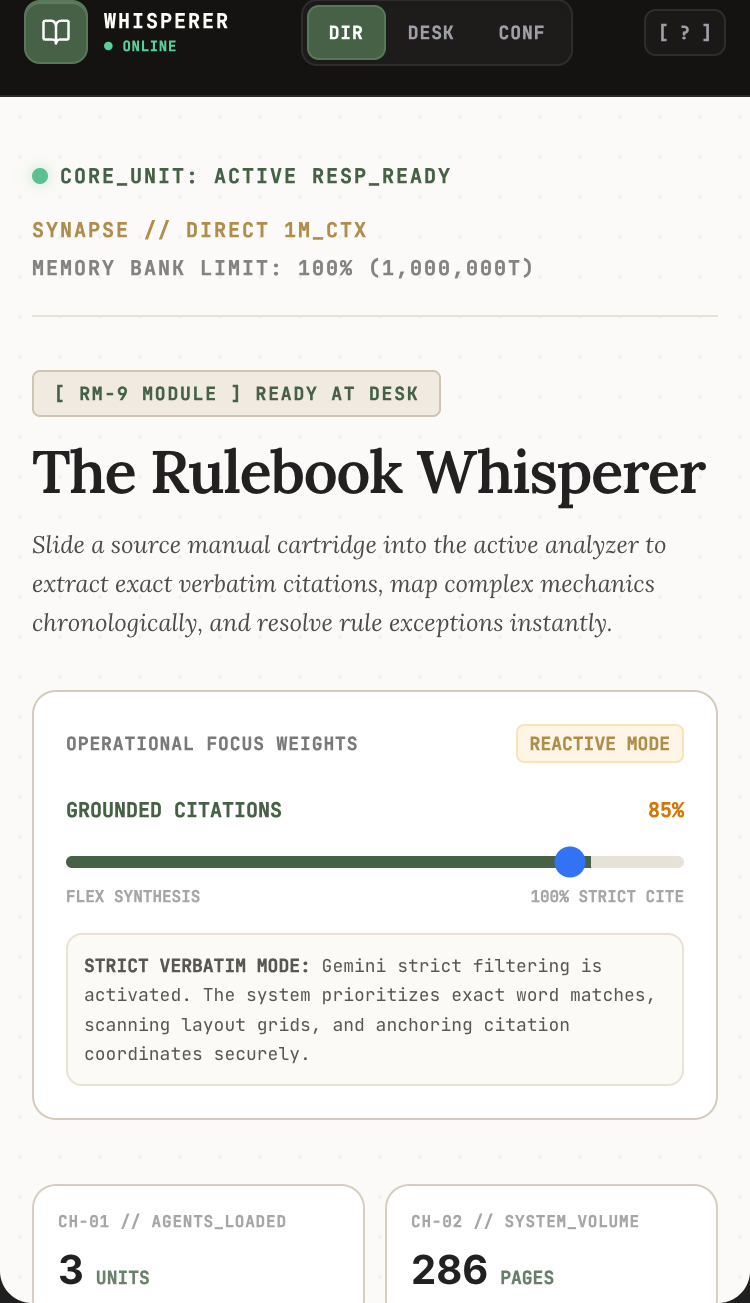
Saturday Concierge

Describe the Saturday you want. Get a real itinerary back — open hours, real addresses, on a live map.

Most chatbots invent restaurants that don't exist. This one asks what kind of day you're in the mood for, then grounds every recommendation in live Maps data — so "a quiet bookshop morning and a noisy oyster lunch" becomes a real route.

Tourists, new residents, anyone with a free afternoonMaps grounding + Live API
Open in AI StudioRead the promptHide
Saturday Concierge mobile preview

Saturday Concierge

1.Project

Saturday Concierge is a local-recommendation app that listens to a specific need ("quiet coffee within 10 minutes walk, open past 9, with wifi") and returns real places — with real hours, real reviews, and a live embedded Google Maps panel — not hallucinated suggestions or five-year-old listicle results.

The user can speak the request out loud or type it. They get a curated short list (3-5 places, never 14), each with hours-tonight, distance, why-it-fits-the-ask, and a one-tap "directions" link. The map updates live as suggestions arrive.

This is the kind of app one builds because every existing "find places near me" tool returns the same 40 overrun results, written by people who weren't asking the user's specific question, ranked by an algorithm that isn't theirs.

The single demo that proves the magic: user says, "I'm visiting Tokyo for the first time and I want ramen — but quiet, not touristy, open late, no queue, in walking distance of Shibuya station." The AI returns three real ramen shops with current opening hours, a sentence each on why each one fits the ask specifically (not generic descriptions), walking time from Shibuya, and an interactive map. User taps one for directions in Google Maps.

Tagline: Tell it the Saturday you want; it tells you where to actually go — real places, real hours, on a live map.

2.Target audience

  • Tourists in unfamiliar cities planning a specific kind of afternoon
  • New residents in a city still learning where to go
  • Parents finding genuinely kid-friendly options (not just "kid-tolerated")
  • Disabled users needing accessibility info that's actually verified
  • Date planners wanting "quiet but not stuffy, walkable, before 10pm"
  • Anyone with a 2-hour window between things and zero patience for a 40-result list
  • Local hosts giving recommendations to visiting friends (one tap → shareable list)

3.Core value propositions

Surface these clearly through copy, visual emphasis, and section ordering — they are the reasons users pick this app.

  • Real places, real hours, real reviews. Every suggestion is grounded in live Google Maps + Google Search data — never hallucinated.
  • Answers your specific ask. "Quiet" actually means quiet. "Open past 9" filters live current hours. "Wifi" is verified from recent reviews, not assumed.
  • Voice or text. Use natural language; speak if you're walking and typing is awkward.
  • A short list, not a list. 3-5 places, ranked by relevance to your ask. No infinite scroll.
  • Live map, not a screenshot. Real Google Maps embed with pins, info windows, walking routes.

4.Features to build

  • Voice or text input (Live API for voice; standard text input)
  • Conversational refinement ("just the cafés", "actually it's raining — covered options?")
  • Grounded place recommendations with [map-citation] chips
  • Live Google Maps embed with pins for each recommendation
  • Per-place card: hours tonight, walking time + route, why-it-fits (1-2 sentences), photo from Maps, current reviews snippet
  • Save to favourites (per user)
  • Build an itinerary (drag-drop: brunch → walk → bookstore → dinner)
  • Share itinerary (read-only public link with map)
  • Multi-language (search & respond in user's language; place data in source language)
  • Recent searches history
  • Filter shortcuts: open-now, walking-distance, wheelchair-accessible, kid-friendly, dog-friendly
  • Offline mode: save itinerary text + place_ids for offline reference (re-fetch tiles when online). Tile caching is forbidden by Google Maps TOS.

4b.Required Gemini capabilities + backend services

This template's intelligence comes from the Gemini capabilities below. Wire them up explicitly — don't substitute generic LLM calls.

Gemini capabilities (the load-bearing intelligence)

  • Grounding with Google Maps — returns a context token that renders an interactive Google Maps widget. The model's answers are grounded in real POI data: real names, hours, addresses, reviews. NEVER hallucinated.
  • Google Search grounding — for context the Maps tool doesn't have ("which of these is rumored to be closing?", "anyone reviewed this in the last month?"). Returns groundingChunks + groundingSupports with inline citations.
  • Live API (bidirectional voice) — the user can speak the request, including conversationally refining it ("actually, I want walkable from here"). Real-time response, with barge-in.
  • Structured output (JSON Schema) — the recommendation set returns as { places: [{name, address, hours_today, walking_minutes, fit_explanation, place_id, photo_url}], itinerary_optional: [...] }.
  • Function callingsaveToFavorites(placeId) is the only true function call (it writes to Firestore). embedMap and getDirections are CLIENT-SIDE actions on data returned in structured output — NOT function calls.
  • Multilingual — works in 70+ languages; translates place names + reviews if the user is browsing in a non-local language.

Backend services

  • Auth — Optional. Anonymous browsing by default. Account only required to save favourites or itineraries. Firebase Auth with Google sign-in.
  • Database — Required (light). Firestore for users, saved_places, itineraries, search_history.
  • File storage — Not needed. Place photos come from Google Maps API directly.
  • Email — Optional. For sharing itineraries via email link.
  • Payments — Not needed for v1. Free tier rate-limited via Maps API quotas; future Pro for unlimited.
  • External APIs:
  • Gemini API (Maps grounding + Search grounding + Live API)
  • Google Maps JavaScript API (the embedded map widget on the page)
  • Google Maps Directions API (for the "directions" button)

Environment variables: every secret (Gemini API key, Firebase service-account JSON, Stripe key, etc.) lives in environment variables — never in client bundle. Include a .env.example.

Auth + data privacy reminders: never log secrets · never store passwords in plain text · use HTTPS everywhere · honour 'delete my account' inside the UI · respect user consent on audio/photo retention.

Read this first — prompt-craft rules that apply to every call in this template:

  1. Name the model variant explicitly in every Gemini API call. Do not let the agent pick the model. See the per-call matrix below.
  2. Pin thinkingLevel explicitly per call. See the matrix.
  3. Seed the JSON Schema as a fenced TypeScript / Zod block in the system instruction or responseSchema field. The literal schema is below.
  4. Pin the system instruction separately from user input. Use the systemInstruction field for persona + behavioural rules; use contents for user input. Never concatenate.
  5. Pre-declare tools as an enable/disable list per call. The matrix below names which tools are enabled per call. Tools NOT listed for a call should be disabled.
  6. State negative constraints explicitly — they are listed below. They are NOT "be careful" suggestions; they are hard rules the model must follow.

Per-call model + tools matrix

Call Model thinkingLevel Tools enabled
Recommendation generation (text or voice input) gemini-3.5-flash medium google_maps_grounding, google_search
Live voice input → transcription gemini-3.1-flash-live-preview low (none)
Itinerary build (multi-place reasoning) gemini-3.5-flash high google_maps_grounding
Favourites + history library search gemini-3.5-flash low (none)

Primary structured-output schema (seed this verbatim in the prompt)

import { z } from "zod";

const HoursToday = z.object({
  open: z.string(),                          // 'HH:MM' or 'closed'
  close: z.string(),
  is_open_now: z.boolean(),
});

const Recommendation = z.object({
  place_id: z.string(),                      // Google Maps place_id
  name: z.string(),                          // proper noun, NEVER translate
  address: z.string(),
  hours_today: HoursToday,
  walking_minutes_from_user: z.number().int(),
  fit_explanation: z.string(),               // why THIS place, given the user's specific ask
  photo_url: z.string().url().nullable(),
  rating: z.number().min(0).max(5).nullable(),
  recent_review_snippet: z.object({
    text: z.string(),
    age_label: z.string(),                   // "3 weeks ago"
  }).nullable(),
  accessibility_notes: z.array(z.string()).nullable(),
});

const ConciergeResponse = z.object({
  understood_ask: z.string(),                // echoes what the model heard, in user's words
  places: z.array(Recommendation).min(3).max(5),
  conversational_followup: z.string().nullable(),
});

type ConciergeResponse = z.infer<typeof ConciergeResponse>;

Common failure modes (and how to avoid them)

  • Maps grounding tool not enabled on the project → results revert to hallucinated POIs. Enable the google_maps_grounding chip in Build mode explicitly.
  • Map embed appears blank → separate GOOGLE_MAPS_API_KEY not provisioned. This is a different API + billing from Gemini. Deployer must enable: Maps JavaScript API + Directions API on GCP.
  • Place names translated by the translation pass — name is a proper noun and must NEVER be translated.
  • Offline tile caching attempted — violates Google Maps TOS. Store text + place_ids for offline; re-fetch tiles online.
  • "Near here" queries grounded against wrong location — confirm user location before generating, including for tourist/visiting-city flow.

Negative constraints (hard rules)

  • Do NOT translate place names, dish names, or brand names. "Café Linha" stays "Café Linha"; transliterate (not translate) in parentheses on first occurrence in non-Latin scripts.
  • Do NOT recommend places outside the user's stated walking-distance constraint. If nothing fits, say so explicitly and offer to relax constraints.
  • Do NOT cache Google Maps tiles offline (Google Maps TOS). Cache only text + place_ids for offline reference.
  • Do NOT echo a voice transcript with typos. Silently correct before processing; show the corrected version in understood_ask.
  • Do NOT show "rating 4.7/5" without a recent reviews timestamp — old ratings without recent confirmation are misleading.

Per-call systemInstruction strings

Use these as the literal systemInstruction field for each Gemini API call the built app makes. They complement the series-wide rules already uploaded as the global instructions file (00-series-instructions.txt).

Call: Recommendation generation

Model: gemini-3.5-flash · thinkingLevel: medium · Tools: google_maps_grounding, google_search

You answer "where should I go" questions for ONE specific user, right
now, in their specific city, with their specific constraints.

Tools:
- `google_maps_grounding` is the ONLY source of truth for places, hours,
  addresses, ratings, photos, accessibility. Never invent places.
- `google_search` for context the Maps tool doesn't have (recent
  reviews, closures, current events near a venue).

Output ConciergeResponse JSON matching the schema.

Rules:
- Return 3-5 places. Never 10. Never 1. If fewer than 3 truly fit,
  say so and offer to relax constraints.
- Each `fit_explanation` answers "why THIS place" — referencing the
  user's specific ask, not generic ("good coffee" no; "back-room
  tables far from the espresso machine" yes).
- `walking_minutes_from_user` from Maps grounding — never estimated.
- `name` is a proper noun. NEVER translate. For non-Latin scripts, add
  transliteration in parentheses on first occurrence only.
- If `hours_today.is_open_now: false` and user asked for "open now",
  do NOT include that place.
- Echo back what you understood the ask to be in `understood_ask` —
  catches misunderstandings fast.
- `conversational_followup` is optional — use only when refinement
  would meaningfully help.

Output ONLY the JSON. No commentary.

Call: Live voice transcription

Model: gemini-3.1-flash-live-preview · thinkingLevel: low · Tools: (none)

Transcribe the user's spoken request accurately.

- If user corrects themselves mid-sentence ("the cafés — actually,
  bakeries"), transcribe the corrected version. Drop abandoned
  fragment.
- Preserve city names, dish names, place names in original form.
- If user code-switches (e.g. English query with French neighbourhood
  name), keep the code-switching intact.
- Don't add punctuation that wasn't intoned. A breathy pause is a
  comma, not a period.

Output: a single string. No commentary.

Call: Itinerary build

Model: gemini-3.5-flash · thinkingLevel: high · Tools: google_maps_grounding

Given place_ids + a time window, sequence into a walkable itinerary.

Output Itinerary JSON:
- Stops in chronological order with arrival / departure times
- Walking time between stops (Maps grounding routes)
- Suggested duration per stop — realistic (25 min for pastry, 90 min
  museum, 2 hours sit-down dinner)
- Warnings ("Carette closes 19:00 — leave by 18:45 to make Mary
  Celeste")
- Total walking distance + time
- Optional breaks between stops if intense

Rules:
- Never recommend a closed venue.
- Respect stated walking pace (default 4.5 km/h).
- If schedule doesn't fit, say so and offer two trims.

Output ONLY the JSON. No commentary.

Call: Favourites + history search

Model: gemini-3.5-flash · thinkingLevel: low · Tools: (none)

Semantic search across the user's saved places and past queries.

Input: user query + saved-places library + recent search history.

Output: top 5 saved places + 3 prior searches that match semantically.

JSON: `{places: [{place_id, name, why_relevant}], queries: [{query, when}]}`.
No commentary.

5.Use cases & content to include

Build dedicated UI sections or flows for each of these — they tell you what content the app must support.

  • The new resident. "I just moved to Berlin. Where do I get good ramen in Kreuzberg that isn't already on every list?" → 4 places with the current reality, not the 2019 Pitchfork roundup.
  • The tourist with a specific window. "I have 2 hours between my museum slot and my dinner reservation, near Trastevere. Quiet, takes contactless cards, has a bathroom." → 3 places with walking routes.
  • The host with a visiting friend. "My friend is visiting Saturday. She's a vegetarian, doesn't like crowds, loves bookshops, wants to walk a lot." → an itinerary draft.
  • The accessibility-conscious planner. "Wheelchair accessible Italian restaurants in Brooklyn with bathrooms on the ground floor, that take reservations." → grounded answers, not "looks accessible from the photos".
  • The parent on a Saturday. "Free kid-friendly thing within 20 mins walk of Williamsburg, weatherproof in case of rain." → real options with current weather context.
  • The weekend explorer. "Build me a slow Saturday in the Marais — pastry, walk, bookshop, café, dinner — finishing by 9pm." → a draft itinerary.

6.Page structure

Build the following screens / sections in this order. Adjust copy to fit the voice, but keep the structural intent.

  1. Welcome. Single sentence: "Tell me about your Saturday — I'll find real places." Big input field (voice + text). Google sign-in optional in header.
  2. Live recommendation view (the workspace). Split layout — chat thread on left (~40%), live Google Maps on right (~60%). Map auto-pans to results.
  3. Recommendation cards in the chat thread. Each card: photo, name, distance + walking time, hours-tonight (live), 1-2 sentences on why-it-fits-your-ask, "Directions" + "Save" buttons. Citation chips link to the Map's source data.
  4. Place detail panel (overlay or right-side drawer). Larger photo. Full hours. Reviews snippet (cited). Phone + website. Accessibility info. "Add to itinerary" button.
  5. Conversational refinement. Just keep talking/typing — "less touristy", "actually I'm on a bike now", "make it cheaper". Map and list update.
  6. Itinerary builder. Drag places from results into a timeline. App calculates walking times between stops, suggests breaks, warns about timing (e.g. "the bookstore closes 30 min before your dinner reservation").
  7. My favourites + history (signed-in users). All saved places, organised by city or by trip.
  8. Share an itinerary. Generate a public read-only link with map. Recipient can view + get directions.
  9. Settings. Default location. Walking pace. Accessibility preferences (persistent). Language.
  10. Footer. "Grounded in Google Maps + Google Search — no hallucinated places." Capabilities (i) icon in header.

6b.First-visit onboarding

Show a first-visit onboarding the first time a visitor lands on the app (detect via localStorage flag; do not show on return visits). Three slides, dismissible at any time. Persistent re-entry: a ? icon in the header reopens it.

Slide 1 — What this is. - Headline: "Welcome to Saturday Concierge." - Subhead: "Tell it the Saturday you want; it tells you where to actually go — real places, real hours, on a live map." - One paragraph (≤ 60 words) explaining who this is for and what makes it different from anything else. - Visual: a small annotated diagram of the central interaction (not a generic illustration).

Slide 2 — Try it now. - One short prompt: "Try: "Quiet coffee within 10 minutes walk, open past 9, with wifi."" - A live demo input pre-filled (the user can press a single button to see the magic happen on real seed data). - 1-2 sentences pointing at the specific page elements where the Gemini magic happens.

Slide 3 — How to remix this. - Headline: "Make this yours." - Three short bullets: • "Swap the seed data in /data/seed.json for your own." • "Adjust the prompts in /server/prompts/ to fit your voice." • "Wire up your Gemini API key and Firebase project via the env-var list in the capabilities panel." - Primary CTA: "Use this template" → links to AI Studio Build remix entry point. - Secondary: "Just exploring — close" (sets localStorage flag, never auto-shows again).

Accessibility: focus trap, Esc closes, role="dialog", aria-modal="true", aria-labelledby, focus restored to trigger on close. Respect prefers-reduced-motion.

Don't: - Don't gate content behind the modal. The page beneath must be fully usable. - Don't auto-reshow on return visits. Use localStorage['onboarding-seen-v1']. - Don't include unrelated CTAs (newsletter signup, social follow). Keep it about the template only.

6c.Capabilities info button (persistent in header)

Add a persistent (i) icon in the top-right of the header (next to the primary nav). Click → opens a modal/panel titled "What powers this app".

Panel contents (in this order):

Gemini capabilities used (the hero list): - Grounding with Google Maps (Gemini API) — every place suggestion comes from real Maps data: real hours, real reviews, real addresses. No hallucinations. - Grounding with Google Search — for context the Maps tool alone doesn't have (recent reviews, news of closures, current events near a venue). - Gemini Live API — speak your request and follow-up questions; the AI listens in real time and you can interrupt. - Structured output (JSON Schema) — recommendation cards come from typed responses, never freeform. - Google Maps JavaScript API — the live, interactive map embed in the right pane (not a screenshot). - Firebase Auth + Firestore — save favourites, build itineraries, sync across devices. - Cost note — Maps API has per-request costs; the free tier covers most casual use. Live API minutes also metered. - Privacy note — your search history is yours; your queries and approximate location ARE sent to Google as required by the Maps + Search grounding APIs — that's how the grounding works. Your saved favourites and search history stay in your Firebase project beyond those API calls.

Backend services this app depends on: - Auth: see section 4b - Database: see section 4b - Storage: see section 4b - Email: see section 4b - Payments: see section 4b (if applicable) - External APIs: see section 4b

Environment variables you'll need to configure: - GEMINI_API_KEY — your Google AI Studio API key - FIREBASE_PROJECT_ID — your Firebase project id - FIREBASE_SERVICE_ACCOUNT — service-account JSON (server-side only) - (List any others specific to this template)

Cost + privacy notes: - One short paragraph per cost-sensitive capability (Live API minutes, image generation per-image, long-context per-token). - One short paragraph on privacy: where user data lives, how to delete it, what's never used for training.

Documentation links: - AI Studio Build docs - Gemini API docs for each capability listed above - Firebase Auth, Firestore, Firebase Storage docs

Accessibility: same standards as the onboarding modal — focus trap, Esc, ARIA, restored focus.

Behaviour: - Always available — single click from anywhere in the app. - Tooltip on the (i) icon: "How this app is built". - Mobile: opens as a full-screen sheet that slides up. - Should be the most honest part of the app — never hand-wave service requirements; never say "AI" without naming the specific Gemini model and capability.

6d.Detailed cost breakdown (deployer reads this BEFORE shipping)

  • Gemini API call with Maps grounding — ~$0.06 per query.
  • Google Maps JavaScript API + Directions API — first $200/month free under Google's billing credit; ~$0.005-0.01 per map load above the credit.
  • Live API voice transcription — ~$0.05-0.10 per minute.
  • Expected cost per query: ~$0.07 incl. one Gemini call + one map load.
  • 100 queries/month: ~$7 Gemini cost (Maps API typically still inside the free credit).
  • Required env vars: GEMINI_API_KEY, GOOGLE_MAPS_API_KEY (separate billing accounts).

7.Design language

  • Mood: A trusted friend who actually knows the city. Calm, walkable. Not a travel-brochure feel. Not a yellow-and-red "ad" feel.
  • Typography: Inter or Geist for everything. Tabular numerics for walking times. Slight serif emphasis (Tiempos) on the place names — gives them a "noted in a notebook" quality.
  • Palette: Off-white #FAF7F2 background, charcoal #212020 text, deep terracotta #C25C3E for "open now" indicators, muted slate #5A6A7A for distance/walking-time metadata. Map markers in the accent terracotta.
  • The map is the showpiece. Always visible on desktop; collapses to a sticky thumbnail with "tap to expand" on mobile.
  • No emoji in place names or descriptions. No "🍜" before the ramen shop. Just the name.
  • Citation chips: small pill-shaped, e.g. [Maps], [review · 2 wks ago], [recent news]. Click to see the source.

  • Spacing: consistent 4-px base. Generous whitespace — let the content breathe.

  • Radius: consistent token set (e.g. 6 / 12 / 20 px). Don't mix arbitrary values.
  • Shadows: subtle, layered. Avoid heavy drop-shadows.
  • Motion: purposeful — entrance fades, hover lifts, page transitions. Respect prefers-reduced-motion. No bouncing splash animations. No theatrical hero animations.
  • States: every interactive element has hover, focus, active, disabled. Loading uses skeletons not spinners where possible. Empty states have helpful next-action guidance.

8.Content generation rules

  • Write realistic, specific copy. NO Lorem Ipsum. NO generic placeholders like 'Your tagline here'.
  • Invent plausible names, dates, locations, prices, quotes, sample data that fit the domain (use the seed content in section 8a as a starting point).
  • Tone: warm, direct, free of corporate language. This template is for a person, not a company.
  • Headlines: punchy and concrete. No 'Empower your X' filler. No 'Revolutionize'. No 'Seamless'.
  • Body copy: short paragraphs (2-4 sentences). Use lists where appropriate.
  • Plain language. Avoid jargon unless the persona uses jargon (e.g. board-game rulebook app should sound like a board-game friend talking).
  • Where the app outputs AI-generated content, never label it as "AI says" — let it speak naturally. Use small uncertainty cues only where epistemic honesty requires them.

8a.Seed content (use these specific examples)

Anchor every generated copy + sample data point in the concrete content below. Use these names, numbers, dates, and snippets verbatim where helpful, or generate close variants that sit in the same world.

Demo queries (homepage suggestions, one per first-time experience): - "Quiet coffee within 10 min walk, open past 9, with wifi" - "Best ramen in Shibuya open now, not touristy" - "Romantic Italian restaurant in Brooklyn for tonight, takes reservations, has gluten-free pasta" - "Free thing to do with a 7-year-old, walkable from Park Slope, weatherproof — it might rain" - "Slow Saturday in the Marais: pastry, walk, bookshop, café, dinner — finishing by 9pm" - "Wheelchair-accessible bar in Berlin with a quiet outdoor patio, takes contactless"

Sample recommendation set (the demo output that should be the hero screenshot):

You asked: Quiet coffee within 10 min walk of here, open past 9, with wifi.

Three places fit. Here's why each one.

Café Linha · 6 min walk · open until 10pm tonight A small specialty café on Rua das Flores — the back room has tables far from the espresso machine and reliable wifi. Reviews from the last 30 days mention "great for working late afternoon" twice. Takes contactless. [Directions] [Save] [Citations: Maps · review 3 weeks ago]

Bairro Coffee Roasters · 8 min walk · open until 9pm tonight Bigger room than Linha, slightly louder front section but the back area near the windows is consistently quiet. Wifi password posted on the wall. Reviews recent. [Directions] [Save] [Citations: Maps · review 1 week ago]

Hours Coffee Bar · 9 min walk · open until 11pm tonight Open latest of the three. More of a wine-and-coffee crossover after 8pm — slightly louder vibe but not party-loud. Solid wifi. [Directions] [Save] [Citations: Maps · review 5 days ago]

Sample conversational refinement:

User: "Just Linha and one more — but not Bairro. Something cosier." AI: "Got it. Pomar Books has a small café on the second floor — also quiet, open until 10, but more book-shop-with-coffee than coffee-shop-with-laptops. Wifi works. 11 min walk."

Sample itinerary (the "build me a slow Saturday in the Marais" demo):

10:30 — Du Pain et des Idées · pastry · 4 Rue Yves Toudic - 25 min · order the escargot pistache-chocolat; expect a 10-min queue Saturday morning

11:15 — Walk to Place des Vosges · 12 min route - Suggested path via Rue de Turenne — pretty galleries on the way

11:45 — Place des Vosges · slow walk + bench time · 45 min

12:30 — Lunch at Le Petit Marché · 9 Rue de Bearn - Casual French bistro; tables outside in spring; reservations recommended

13:45 — Librairie Comme un Roman · bookshop · 39 Rue de Bretagne - 45 min · independent, calm, good English section

15:00 — Walk to Carette · 15 min

15:15 — Tea / café break at Carette · 25 Place des Vosges - The macarons are famous; the salon is calmer at this hour

16:30 — Free time / additional walk

19:00 — Dinner at Le Mary Celeste · 1 Rue Commines - Small plates + natural wine; aim to be done by 21:00; book ahead

Sample microcopy: - Welcome: "Tell me about your Saturday." - Voice prompt: "I'm listening. Speak naturally — including changes of mind." - Processing: "Looking at real places near you…" - Empty itinerary: "Drag a place here to start building." - Itinerary timing warning: "⚠ Carette closes at 19:00 — you'll need to leave by 18:45 to make Le Mary Celeste." - No-results: "I couldn't find anything that fits all of those criteria. Want me to relax 'walking distance' or 'open past 9'?"

9.Media & assets

  • Hero image (landing): A street-level photograph of a quiet café window at dusk, warm light spilling out, a small chalkboard menu visible inside. Generate via Nano Banana: "small neighborhood café at twilight, warm interior light, chalkboard menu in window, quiet residential street, film photography, slight grain".
  • Empty state: Map of the user's current location with no pins yet, a single floating prompt: "Ask me about your Saturday."
  • Place card photos: Real Google Maps place photos via the Places API. Never fabricated.
  • App icon / wordmark: Set in the body sans, lowercase. No icon.
  • Avoid: stock travel photography (drone shots of cities, sunset-over-water), generic map-pin icons, gradient overlays on the map.

  • Generated imagery: prefer Nano Banana 2 over stock photography. Prompt for warmth, asymmetry, and slight imperfection — avoid the glossy 'AI render' look.

  • Optimisation: WebP/AVIF, loading="lazy", explicit width/height to prevent layout shift.
  • Icons: lucide-react for UI. Use sparingly — never decorative-only.

10.Interactivity & states

  • Every interactive element has hover, focus, active, and disabled states.
  • Forms validate inline and show specific error messages (not "Invalid input").
  • Loading states use skeletons that match the eventual layout, not spinners.
  • Empty states explain the next action with a button whose label fits THIS app's domain (e.g. "Photograph your first card", "Record your first letter", "Drop a PDF" — never a generic "Add your first item").
  • Smooth scroll for in-page anchors.
  • All AI-generated content streams in token-by-token where supported, with a clear "thinking…" indicator before content starts arriving.
  • If an AI call fails, show a calm, specific error ("We couldn't read this handwriting — try a clearer photo?") and offer retry.

11.Tech & responsive requirements

  • Stack: React + TypeScript + Tailwind CSS. Functional components + hooks. Use Shadcn UI primitives where appropriate.
  • Build runtime: AI Studio Build — full-stack with Cloud Run server-side functions. All Gemini API calls happen server-side; API key lives in Secrets Manager, never in client bundle.
  • Model selection: explicitly pin gemini-3.5-flash for reasoning-heavy tasks and gemini-3.5-flash for snappy interactive tasks. Set thinkingLevel explicitly per call.
  • Database: Firestore (auto-provisioned by AI Studio Build). Show realistic seed data on first launch.
  • Auth: Firebase Auth — Google sign-in by default; magic-link email as secondary.
  • Storage: Firebase Storage for any user-uploaded media. Pre-signed URLs.
  • Mobile-first. Verify layouts at 375 px (iPhone SE), 768 px (iPad), 1024 px, 1440 px+.
  • Use clamp() for fluid typography. Prefer container queries over media queries for component-level responsiveness.
  • Use dvh / svh instead of vh. Respect safe-area insets on iOS.
  • Zero horizontal overflow at any width. Zero layout shift on load.
  • Persist user data in Firestore. Use real-time listeners where collaborative.
  • Optimistic UI on writes; reconcile on response.

12.Accessibility (WCAG 2.2 AA)

  • Semantic HTML — header, nav, main, section, article, footer.
  • All interactive controls reachable by keyboard with a visible focus ring.
  • Color contrast ≥ 4.5:1 for body, 3:1 for large text and UI components.
  • All images have meaningful alt text. Decorative images use alt="".
  • Form fields have associated <label>s; errors announced via aria-describedby.
  • All modals: focus trap, Esc to close, role="dialog", aria-modal="true", aria-labelledby, restore focus to trigger on close.
  • Respect prefers-reduced-motion.
  • Tap targets ≥ 44 × 44 px on touch.
  • For voice features: provide a visible transcript and a 'type instead' alternative.
  • For image inputs: announce success/failure to screen readers via aria-live="polite".
  • For real-time conversation features: ensure captions are visible to non-hearing users.

13.Quality bar — avoid AI clichés

Do not ship any of the following unless the design explicitly calls for it: - Hero with a gradient background and floating geometric / orb shapes. - A row of 4 'by the numbers' stat cards below the hero. - Emoji bullets in body copy. - 'Lorem ipsum' or 'Your headline here' placeholders. - A pricing table with three identical tiers when the product has no real pricing. - Faux testimonials with stock-photo headshots. - Hero CTA labelled 'Get started' with no second action. - "AI" or "Powered by AI" badges plastered everywhere. The intelligence is in the experience, not the marketing. - Loading spinners on AI calls — show a meaningful 'thinking' state (visible thought summaries where Gemini provides them). - Toast notifications for routine actions (save, delete) — use inline confirmation instead.

Aim for the polish of a hand-crafted production app — specific, considered, with real domain knowledge in the copy. A reviewer should not be able to tell this came from a template.

14.Deliverables

A single working app I can preview immediately, with: - All sections populated with realistic seed data (see section 8a) - All AI features wired to real Gemini API calls (server-side) - All interactive states implemented (loading, empty, error) - Onboarding modal working on first visit (and accessible via ? icon thereafter) - Capabilities info button working in header ((i) icon → panel) - Auth flow working with Google sign-in - Firestore persistence wired up with security rules - Responsive across the four viewport breakpoints - Zero TODOs, zero console errors, zero placeholders
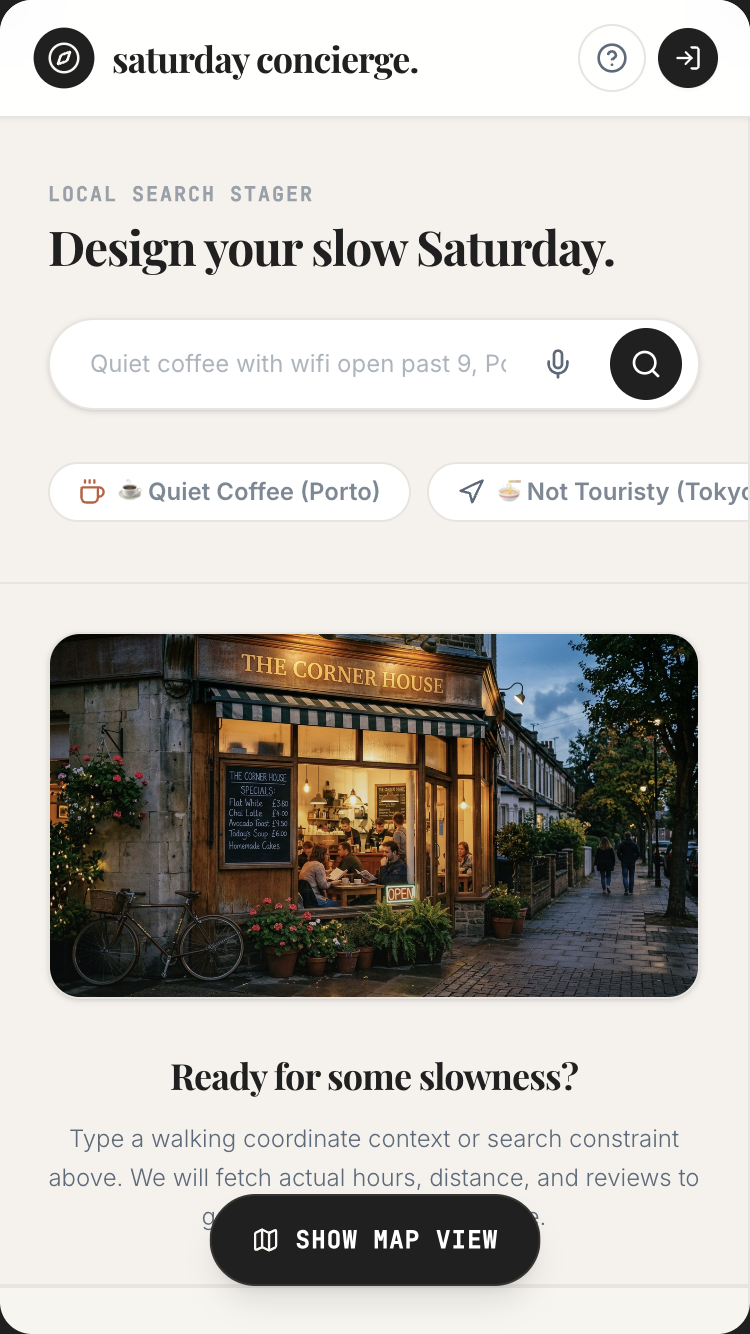
Move-In Walk-Through

Walk into the empty apartment. Speak what you see. Walk out with a defect report your landlord can't argue with.

Move-in inspections are where deposits get lost. This turns the usual phone-and-clipboard exercise into a single voice-narrated walkthrough — every defect photographed, timestamped, and exported before you've left the unit.

New homeowner, landlord, mover, estate executorSpatial vision · bounding boxes
Open in AI StudioRead the promptHide
Move-In Walk-Through mobile preview

Move-In Walk-Through

1.Project

Move-In Walk-Through turns a phone camera into an instant inventory builder. The user walks through a room slowly; the app's live video feed draws bounding boxes around objects, labels them ("Eames-style chair", "floor lamp", "bookshelf — 5 shelves, ~80 books"), and builds a structured inventory in real time. When the walk is done, the user has a printable PDF inventory with photographed items, descriptions, estimated counts, and a per-room dashboard.

This is the kind of app one builds because they just got new keys, or they just lost a parent and have to inventory an apartment, or their landlord is asking for proof of move-in condition, or they're an insurance adjuster, or they're staging a sale.

The single demo that proves the magic: user opens the app, holds up the phone, and slowly walks through a bedroom. Live on screen: every object gets a thin bounding box and a label as the camera passes it. After 90 seconds the user taps "Done". Result: a structured list of 24 objects (3 chairs, 1 lamp, 1 desk, 1 monitor, 1 bookshelf with ~80 books, 4 houseplants, 1 wall clock, 1 framed photo, etc.), each with a tap-to-zoom photo, each with a condition note ("good", "minor wear"), and a total estimated property value. Export to PDF or share with a co-occupant.

Tagline: Walk through any room with your phone — your inventory builds itself as you go.

2.Target audience

  • New homeowners cataloging belongings for insurance
  • Renters documenting move-in condition to prevent deposit disputes
  • Estate executors inventorying for probate
  • Insurance adjusters after fires, floods, or burglaries
  • Movers + relocation planners
  • Airbnb hosts after each guest checkout
  • Home organisers (KonMari-style) doing room-by-room audits
  • Sellers preparing an estate sale or contents auction
  • Photographers staging a space

3.Core value propositions

Surface these clearly through copy, visual emphasis, and section ordering — they are the reasons users pick this app.

  • The inventory builds itself. Walk through the room; the AI tags objects as you go. No tapping, no typing, no manual entry.
  • Bounding boxes, not just labels. You see the AI seeing each item in real time — increases trust, increases accuracy (you can correct mistakes immediately).
  • Counts the uncountable. ~80 books on a shelf, ~12 plants on the windowsill, ~30 mugs in the cabinet. Estimation, not enumeration.
  • Per-room organisation. Walk one room at a time; the app aggregates into a property-level dashboard.
  • PDF that holds up. Lawyer-ready, insurance-ready: photos + descriptions + condition + estimated value + timestamp + walk-through video as evidence.

4.Features to build

  • Property setup (address, rooms, purpose: insurance / lease / probate / move / staging)
  • Per-room camera walk-through with live bounding-box overlay
  • Live object tagging + counting + condition assessment (good / minor wear / damaged)
  • Voice notes alongside the walk ("the desk has a stain on the right side")
  • Manual edit on each detected object (rename, change category, add notes, add value)
  • Optional valuation lookup (rough market-value estimate per category)
  • Per-room dashboard: object counts, total estimated value, completion %
  • Property-level dashboard across all rooms
  • Side-by-side comparison (move-in walk vs move-out walk — same room, two timestamps)
  • PDF export (lawyer/insurance grade)
  • Share property with co-owner, landlord, or insurance company
  • Walk-through video archive (preserved as evidence)

4b.Required Gemini capabilities + backend services

This template's intelligence comes from the Gemini capabilities below. Wire them up explicitly — don't substitute generic LLM calls.

Gemini capabilities (the load-bearing intelligence)

  • Spatial understanding (2D bounding boxes) — Gemini 3.1 Pro returns precise pixel coordinates for every detected object. The hero feature.
  • Live API (bidirectional video streaming) — the client captures a frame snapshot every 0.5-1 second via canvas + setInterval, sends to Gemini, renders bounding boxes. Live-feel preserved at 1-2 Hz with IoU smoothing (snapshot pattern, NOT raw video streaming). Voice notes alongside.
  • Multimodal image understanding — per-object analysis: brand recognition, condition assessment, count estimation for bulk items (books, mugs, plants).
  • Structured output (JSON Schema) — every detected object lands as {label, bounding_box, category, count_estimate, condition, value_estimate_usd, voice_note?}.
  • Function callingpinObject(id), flagForReview(id), addManualObject(label, photo), commitInventory(roomId).
  • Thinking levelslow for live tagging (latency-critical); medium for the post-walk valuation pass.

Backend services

  • Auth — Required. Firebase Auth with Google sign-in. Inventories are private; sharing is explicit per recipient.
  • Database — Required. Firestore for users, properties, rooms, inventory_items, shared_with (collaborators).
  • File storage — Required, heavy. Firebase Storage for walk-through video clips + per-object snapshots. Video clips compressed; retention configurable.
  • Email — Required (transactional). Share-link notifications for landlords, lawyers, insurance.
  • Payments — Optional. Free tier: 3 properties; Pro for unlimited + extended retention via Stripe.
  • External APIs:
  • Gemini API (vision + Live API)
  • Optional: a valuation provider of your choice (or just use Gemini's general knowledge, clearly labelled 'AI estimate — not appraisal') for estimated values — or just use Gemini's general knowledge.

Environment variables: every secret (Gemini API key, Firebase service-account JSON, Stripe key, etc.) lives in environment variables — never in client bundle. Include a .env.example.

Auth + data privacy reminders: never log secrets · never store passwords in plain text · use HTTPS everywhere · honour 'delete my account' inside the UI · respect user consent on audio/photo retention.

Read this first — prompt-craft rules that apply to every call in this template:

  1. Name the model variant explicitly in every Gemini API call. Do not let the agent pick the model. See the per-call matrix below.
  2. Pin thinkingLevel explicitly per call. See the matrix.
  3. Seed the JSON Schema as a fenced TypeScript / Zod block in the system instruction or responseSchema field. The literal schema is below.
  4. Pin the system instruction separately from user input. Use the systemInstruction field for persona + behavioural rules; use contents for user input. Never concatenate.
  5. Pre-declare tools as an enable/disable list per call. The matrix below names which tools are enabled per call. Tools NOT listed for a call should be disabled.
  6. State negative constraints explicitly — they are listed below. They are NOT "be careful" suggestions; they are hard rules the model must follow.

Per-call model + tools matrix

Call Model thinkingLevel Tools enabled
Frame snapshot → object detection (at 1-2 Hz, NOT raw live stream) gemini-3.5-flash low (none)
Per-object enrichment (brand, condition, count) gemini-3.5-flash medium (none)
Voice note transcription during walk gemini-3.1-flash-live-preview low (none)
AI value estimate (labelled "estimate" everywhere) gemini-3.5-flash medium (none)
Compare-walks diff (move-in vs move-out) gemini-3.5-flash high (none)

Primary structured-output schema (seed this verbatim in the prompt)

import { z } from "zod";

const BoundingBox = z.object({
  x: z.number(), y: z.number(),
  width: z.number(), height: z.number(),
  frame_id: z.string(),                            // reference to source frame snapshot
});

const InventoryItem = z.object({
  id: z.string().uuid(),
  room_id: z.string(),
  label: z.string(),                               // "Eames-style lounge chair (replica)"
  category: z.enum([
    "furniture", "lighting", "electronics", "art", "rug",
    "plants", "window", "decor", "books", "clothing",
    "kitchenware", "appliance", "other",
  ]),
  count_estimate: z.number().int().positive(),     // for bulk items (books, mugs)
  bounding_box: BoundingBox,
  condition: z.enum(["good", "minor_wear", "damaged", "flagged_for_review"]),
  ai_value_estimate_usd: z.number().nullable(),    // labelled "estimate" — NOT appraisal
  voice_note: z.string().nullable(),
  manual_correction: z.boolean(),                  // true if user has edited
  detection_confidence: z.number().min(0).max(1),
});

type InventoryItem = z.infer<typeof InventoryItem>;

Common failure modes (and how to avoid them)

  • Agent attempts true Live API video streaming at 5-10 fps for bounding-box output — current Gemini Live video isn't tuned for high-frequency spatial output. Use the 1-2 Hz snapshot pattern: client captures a frame every 0.5-1s via setInterval + <canvas>, sends to a multimodal call, renders boxes. Live-feel preserved with hysteresis.
  • Bounding-box jitter between frames — apply IoU-based smoothing: if a new frame's box overlaps a prior frame's box by >50%, treat as the same object.
  • AI value estimate confused for an appraisal — every value field shows "AI estimate — not appraisal" inline. PDF export footer carries the same disclaimer.
  • Walk-through video archive bloats storage — retain video clips for 90 days by default (user-configurable); retain per-object snapshot photos indefinitely.
  • Compare-walks diff using string-match labels — synonyms ("couch" vs "sofa") break it. Use category + spatial cluster + visual embedding match instead.

Negative constraints (hard rules)

  • Do NOT claim bounding-box streaming at >2 Hz. The implementation is snapshot-at-1-2 Hz.
  • Do NOT call ai_value_estimate_usd a "valuation" or "appraisal". Label as "estimate" in UI + PDF.
  • Do NOT retain walk-through videos longer than the user-configured window. Default 90 days; hard delete after.
  • Do NOT diff move-in vs move-out walks on label strings alone — use category + spatial cluster + visual embedding match.
  • Do NOT silently drop items with detection confidence <0.7 — flag for review instead.

Per-call systemInstruction strings

Use these as the literal systemInstruction field for each Gemini API call the built app makes. They complement the series-wide rules already uploaded as the global instructions file (00-series-instructions.txt).

Call: Frame snapshot → object detection (1-2 Hz)

Model: gemini-3.5-flash · thinkingLevel: low · Tools: (none)

You receive ONE frame from a user's phone camera during a walk-
through. Detect every distinct object.

Output InventoryItem[] (partial items, one per object). Each has:
- `label` — specific ("Eames-style lounge chair (replica)" yes;
  "chair" no).
- `category` — from the enum.
- `bounding_box` — 2D pixel coordinates {x, y, width, height} in the
  frame's coordinate space.
- `count_estimate` — for bulk items (books, mugs, plants), single
  count for the cluster.
- `condition` — "good" / "minor_wear" / "damaged" /
  "flagged_for_review". Default "good" if no clear damage visible.
- `detection_confidence` — 0-1.

Use prior frames' detections (passed in user message as IoU smoothing
context) to maintain object continuity:
- If current detection overlaps a prior frame's box >50% IoU, treat as
  same object — reuse id.
- If a prior object isn't visible now, do NOT mark removed (may be
  out of view).

Rules:
- Do NOT detect people, faces, pets, or private documents (passports,
  IDs visible on a desk).
- Do NOT detect items on screens (TVs, laptops, phones — content
  isn't inventory).
- For bulk items, return ONE detection with `count_estimate`, not 80
  separate book detections.

Output ONLY the JSON array. No commentary.

Call: Per-object enrichment

Model: gemini-3.5-flash · thinkingLevel: medium · Tools: (none)

You receive a cropped image of ONE detected object.

Output enriched fields:
- Refine `label` if you can identify the specific item ("Herman Miller
  Aeron, size B" rather than "office chair").
- Note brand if visible.
- Refine `condition` based on visible wear, stains, damage.
- `ai_value_estimate_usd` — rough replacement value. Round to nearest
  $5 below $100, nearest $25 above. ALWAYS labelled "AI estimate — not
  appraisal" in UI; do not call it valuation.

Rules:
- Never estimate values for items with visible faces (privacy).
- If you can't identify brand or model, leave brand null.
- If the object is ambiguous (could be one of two things), flag with
  `condition: "flagged_for_review"` and explain in the optional note
  field.

Output ONLY the JSON. No commentary.

Call: Voice note transcription

Model: gemini-3.1-flash-live-preview · thinkingLevel: low · Tools: (none)

Transcribe the user's voice notes during a walk-through.

- Preserve idioms verbatim ("there's a chip on the corner about the
  size of a coin").
- Preserve room/object references ("the dresser", "the bed by the
  window") — post-processing will link them to detected items.
- Tag with `timestamp_sec` relative to walk start.
- If user mentions damage, condition, or value, preserve exactly — no
  paraphrasing.

Output: array of `{timestamp_sec, transcript}`. No commentary.

Call: AI value estimate

Model: gemini-3.5-flash · thinkingLevel: medium · Tools: (none)

You estimate the rough USD replacement value of an inventoried item.

Input: an InventoryItem (label, category, brand, condition, optional
brand-recognition photo crop).

Output: a single number, USD.

Rules:
- Round to nearest $5 below $100, nearest $25 above.
- This is an ESTIMATE, not an appraisal. UI labels it that way. Do
  not write the word "appraised" or "valuation" anywhere.
- If no basis for an estimate, return `null`.
- Adjust for `condition`: "minor_wear" -10-20%; "damaged" -30-60%.
- Use mid-market replacement, not auction price.

Output ONLY the number or `null`. No commentary, no "$".

Call: Compare-walks diff

Model: gemini-3.5-flash · thinkingLevel: high · Tools: (none)

You compare two InventoryItem arrays (move-in vs move-out of the same
room) and produce a diff.

Output WalkDiff JSON:
- `added` — items in walk B not in walk A
- `missing` — items in walk A not in walk B
- `changed` — items present in both with different condition / location
  / count
- `unchanged_count` — single integer

Matching (apply in order):
1. Match by category + spatial cluster (objects in the same bounding
   box region in both walks).
2. Within cluster, match by visual embedding similarity (passed in
   user message), NOT label string. "Couch" and "sofa" are the same.
3. Item is "missing" only if no match with similarity > 0.7.

Output ONLY the JSON. No commentary.

5.Use cases & content to include

Build dedicated UI sections or flows for each of these — they tell you what content the app must support.

  • The new homeowner. Just got keys; wants a full inventory for home insurance. Walks every room over an evening; has a PDF before the policy starts.
  • The renter at move-in. Documents every scratch, every existing dent, every appliance condition, with timestamps. When move-out comes, has indisputable evidence.
  • The estate executor. Lost a parent; has to inventory a 2-bedroom apartment for probate. Walks the place once; produces a court-ready document.
  • The insurance adjuster. After a kitchen fire, walks the rest of the house to inventory undamaged contents (for claim).
  • The mover / packer. Pre-move walk gives the moving company an accurate quote — no surprises on the day.
  • The Airbnb host. After each checkout, 90-second walk per room — comparison with the previous walk surfaces damage or missing items.
  • The estate-sale stager. Walks the property, gets a counts-and-values inventory to plan the sale.

6.Page structure

Build the following screens / sections in this order. Adjust copy to fit the voice, but keep the structural intent.

  1. Welcome. Single sentence: "Walk through a room. Get an inventory." Google sign-in.
  2. Property setup. Create new property (name, address optional, purpose). Add rooms (Bedroom 1, Bedroom 2, Kitchen, Living Room, Bathroom — drag to reorder).
  3. Room walkthrough screen. Big camera viewfinder. Live bounding boxes overlay objects as the camera moves. Subtle counter in the corner: "14 objects detected · 0:42 elapsed". Voice-note button. Pause / done buttons.
  4. Post-walk review. Grid of every detected object with photo + label + count + condition. Tap to edit, tap to merge (two boxes for the same item), tap to delete (false positive). Long-press to add manual object (something the AI missed).
  5. Per-room dashboard. All objects in this room, grouped by category (furniture, electronics, art, plants, books, etc.). Total count and estimated value at top. Edit any item.
  6. Property dashboard. All rooms, total counts + values, completion percent per room. Time-stamped.
  7. Compare walks (move-in vs move-out, or pre-fire vs post-fire). Side-by-side, with added/missing/changed items highlighted.
  8. PDF export. Cover page (property + address + date + walker name + purpose). One page per room with hero photo + numbered item table. Final summary page with total value.
  9. Share. Generate a read-only link or email PDF to a specific recipient (landlord, insurer, lawyer). Configurable: include video evidence or not.
  10. Library. All my properties, with quick access. Search across properties.
  11. Settings. Default detection sensitivity. Retention policy. Currency for valuations. Account & privacy.
  12. Footer. "Walks are processed in real time on your device's video stream." Capabilities (i) button.

6b.First-visit onboarding

Show a first-visit onboarding the first time a visitor lands on the app (detect via localStorage flag; do not show on return visits). Three slides, dismissible at any time. Persistent re-entry: a ? icon in the header reopens it.

Slide 1 — What this is. - Headline: "Welcome to Move-In Walk-Through." - Subhead: "Walk through any room with your phone — your inventory builds itself as you go." - One paragraph (≤ 60 words) explaining who this is for and what makes it different from anything else. - Visual: a small annotated diagram of the central interaction (not a generic illustration).

Slide 2 — Try it now. - One short prompt: "Try: walk a sample bedroom — see objects auto-tagged with bounding boxes in real time." - A live demo input pre-filled (the user can press a single button to see the magic happen on real seed data). - 1-2 sentences pointing at the specific page elements where the Gemini magic happens.

Slide 3 — How to remix this. - Headline: "Make this yours." - Three short bullets: • "Swap the seed data in /data/seed.json for your own." • "Adjust the prompts in /server/prompts/ to fit your voice." • "Wire up your Gemini API key and Firebase project via the env-var list in the capabilities panel." - Primary CTA: "Use this template" → links to AI Studio Build remix entry point. - Secondary: "Just exploring — close" (sets localStorage flag, never auto-shows again).

Accessibility: focus trap, Esc closes, role="dialog", aria-modal="true", aria-labelledby, focus restored to trigger on close. Respect prefers-reduced-motion.

Don't: - Don't gate content behind the modal. The page beneath must be fully usable. - Don't auto-reshow on return visits. Use localStorage['onboarding-seen-v1']. - Don't include unrelated CTAs (newsletter signup, social follow). Keep it about the template only.

6c.Capabilities info button (persistent in header)

Add a persistent (i) icon in the top-right of the header (next to the primary nav). Click → opens a modal/panel titled "What powers this app".

Panel contents (in this order):

Gemini capabilities used (the hero list): - Gemini 3.1 Pro (spatial understanding) — detects objects and returns 2D bounding boxes with pixel coordinates. The hero feature. - Gemini Live API (video streaming) — your camera feed streams to Gemini; bounding boxes come back live so you see the AI seeing the room as you walk. - Multimodal image analysis — per-object: brand recognition, condition assessment, count estimation for bulk items. - Structured output (JSON Schema) — every detected object is a typed record so the inventory is queryable and exportable. - Function calling — pin, flag, merge, manually add — every editor action is a tool call. - Firebase Auth + Firestore — your inventory is private; sync across devices. - Firebase Storage — walk-through video clips + per-object snapshots stored on your project. - Cost note — Live API video streaming is per-minute. A 90-second room walk costs roughly the same as 90 seconds of voice Live API. - Privacy note — your videos and photos are yours; never used for training. Configurable retention (default: 1 year).

Backend services this app depends on: - Auth: see section 4b - Database: see section 4b - Storage: see section 4b - Email: see section 4b - Payments: see section 4b (if applicable) - External APIs: see section 4b

Environment variables you'll need to configure: - GEMINI_API_KEY — your Google AI Studio API key - FIREBASE_PROJECT_ID — your Firebase project id - FIREBASE_SERVICE_ACCOUNT — service-account JSON (server-side only) - (List any others specific to this template)

Cost + privacy notes: - One short paragraph per cost-sensitive capability (Live API minutes, image generation per-image, long-context per-token). - One short paragraph on privacy: where user data lives, how to delete it, what's never used for training.

Documentation links: - AI Studio Build docs - Gemini API docs for each capability listed above - Firebase Auth, Firestore, Firebase Storage docs

Accessibility: same standards as the onboarding modal — focus trap, Esc, ARIA, restored focus.

Behaviour: - Always available — single click from anywhere in the app. - Tooltip on the (i) icon: "How this app is built". - Mobile: opens as a full-screen sheet that slides up. - Should be the most honest part of the app — never hand-wave service requirements; never say "AI" without naming the specific Gemini model and capability.

6d.Detailed cost breakdown (deployer reads this BEFORE shipping)

  • Frame snapshot detection (Pro, low thinking) — ~$0.005/frame. A 90-second walk at 1 Hz = 90 frames ≈ $0.45/room.
  • Per-object enrichment (Pro, medium) — ~$0.01/object. 25 objects/room ≈ $0.25.
  • Voice note transcription — ~$0.10/minute of voice notes.
  • Value estimate pass — ~$0.02/object.
  • Expected per-room cost: ~$0.75-1.00. A 5-room property: ~$4-5.
  • Free tier: 3 properties total. Pro at $14/mo absorbs ~5 properties/month typical.
  • Storage: Firebase Storage at standard rates; walk-through video clips (~2-4 MB each, 90-day retention) dominate the cost.

7.Design language

  • Mood: A trusted assessor with a notebook. Calm, professional, not flashy. The app is a tool, not a wow-demo.
  • Typography: Inter or Geist for everything. Tabular numerics for counts and values. Slight monospace accent for the item codes ("Item #042 · Bedroom 1").
  • Palette: Cool grey neutral #F5F5F4 background, charcoal #1A1A1A text, deep teal #2A5A5A for "detected & confirmed" state, amber #C97D1B for "needs review", muted red #9F3A3A for "damaged / flagged". Bounding boxes on camera: thin 2px teal lines, semi-transparent fill 8% opacity.
  • Camera viewfinder is the showpiece. No UI chrome covering the live feed. Counter and voice button float at the corners with subtle drop shadows. Detected-object labels render directly inside their bounding boxes in small monospace.
  • PDF output design is sober: clean tables, mono numbers, single accent color, generous whitespace. Looks like a professional inspection report.

  • Spacing: consistent 4-px base. Generous whitespace — let the content breathe.

  • Radius: consistent token set (e.g. 6 / 12 / 20 px). Don't mix arbitrary values.
  • Shadows: subtle, layered. Avoid heavy drop-shadows.
  • Motion: purposeful — entrance fades, hover lifts, page transitions. Respect prefers-reduced-motion. No bouncing splash animations. No theatrical hero animations.
  • States: every interactive element has hover, focus, active, disabled. Loading uses skeletons not spinners where possible. Empty states have helpful next-action guidance.

8.Content generation rules

  • Write realistic, specific copy. NO Lorem Ipsum. NO generic placeholders like 'Your tagline here'.
  • Invent plausible names, dates, locations, prices, quotes, sample data that fit the domain (use the seed content in section 8a as a starting point).
  • Tone: warm, direct, free of corporate language. This template is for a person, not a company.
  • Headlines: punchy and concrete. No 'Empower your X' filler. No 'Revolutionize'. No 'Seamless'.
  • Body copy: short paragraphs (2-4 sentences). Use lists where appropriate.
  • Plain language. Avoid jargon unless the persona uses jargon (e.g. board-game rulebook app should sound like a board-game friend talking).
  • Where the app outputs AI-generated content, never label it as "AI says" — let it speak naturally. Use small uncertainty cues only where epistemic honesty requires them.

8a.Seed content (use these specific examples)

Anchor every generated copy + sample data point in the concrete content below. Use these names, numbers, dates, and snippets verbatim where helpful, or generate close variants that sit in the same world.

Sample property dashboard (the demo state):

Property: 142 Hanbury Street, Flat 3 · Move-in walkthrough · 14 May 2026

Rooms (5): - Bedroom 1 · 24 items · est. $3,240 · ✓ complete - Bedroom 2 · 18 items · est. $2,180 · ✓ complete - Living Room · 31 items · est. $7,400 · ✓ complete - Kitchen · 42 items · est. $4,180 · ⏳ in progress - Bathroom · 8 items · est. $620 · ⚠ not started

Total so far: 123 items · est. $17,620 USD

Sample post-walk review (Bedroom 1, the demo screen):

24 objects detected — 18 confirmed, 6 need your review.

# Item Cat Count Cond Est. value
01 Queen bed with oak headboard Furniture 1 Good $480
02 West Elm dresser, 6 drawers Furniture 1 Good $620
03 Eames-style lounge chair (replica) Furniture 1 Minor wear $340
04 Floor lamp, brass + linen shade Lighting 1 Good $140
05 Bookshelf, 5 shelves Furniture 1 Good $220
06 Books on shelf Books ~82 Mixed $180
07 Bedside table, oak Furniture 1 Good $90
08 Wall clock, brass surround Decor 1 Good $60
09 Framed photograph, B&W landscape Art 1 Good $40
10 Framed print, abstract Art 1 Good $35
11 Persian rug, ~6 × 9 ft Rug 1 Minor wear $480
12 Houseplants — fiddle leaf, monstera, snake Plants 3 Healthy $80
13 Curtains, linen, ivory, 2 panels Window 1 set Good $90
14 iMac 24" M3 Electronics 1 Good $1,100
15 Studio Display 27" Electronics 1 Good $1,400
...

[⚠ Needs review — possible duplicate detection: items 9 + 10 may be the same frame.] [⚠ Needs review — couldn't read the dresser brand; tap to confirm "West Elm".]

Sample voice notes captured during walk: - 0:14 — "The dresser has a chip on the top right corner, about the size of a coin." - 0:32 — "These houseplants belong to me, not the previous tenant." - 0:48 — "The rug has a small wine stain near the bed — I think this is from before." - 1:14 — "Walls have nail holes from previous tenant — about 8 visible."

Sample PDF cover page content:

MOVE-IN INVENTORY Property: 142 Hanbury Street, Flat 3, London E1 6QR Walker: Maya Reyes Walked: 14 May 2026, 19:42 BST Purpose: Move-in documentation Total items inventoried: 123 Total estimated property value (replacement): $17,620 USD Walk duration: 8 min 14 sec across 5 rooms Video evidence: included (5 clips, 8.2 MB) Witness present: No

Sample microcopy: - Empty room: "Walk slowly. The AI tags objects as it sees them." - Live counter: "14 objects · 0:42 · still walking" - Done button: "Done — review this room" - Review hint: "Tap a box to fix a label. Tap and hold to add something I missed." - Export confirmation: "PDF ready · 3 pages · includes 24 photos" - Share dialog: "Send this inventory to: ___. They'll get a read-only link valid for 30 days."

9.Media & assets

  • Hero image (landing): A composed shot of a phone held up in a bedroom, with bounding-box overlays clearly visible on the screen but the camera angle making it feel like a real moment, not a demo render. Generate via Nano Banana: "hand holding a phone with augmented reality bounding boxes visible on furniture in a softly-lit bedroom, golden hour light, film grain, documentary style, no faces".
  • Camera UI: The bounding boxes themselves are the visual centerpiece — render them in the actual app via Canvas overlay on the camera feed.
  • Empty state per room: A single line drawing of an empty room with a phone in the foreground. No text.
  • PDF cover sample: Show the actual PDF cover style in the marketing — clean, table-of-contents-like, no decorative chrome.
  • Avoid: stock photos of moving boxes, generic clipboard inventory icons, fake "AI scanner" sci-fi visuals.

  • Generated imagery: prefer Nano Banana 2 over stock photography. Prompt for warmth, asymmetry, and slight imperfection — avoid the glossy 'AI render' look.

  • Optimisation: WebP/AVIF, loading="lazy", explicit width/height to prevent layout shift.
  • Icons: lucide-react for UI. Use sparingly — never decorative-only.

10.Interactivity & states

  • Every interactive element has hover, focus, active, and disabled states.
  • Forms validate inline and show specific error messages (not "Invalid input").
  • Loading states use skeletons that match the eventual layout, not spinners.
  • Empty states explain the next action with a button whose label fits THIS app's domain (e.g. "Photograph your first card", "Record your first letter", "Drop a PDF" — never a generic "Add your first item").
  • Smooth scroll for in-page anchors.
  • All AI-generated content streams in token-by-token where supported, with a clear "thinking…" indicator before content starts arriving.
  • If an AI call fails, show a calm, specific error ("We couldn't read this handwriting — try a clearer photo?") and offer retry.

11.Tech & responsive requirements

  • Stack: React + TypeScript + Tailwind CSS. Functional components + hooks. Use Shadcn UI primitives where appropriate.
  • Build runtime: AI Studio Build — full-stack with Cloud Run server-side functions. All Gemini API calls happen server-side; API key lives in Secrets Manager, never in client bundle.
  • Model selection: explicitly pin gemini-3.5-flash for reasoning-heavy tasks and gemini-3.5-flash for snappy interactive tasks. Set thinkingLevel explicitly per call.
  • Database: Firestore (auto-provisioned by AI Studio Build). Show realistic seed data on first launch.
  • Auth: Firebase Auth — Google sign-in by default; magic-link email as secondary.
  • Storage: Firebase Storage for any user-uploaded media. Pre-signed URLs.
  • Mobile-first. Verify layouts at 375 px (iPhone SE), 768 px (iPad), 1024 px, 1440 px+.
  • Use clamp() for fluid typography. Prefer container queries over media queries for component-level responsiveness.
  • Use dvh / svh instead of vh. Respect safe-area insets on iOS.
  • Zero horizontal overflow at any width. Zero layout shift on load.
  • Persist user data in Firestore. Use real-time listeners where collaborative.
  • Optimistic UI on writes; reconcile on response.

12.Accessibility (WCAG 2.2 AA)

  • Semantic HTML — header, nav, main, section, article, footer.
  • All interactive controls reachable by keyboard with a visible focus ring.
  • Color contrast ≥ 4.5:1 for body, 3:1 for large text and UI components.
  • All images have meaningful alt text. Decorative images use alt="".
  • Form fields have associated <label>s; errors announced via aria-describedby.
  • All modals: focus trap, Esc to close, role="dialog", aria-modal="true", aria-labelledby, restore focus to trigger on close.
  • Respect prefers-reduced-motion.
  • Tap targets ≥ 44 × 44 px on touch.
  • For voice features: provide a visible transcript and a 'type instead' alternative.
  • For image inputs: announce success/failure to screen readers via aria-live="polite".
  • For real-time conversation features: ensure captions are visible to non-hearing users.

13.Quality bar — avoid AI clichés

Do not ship any of the following unless the design explicitly calls for it: - Hero with a gradient background and floating geometric / orb shapes. - A row of 4 'by the numbers' stat cards below the hero. - Emoji bullets in body copy. - 'Lorem ipsum' or 'Your headline here' placeholders. - A pricing table with three identical tiers when the product has no real pricing. - Faux testimonials with stock-photo headshots. - Hero CTA labelled 'Get started' with no second action. - "AI" or "Powered by AI" badges plastered everywhere. The intelligence is in the experience, not the marketing. - Loading spinners on AI calls — show a meaningful 'thinking' state (visible thought summaries where Gemini provides them). - Toast notifications for routine actions (save, delete) — use inline confirmation instead.

Aim for the polish of a hand-crafted production app — specific, considered, with real domain knowledge in the copy. A reviewer should not be able to tell this came from a template.

14.Deliverables

A single working app I can preview immediately, with: - All sections populated with realistic seed data (see section 8a) - All AI features wired to real Gemini API calls (server-side) - All interactive states implemented (loading, empty, error) - Onboarding modal working on first visit (and accessible via ? icon thereafter) - Capabilities info button working in header ((i) icon → panel) - Auth flow working with Google sign-in - Firestore persistence wired up with security rules - Responsive across the four viewport breakpoints - Zero TODOs, zero console errors, zero placeholders
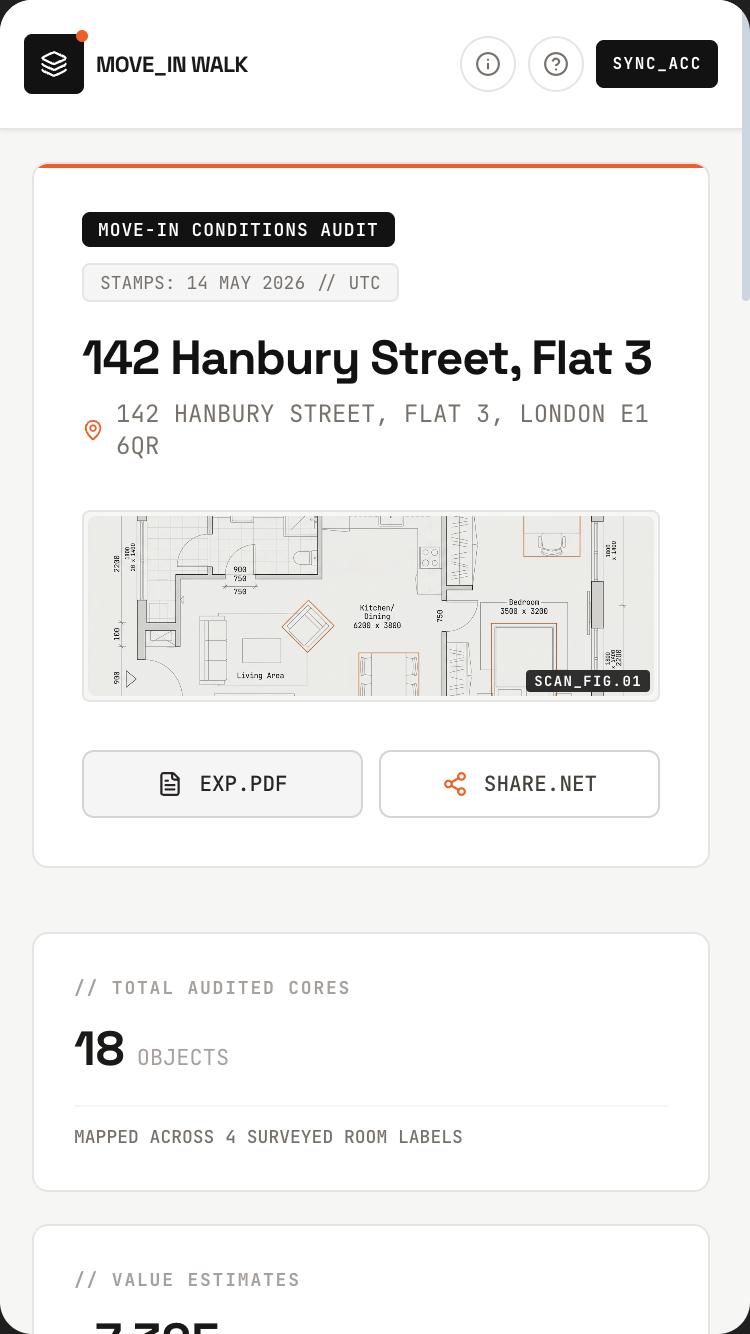
Class Notes from Video

Paste any lecture. Ninety seconds later — notes, a quiz, and flashcards that actually stick.

Every student has watched a two-hour lecture and remembered ten minutes of it. The video stays linked, every claim auditable, and the spaced repetition is handled for you.

Students, teachers, self-learnersNative video understanding
Open in AI StudioRead the promptHide
Class Notes from Video mobile preview

Class Notes from Video

1.Project

Class Notes from Video turns any educational video into a complete study packet — summary, outline, quiz with auto-grading, flashcards for spaced repetition. The user pastes a YouTube URL (lecture, talk, documentary, tutorial); 90 seconds later they have a structured study guide with click-to-jump timestamps. Every quiz question links to the exact moment in the video that contains the answer.

This is the kind of app one builds because they're behind in a class and the lecture is 78 minutes long, or they're learning a new skill from a 3-hour YouTube tutorial and want a cheat sheet, or they're a teacher who wants to assign comprehension questions for a documentary they're showing in class tomorrow.

The single demo that proves the magic: user pastes a 47-minute MIT OCW lecture on linear algebra. In 70 seconds: a 6-paragraph summary, a nested outline of every topic with timestamps, 12 quiz questions (multiple choice + short answer + one challenge problem), and 30 flashcards. User clicks a quiz question's timestamp [18:42] → embedded YouTube player jumps to 18 minutes 42 seconds, where the answer was demonstrated.

Tagline: Paste any YouTube lecture, tutorial, or documentary — get a study guide, a quiz, and flashcards in 90 seconds.

2.Target audience

  • High-school + university students using YouTube as a study aid
  • Self-learners working through MIT OCW, Khan Academy, 3Blue1Brown
  • Teachers + professors preparing study guides from chosen videos
  • Corporate training teams turning internal videos into onboarding materials
  • Bootcamp students taking notes from coding tutorials
  • Adult learners (skill-changers) studying long-form content
  • Researchers reviewing recorded talks + conference presentations
  • Language learners using foreign-language video content

3.Core value propositions

Surface these clearly through copy, visual emphasis, and section ordering — they are the reasons users pick this app.

  • Pasted-URL to study packet in 90 seconds. No download, no transcription step, no manual note-taking.
  • Quiz questions cite their source moment. Click any answer's timestamp → embedded player jumps to that exact second.
  • Quiz auto-grades, intelligently. Multiple choice: simple. Short answer: AI grades for content + reasoning, not keyword matching.
  • Flashcards for spaced repetition. Auto-generated, with the video moment as the "show me again" link.
  • Works on any educational video. Lectures, talks, documentaries, how-to tutorials, podcasts (with video). Not just transcribable speech — it understands the actual visuals (diagrams, demonstrations, slides).

4.Features to build

  • Paste YouTube URL (or upload your own video file (Files API: ≤2 GB / ≤1 hour). YouTube URLs pass directly via Files API URI — no client download)
  • Auto-generate: summary (3 lengths — TL;DR / detailed / full), outline (nested), quiz, flashcards
  • Click-to-jump timestamps everywhere
  • Embedded YouTube player synced with the study materials
  • Quiz modes: practice (no grading), test (timed + graded), exam-prep (random selection from past videos)
  • AI-graded short-answer responses (with explanation, not just right/wrong)
  • Flashcard spaced-repetition algorithm (modified SM-2)
  • Library of past videos with progress per video
  • Share study guide (read-only link)
  • Multi-video study sets (combine 3 lectures into one quiz)
  • Export to PDF (printable study guide)
  • Multi-language: source video in any language, study materials in user's preferred language

4b.Required Gemini capabilities + backend services

This template's intelligence comes from the Gemini capabilities below. Wire them up explicitly — don't substitute generic LLM calls.

Gemini capabilities (the load-bearing intelligence)

  • Native video understanding (Gemini 3.1 Pro) — Gemini reads the video itself, not just an extracted transcript. So it sees the diagrams a professor draws on the whiteboard, the code on the slide, the figures referenced.
  • Long context — a 90-minute lecture is well within the 1M-token window. No chunking, no embeddings, no RAG.
  • Structured output (JSON Schema) — study materials come back typed: {summary, outline: [{topic, timestamp, subtopics}], quiz: [{question, type, choices?, answer, timestamp_reference}], flashcards: [{front, back, timestamp_reference}]}.
  • Multimodal reasoning — quiz answers can reference what was shown, not just what was said: "the formula at 18:42", "the diagram at 32:15".
  • Function callinggradeShortAnswer(answer, expected_answer, video_context) for AI grading; jumpToTimestamp(seconds) for the player integration.
  • Thinking levelshigh for the initial study-guide generation, medium for AI grading.

Backend services

  • Auth — Required. Firebase Auth with Google sign-in. Library is private to the user.
  • Database — Required. Firestore for users, videos (URL, title, generated materials), quiz_attempts, flashcard_progress.
  • File storage — Optional. Firebase Storage if the user uploads their own (non-YouTube) videos. Most use stays on YouTube.
  • Email — Required (transactional). Share-link notifications.
  • Payments — Optional. Free: 5 videos/month. Pro: $7/mo unlimited + spaced-repetition cloud sync.
  • External APIs:
  • Gemini API (video understanding + structured output)
  • YouTube IFrame API (for the embedded player with seekTo control)
  • YouTube Data API v3 (optional — fetch video metadata: title, duration, thumbnail)

Environment variables: every secret (Gemini API key, Firebase service-account JSON, Stripe key, etc.) lives in environment variables — never in client bundle. Include a .env.example.

Auth + data privacy reminders: never log secrets · never store passwords in plain text · use HTTPS everywhere · honour 'delete my account' inside the UI · respect user consent on audio/photo retention.

Read this first — prompt-craft rules that apply to every call in this template:

  1. Name the model variant explicitly in every Gemini API call. Do not let the agent pick the model. See the per-call matrix below.
  2. Pin thinkingLevel explicitly per call. See the matrix.
  3. Seed the JSON Schema as a fenced TypeScript / Zod block in the system instruction or responseSchema field. The literal schema is below.
  4. Pin the system instruction separately from user input. Use the systemInstruction field for persona + behavioural rules; use contents for user input. Never concatenate.
  5. Pre-declare tools as an enable/disable list per call. The matrix below names which tools are enabled per call. Tools NOT listed for a call should be disabled.
  6. State negative constraints explicitly — they are listed below. They are NOT "be careful" suggestions; they are hard rules the model must follow.

Per-call model + tools matrix

Call Model thinkingLevel Tools enabled
StudyPacket generation — ONE call, all artifacts gemini-3.5-flash high (none)
Short-answer grading (rubric-based, NOT video-context) gemini-3.5-flash medium (none)
Library semantic search across past videos gemini-3.5-flash low (none)
Study-set unified quiz across multiple videos gemini-3.5-flash high (none)

Primary structured-output schema (seed this verbatim in the prompt)

import { z } from "zod";

const QuizQuestion = z.object({
  type: z.enum(["multiple_choice", "short_answer", "challenge"]),
  question: z.string(),
  choices: z.array(z.string()).nullable(),         // present only for multiple_choice
  correct_answer: z.string(),                      // for MC: literal choice; for SA: reference answer
  rubric: z.array(z.string()).nullable(),          // 3-5 criteria for SA grading (NOT video context)
  timestamp_ref_sec: z.number().nonnegative(),
});

const Flashcard = z.object({
  front: z.string(),
  back: z.string(),
  timestamp_ref_sec: z.number().nonnegative(),
  difficulty_init: z.enum(["easy", "medium", "hard"]),
});

const OutlineNode: z.ZodType<any> = z.lazy(() => z.object({
  topic: z.string(),
  timestamp_start_sec: z.number().nonnegative(),
  timestamp_end_sec: z.number().nonnegative(),
  subtopics: z.array(OutlineNode),
}));

const StudyPacket = z.object({
  source_url: z.string().url(),
  title: z.string(),
  duration_sec: z.number().int(),
  difficulty_label: z.string(),                    // "Undergraduate, foundational"
  summary_tldr: z.string(),                        // 3-5 sentences
  summary_detailed: z.string(),
  outline: z.array(OutlineNode),
  quiz: z.array(QuizQuestion).min(8).max(15),
  flashcards: z.array(Flashcard).min(20).max(50),
  source_language: z.string(),
});

type StudyPacket = z.infer<typeof StudyPacket>;

Common failure modes (and how to avoid them)

  • Agent issues 4 separate calls for summary / outline / quiz / flashcards — costs 4×. The schema produces all artifacts in one call. Insist on this.
  • Agent tries to client-side download the YouTube video — wrong pattern. Pass YouTube URL via Files API URI directly to Gemini.
  • Short-answer grading routes 45-min video context through every grade — burns tokens. Grade against pre-extracted rubric stored in QuizQuestion.rubric.
  • Files API exceeds 2 GB / 1-hour cap on user-uploaded video — surface the limit before upload.
  • Video unavailable (private, age-gated, deleted) — graceful failure path with retry suggestion.

Negative constraints (hard rules)

  • Do NOT issue separate calls for summary/outline/quiz/flashcards. One structured-output call returns the full StudyPacket.
  • Do NOT include video context in short-answer grading prompts. Grade against QuizQuestion.rubric.
  • Do NOT download the source video to the client. Pass YouTube URL via Files API URI.
  • Do NOT generate quiz questions without a timestamp_ref_sec. Every QuizQuestion cites a moment.
  • Do NOT exceed 50 flashcards or 15 quiz questions per packet. Schema enforces.

Per-call systemInstruction strings

Use these as the literal systemInstruction field for each Gemini API call the built app makes. They complement the series-wide rules already uploaded as the global instructions file (00-series-instructions.txt).

Call: StudyPacket generation (ONE call, all artifacts)

Model: gemini-3.5-flash · thinkingLevel: high · Tools: (none)

You produce a complete study packet from a single video. The video is
passed via Files API URI (YouTube URL or uploaded file).

Output ONE StudyPacket JSON containing ALL of: summary (TLDR +
detailed), nested outline, 8-15 quiz questions, 20-50 flashcards.

Do this in ONE response. Do not split into multiple calls. Schema is
the contract.

Rules:
- Watch the actual video — slides, diagrams, demonstrations, whiteboard.
  Don't rely on a transcript alone. The video itself is in context.
- Every `quiz` question has `timestamp_ref_sec` — the moment the answer
  is demonstrated / spoken / shown.
- Every `flashcard` has `timestamp_ref_sec` for re-watching.
- For each short-answer question, write a `rubric` of 3-5 criteria the
  answer should hit. Rubric will be used for AUTOMATED GRADING — the
  grader will NOT have the video, only the rubric.
- Quiz spread: ~60% MC, ~30% short answer, ~10% challenge.
- Difficulty matches video level — undergrad course → undergrad
  questions; toddler science → kid-appropriate.
- `source_language` = video language; packet is generated in user's
  preferred language (passed in metadata).

Outline nested as deep as video structure warrants — typically 2-3
levels.

Output ONLY the StudyPacket JSON. No commentary.

Call: Short-answer grading (rubric-based)

Model: gemini-3.5-flash · thinkingLevel: medium · Tools: (none)

You grade a user's free-text answer to a quiz question.

Input: question, user_answer, rubric (3-5 criteria), reference_answer,
timestamp_ref_sec.

You do NOT have access to the video. Grade against the rubric only.

Output:
- `score` — 0-1 continuous, not just 0 or 1
- `points_hit` — rubric items user covered
- `points_missed` — rubric items user didn't cover
- `feedback` — 2-4 sentences. Specific. Cite missed rubric items. End
  with re-watch suggestion: "Want to re-watch [18:42] and try a more
  specific answer?"

Rules:
- Generous on partial credit. Core idea + missed nuance = 0.6-0.8, not
  0.
- Don't penalise spelling, grammar, phrasing — focus on content.
- Never "Wrong!" without a specific reason from the rubric.

Output ONLY the JSON. No commentary.

Call: Library semantic search

Model: gemini-3.5-flash · thinkingLevel: low · Tools: (none)

Semantic search across the user's saved study packets.

Input: user query + library (each packet: title, summary, topics).

Output: top 3 most-relevant packets with 1-sentence why each.

JSON: `[{packet_id, title, why_relevant}, ...]`. No commentary.

Call: Study-set unified quiz

Model: gemini-3.5-flash · thinkingLevel: high · Tools: (none)

Given 2-5 study packets, generate a unified quiz drawing
representatively from all of them.

Input: array of StudyPacket + target quiz size (8-25 questions).

Output: a Quiz JSON with the requested number of QuizQuestions.

Rules:
- Balance across input packets — don't draw 80% from one.
- Mix multiple-choice, short-answer, challenge.
- Each question retains `source_packet_id` + `timestamp_ref_sec`.
- Avoid near-duplicates if multiple packets cover similar material —
  pick the clearer of equivalents.

Output ONLY the JSON. No commentary.

5.Use cases & content to include

Build dedicated UI sections or flows for each of these — they tell you what content the app must support.

  • The behind-in-class student. Missed three lectures; pastes each URL; has a study guide for the midterm by morning.
  • The MIT OCW self-learner. Working through 18.06 Linear Algebra; uses the app to generate study materials per lecture, builds a quiz across all 35 lectures by exam time.
  • The teacher assigning a documentary. Shows The Social Dilemma in class; pastes URL; pre-generates discussion questions + comprehension quiz the night before.
  • The bootcamp student. Watches a 4-hour Three.js tutorial in chunks; the app generates project-aligned quiz questions to test understanding before moving to next section.
  • The career-changer. Watching 40 hours of pediatric-nursing videos for a certification; the spaced-repetition flashcards keep terminology fresh over months.
  • The conference attendee. Recorded talks at NeurIPS; uses the app to extract key results + papers cited.
  • The language learner. Watches a Polish-language cooking video; generates a vocabulary list with timestamps to re-watch the moment each word was used.

6.Page structure

Build the following screens / sections in this order. Adjust copy to fit the voice, but keep the structural intent.

  1. Welcome. Big paste-URL input: "Paste a YouTube URL." Google sign-in. Below: 3 example videos to demo with (one science, one history, one tutorial).
  2. Video processing. Thumbnail preview + duration. Live progress: "Watching the lecture…" → "Drafting the summary…" → "Generating quiz questions…". 60-90s for ~45-min video.
  3. Study view (the workspace). Top: embedded YouTube player. Below: tabbed content (Summary · Outline · Quiz · Flashcards). Click any timestamp anywhere → player seeks.
  4. Outline tab. Nested hierarchical outline of topics covered. Each topic has its starting timestamp. Click → jump.
  5. Quiz tab. List of questions. Three modes: Practice (untimed, with hints) · Test (graded, timed) · Exam-prep (random from this + linked videos). AI-graded short answers show the model's reasoning + a suggestion.
  6. Flashcards tab. Standard spaced-repetition UI. Flip card, mark again/hard/good/easy. Click ❓ → jumps to source moment.
  7. Library. All my videos. Filter by subject, status, progress. Search across all generated content.
  8. Study set builder. Drag multiple videos into a study set. Generates a unified quiz drawing from all of them. Useful for exam prep.
  9. Share. Read-only public link. Recipient sees the study guide + can take the quiz (results not synced unless they sign in).
  10. PDF export. Choice: summary only, full study guide, quiz answers separate, flashcards.
  11. Settings. Default study language. Quiz preferences. Spaced-repetition pace. Account.
  12. Footer. Capabilities (i) button. "Built on Gemini's native video understanding."

6b.First-visit onboarding

Show a first-visit onboarding the first time a visitor lands on the app (detect via localStorage flag; do not show on return visits). Three slides, dismissible at any time. Persistent re-entry: a ? icon in the header reopens it.

Slide 1 — What this is. - Headline: "Welcome to Class Notes from Video." - Subhead: "Paste any YouTube lecture, tutorial, or documentary — get a study guide, a quiz, and flashcards in 90 seconds." - One paragraph (≤ 60 words) explaining who this is for and what makes it different from anything else. - Visual: a small annotated diagram of the central interaction (not a generic illustration).

Slide 2 — Try it now. - One short prompt: "Try: paste a YouTube lecture URL — see structured notes appear, with click-to-jump timestamps." - A live demo input pre-filled (the user can press a single button to see the magic happen on real seed data). - 1-2 sentences pointing at the specific page elements where the Gemini magic happens.

Slide 3 — How to remix this. - Headline: "Make this yours." - Three short bullets: • "Swap the seed data in /data/seed.json for your own." • "Adjust the prompts in /server/prompts/ to fit your voice." • "Wire up your Gemini API key and Firebase project via the env-var list in the capabilities panel." - Primary CTA: "Use this template" → links to AI Studio Build remix entry point. - Secondary: "Just exploring — close" (sets localStorage flag, never auto-shows again).

Accessibility: focus trap, Esc closes, role="dialog", aria-modal="true", aria-labelledby, focus restored to trigger on close. Respect prefers-reduced-motion.

Don't: - Don't gate content behind the modal. The page beneath must be fully usable. - Don't auto-reshow on return visits. Use localStorage['onboarding-seen-v1']. - Don't include unrelated CTAs (newsletter signup, social follow). Keep it about the template only.

6c.Capabilities info button (persistent in header)

Add a persistent (i) icon in the top-right of the header (next to the primary nav). Click → opens a modal/panel titled "What powers this app".

Panel contents (in this order):

Gemini capabilities used (the hero list): - Gemini 3.1 Pro (native video understanding) — Gemini watches the actual video, not a transcript. So it sees the slides, the diagrams, the whiteboard, not just the words spoken. - Long context (1M tokens) — fits a 90+ minute video in one API call. No chunking. - Structured output (JSON Schema) — study materials are typed responses so quiz logic, flashcards, and outline are all reliable. - AI grading of short answers — uses Gemini to assess content + reasoning, not keyword matching. - YouTube IFrame API — the embedded player with click-to-jump timestamps. - Firebase Auth + Firestore — your library is yours; progress synced. - Cost note — video-understanding API calls are pricier per minute than text. A 45-min lecture costs roughly a coffee. App caches results so re-opening a past video is free. - Privacy note — you can study any public YouTube video without Google knowing your study path; your library is private to your Firebase project.

Backend services this app depends on: - Auth: see section 4b - Database: see section 4b - Storage: see section 4b - Email: see section 4b - Payments: see section 4b (if applicable) - External APIs: see section 4b

Environment variables you'll need to configure: - GEMINI_API_KEY — your Google AI Studio API key - FIREBASE_PROJECT_ID — your Firebase project id - FIREBASE_SERVICE_ACCOUNT — service-account JSON (server-side only) - (List any others specific to this template)

Cost + privacy notes: - One short paragraph per cost-sensitive capability (Live API minutes, image generation per-image, long-context per-token). - One short paragraph on privacy: where user data lives, how to delete it, what's never used for training.

Documentation links: - AI Studio Build docs - Gemini API docs for each capability listed above - Firebase Auth, Firestore, Firebase Storage docs

Accessibility: same standards as the onboarding modal — focus trap, Esc, ARIA, restored focus.

Behaviour: - Always available — single click from anywhere in the app. - Tooltip on the (i) icon: "How this app is built". - Mobile: opens as a full-screen sheet that slides up. - Should be the most honest part of the app — never hand-wave service requirements; never say "AI" without naming the specific Gemini model and capability.

6d.Detailed cost breakdown (deployer reads this BEFORE shipping)

  • StudyPacket generation on a 45-min video (Pro, high thinking, single call) — ~$0.40-0.60/video.
  • Rubric-based short-answer grading — ~$0.002/answer.
  • Expected cost: ~$0.45/video processed + ~$0.02/quiz session.
  • Files API: 2 GB / 1 hour cap on user-uploaded video; YouTube URLs avoid the upload cap entirely.
  • Free tier: 5 videos/month. Pro at $7/mo covers ~15 typical videos.

7.Design language

  • Mood: A focused study desk. Calm, scholarly. Not a "fun gamified learning" app — that genre is exhausting. This is for people who actually want to learn.
  • Typography: Inter or Geist for UI; a readable serif (Source Serif, Lyon Text) for the summary + outline body — reading a lot of text. Tabular numerics for timestamps.
  • Palette: Off-white #FAF8F2 background, dark plum #2D2433 text (warmer than pure black), forest green #2F5D3F accent for "correct" / progress states, terracotta #B05A35 for "review needed", muted gold #A57E2A for highlights. Spaced-repetition difficulty bars use a calm green-to-orange ramp.
  • Timestamps rendered as small monospace pill buttons: [18:42]. Hover shows a frame preview tooltip. Click jumps.
  • Quiz feedback is generous but precise. Correct: a single tick + the timestamp. Wrong: a brief explanation of why, the timestamp where the answer was, and a one-sentence study suggestion. No "Try again!" cheerleader voice.

  • Spacing: consistent 4-px base. Generous whitespace — let the content breathe.

  • Radius: consistent token set (e.g. 6 / 12 / 20 px). Don't mix arbitrary values.
  • Shadows: subtle, layered. Avoid heavy drop-shadows.
  • Motion: purposeful — entrance fades, hover lifts, page transitions. Respect prefers-reduced-motion. No bouncing splash animations. No theatrical hero animations.
  • States: every interactive element has hover, focus, active, disabled. Loading uses skeletons not spinners where possible. Empty states have helpful next-action guidance.

8.Content generation rules

  • Write realistic, specific copy. NO Lorem Ipsum. NO generic placeholders like 'Your tagline here'.
  • Invent plausible names, dates, locations, prices, quotes, sample data that fit the domain (use the seed content in section 8a as a starting point).
  • Tone: warm, direct, free of corporate language. This template is for a person, not a company.
  • Headlines: punchy and concrete. No 'Empower your X' filler. No 'Revolutionize'. No 'Seamless'.
  • Body copy: short paragraphs (2-4 sentences). Use lists where appropriate.
  • Plain language. Avoid jargon unless the persona uses jargon (e.g. board-game rulebook app should sound like a board-game friend talking).
  • Where the app outputs AI-generated content, never label it as "AI says" — let it speak naturally. Use small uncertainty cues only where epistemic honesty requires them.

8a.Seed content (use these specific examples)

Anchor every generated copy + sample data point in the concrete content below. Use these names, numbers, dates, and snippets verbatim where helpful, or generate close variants that sit in the same world.

Demo videos (homepage suggestions for first-time visitors): - MIT OCW 18.06 Linear Algebra, Lecture 3: Matrix Multiplication (47 min) - 3Blue1Brown — Essence of Calculus, Chapter 1 (17 min) - Khan Academy — Photosynthesis: Light Reactions (12 min) - Veritasium — Why Snatch Block Pulleys Are Awesome (15 min) - TED — Sir Ken Robinson, Do Schools Kill Creativity? (20 min)

Sample generated study guide (the hero demo — MIT OCW Lecture 3):

Title: Matrix Multiplication (MIT 18.06, Lecture 3, Gilbert Strang) Duration: 47:02 Difficulty: Undergraduate, foundational

TL;DR (4 sentences): This lecture introduces five equivalent ways to think about matrix multiplication: row-times-column (dot product), columns of B as combinations of columns of A, rows of A as combinations of rows of B, sum of column-times-row outer products, and the block-matrix view. Strang emphasises that all five give the same answer but each illuminates a different structural property of matrices. The lecture closes with a discussion of why matrix multiplication is associative but not commutative.

Outline: - 0:00–4:12 · Recap from Lecture 2 — what does it mean to multiply matrices? - 4:12–11:38 · Method 1: Row × column (the textbook way) [4:12] - 11:38–18:14 · Method 2: Columns of B as linear combinations of A's columns [11:38] - 18:14–25:42 · Method 3: Rows of A as linear combinations of B's rows [18:14] - 25:42–34:18 · Method 4: Sum of outer products (column × row) [25:42] - 34:18–42:54 · Method 5: Block multiplication [34:18] - 42:54–47:02 · Why multiplication is associative but not commutative [42:54]

Quiz (12 questions, sample 3):

Q1 (Multiple choice). If A is 3×4 and B is 4×2, what is the size of AB? ☐ 3×2 ☐ 2×3 ☐ 4×4 ☐ Not defined Answer reference: [4:12]

Q4 (Short answer). Explain in your own words why matrix multiplication is associative. The answer should mention: that (AB)C and A(BC) both equal sums of the same products; that the associativity follows from the column-combination view; or any equivalent reasoning. Answer reference: [42:54-47:02]

Q9 (Challenge). Given the column-combination view, what is the geometric interpretation of multiplying a vector by a matrix? Draw a picture. The answer should connect to: the column space of A; that Ax is a vector in the column space of A; that x supplies the coefficients of the linear combination. Answer reference: [11:38-18:14]

Flashcards (30, sample 4): - F: "Row × column method" / B: "The (i,j) entry of AB equals row i of A dotted with column j of B." [4:12] - F: "Column combination method" / B: "The j-th column of AB is a linear combination of the columns of A, with weights from the j-th column of B." [11:38] - F: "Sum of outer products" / B: "AB equals the sum, over k, of (column k of A) × (row k of B). Each term is an outer product." [25:42] - F: "Associative vs commutative" / B: "(AB)C = A(BC) always; but AB ≠ BA in general." [42:54]

Sample short-answer AI grading (the demo):

User's answer (Q4): "Because both sides are computing the same thing — just in different orders."

Grade: Partial credit (4/6). The instinct is right — the result is the same. But "different orders" is vague. A stronger answer would note that (AB)C and A(BC) both expand into sums of products of corresponding entries from all three matrices, and that the order of addition doesn't matter. Want to watch [42:54-47:02] again and try a more specific answer?

Sample library (8 saved videos): - MIT 18.06 Linear Algebra, Lecture 3 · 47 min · quiz 11/12 · last reviewed yesterday - 3Blue1Brown — Essence of Calculus, Ch 1 · 17 min · quiz 8/8 · flashcards due 3 - Veritasium — Snatch Block Pulleys · 15 min · quiz 6/6 · flashcards mastered - Crash Course US History — Lecture 12 · 14 min · quiz 7/9 · flashcards due 12 - Stanford CS231n — Lecture 5 · 1h 12 min · in progress (28% of quiz) - Khan Academy — Photosynthesis Light Reactions · 12 min · quiz 10/10 - Sir Ken Robinson — Do Schools Kill Creativity · 20 min · quiz 6/8 · discussion questions for class - 3-hour Three.js Tutorial by Bruno Simon · multi-part · 4/12 chapters quizzed

Sample microcopy: - Welcome: "Paste a video. Get a study packet." - Processing: "Watching the lecture…" → "Drafting your study guide…" → "Generating questions…" - Quiz prompt: "Take a deep breath. Practice mode is untimed." - Wrong-answer feedback: "Not quite — the answer was demonstrated at [18:42]. Want to re-watch and try again?" - Flashcard mastered: "Mastered. We'll show this one again in 3 weeks." - Empty library: "Your library starts with your first video."

9.Media & assets

  • Hero image (landing): A still life of a notebook with timestamps written down the margin, a laptop displaying a paused video, soft window light. Generate via Nano Banana: "open notebook with handwritten timestamps in margin, laptop showing a paused video frame in soft focus, late afternoon study light, film grain, no faces visible".
  • Empty library state: Line drawing of a stack of books with the top one open. No text.
  • Video thumbnails: Pulled directly from YouTube via the YouTube Data API. Never generated.
  • Quiz illustration on landing: A simple typeset card showing one quiz question with its [18:42] timestamp citation, demonstrating the format.
  • Avoid: stock photos of students with laptops, "Online learning" branded imagery, gradient brain icons.

  • Generated imagery: prefer Nano Banana 2 over stock photography. Prompt for warmth, asymmetry, and slight imperfection — avoid the glossy 'AI render' look.

  • Optimisation: WebP/AVIF, loading="lazy", explicit width/height to prevent layout shift.
  • Icons: lucide-react for UI. Use sparingly — never decorative-only.

10.Interactivity & states

  • Every interactive element has hover, focus, active, and disabled states.
  • Forms validate inline and show specific error messages (not "Invalid input").
  • Loading states use skeletons that match the eventual layout, not spinners.
  • Empty states explain the next action with a button whose label fits THIS app's domain (e.g. "Photograph your first card", "Record your first letter", "Drop a PDF" — never a generic "Add your first item").
  • Smooth scroll for in-page anchors.
  • All AI-generated content streams in token-by-token where supported, with a clear "thinking…" indicator before content starts arriving.
  • If an AI call fails, show a calm, specific error ("We couldn't read this handwriting — try a clearer photo?") and offer retry.

11.Tech & responsive requirements

  • Stack: React + TypeScript + Tailwind CSS. Functional components + hooks. Use Shadcn UI primitives where appropriate.
  • Build runtime: AI Studio Build — full-stack with Cloud Run server-side functions. All Gemini API calls happen server-side; API key lives in Secrets Manager, never in client bundle.
  • Model selection: explicitly pin gemini-3.5-flash for reasoning-heavy tasks and gemini-3.5-flash for snappy interactive tasks. Set thinkingLevel explicitly per call.
  • Database: Firestore (auto-provisioned by AI Studio Build). Show realistic seed data on first launch.
  • Auth: Firebase Auth — Google sign-in by default; magic-link email as secondary.
  • Storage: Firebase Storage for any user-uploaded media. Pre-signed URLs.
  • Mobile-first. Verify layouts at 375 px (iPhone SE), 768 px (iPad), 1024 px, 1440 px+.
  • Use clamp() for fluid typography. Prefer container queries over media queries for component-level responsiveness.
  • Use dvh / svh instead of vh. Respect safe-area insets on iOS.
  • Zero horizontal overflow at any width. Zero layout shift on load.
  • Persist user data in Firestore. Use real-time listeners where collaborative.
  • Optimistic UI on writes; reconcile on response.

12.Accessibility (WCAG 2.2 AA)

  • Semantic HTML — header, nav, main, section, article, footer.
  • All interactive controls reachable by keyboard with a visible focus ring.
  • Color contrast ≥ 4.5:1 for body, 3:1 for large text and UI components.
  • All images have meaningful alt text. Decorative images use alt="".
  • Form fields have associated <label>s; errors announced via aria-describedby.
  • All modals: focus trap, Esc to close, role="dialog", aria-modal="true", aria-labelledby, restore focus to trigger on close.
  • Respect prefers-reduced-motion.
  • Tap targets ≥ 44 × 44 px on touch.
  • For voice features: provide a visible transcript and a 'type instead' alternative.
  • For image inputs: announce success/failure to screen readers via aria-live="polite".
  • For real-time conversation features: ensure captions are visible to non-hearing users.

13.Quality bar — avoid AI clichés

Do not ship any of the following unless the design explicitly calls for it: - Hero with a gradient background and floating geometric / orb shapes. - A row of 4 'by the numbers' stat cards below the hero. - Emoji bullets in body copy. - 'Lorem ipsum' or 'Your headline here' placeholders. - A pricing table with three identical tiers when the product has no real pricing. - Faux testimonials with stock-photo headshots. - Hero CTA labelled 'Get started' with no second action. - "AI" or "Powered by AI" badges plastered everywhere. The intelligence is in the experience, not the marketing. - Loading spinners on AI calls — show a meaningful 'thinking' state (visible thought summaries where Gemini provides them). - Toast notifications for routine actions (save, delete) — use inline confirmation instead.

Aim for the polish of a hand-crafted production app — specific, considered, with real domain knowledge in the copy. A reviewer should not be able to tell this came from a template.

14.Deliverables

A single working app I can preview immediately, with: - All sections populated with realistic seed data (see section 8a) - All AI features wired to real Gemini API calls (server-side) - All interactive states implemented (loading, empty, error) - Onboarding modal working on first visit (and accessible via ? icon thereafter) - Capabilities info button working in header ((i) icon → panel) - Auth flow working with Google sign-in - Firestore persistence wired up with security rules - Responsive across the four viewport breakpoints - Zero TODOs, zero console errors, zero placeholders
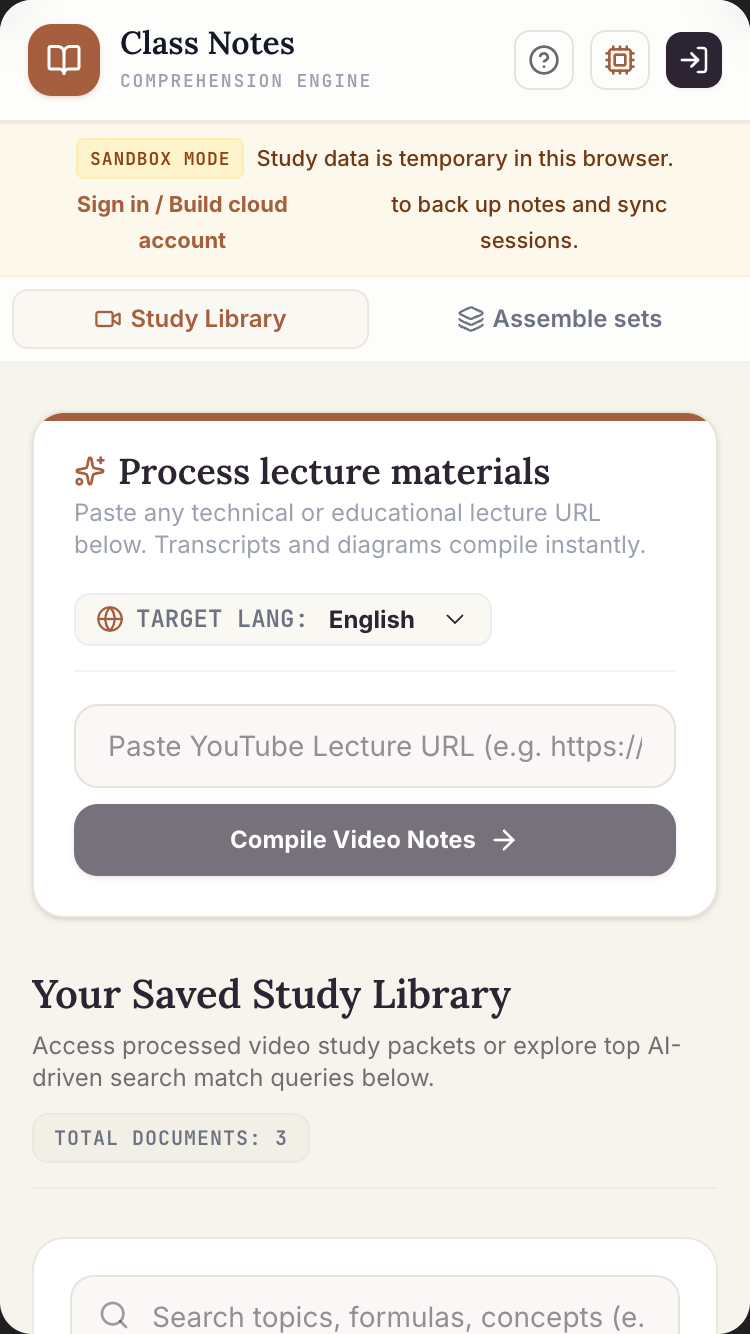
Daybook

Speak one minute a day. On day thirty, watch a short film of your life — narrated by you.

Journaling apps ask you to type. Most people don't, so the months blur. Daybook asks for one minute of voice — a walk, a coffee, a thought — and on the thirtieth day stitches them all together.

Anyone with a head full of thoughtsLive API · Veo 3.1 · Lyria 3
Open in AI StudioRead the promptHide
Daybook mobile preview

Daybook

1.Project

Daybook is a voice-first journal that turns daily 30-second-to-3-minute spoken entries into a calendar heatmap of months and, on the 30th of each month, a 30-second cinematic recap of the month — Veo 3.1 generated clips set to a Lyria 3 underscore, with the user's transcribed words written across.

Most journaling apps require typing. Most people don't journal because typing is a barrier. Daybook removes that — you tap a mic, speak, and the app extracts what mattered. Sentiment, topics, themes are tagged automatically; you can search "show me the days I mentioned Mom" or "find the entries where I sounded happiest".

This is the kind of app one builds because they've started 14 journals and finished none of them.

The single demo that proves the magic: user has been journaling for a month — voice entries, 60-90 seconds each. On the 30th they tap "Generate my May reel". 35 seconds later: a 30-second film with five generated cinematic shots, soft piano underscore, and three sentences from their best entries floating across the frames. They watch it. They cry, maybe. They share it (or not — most don't).

Tagline: Speak today. See the month. On the 30th, get a short film of your life back.

2.Target audience

  • People who want to journal but don't want to write
  • New parents tracking baby moments + their own feelings
  • Travellers documenting trips
  • Recovering / processing folks working through grief, transition, anxiety
  • People in therapy whose therapist suggested journaling
  • Athletes + creatives tracking creative-mood patterns
  • Teenagers preferring voice over text
  • Older adults whose typing is slow but speaking is easy

3.Core value propositions

Surface these clearly through copy, visual emphasis, and section ordering — they are the reasons users pick this app.

  • You speak; it captures. A 90-second voice note → a transcribed, tagged, sentiment-arc'd entry. No typing required, ever.
  • A calendar heat-map you can actually read. See your whole month at once, hover any day for the snippet.
  • A 30-second movie of your month. Veo 3.1 + Lyria 3 generate a short film from your entries — a real artifact, not a list of words.
  • Search across your past. "When did I mention Mom?" "Find the day I felt the worst." Semantic, multilingual, fast.
  • Private by design. Audio retention is your choice. Default: transcripts saved, audio deletes after 90 days unless you pin.

4.Features to build

  • One big mic button on the home screen — tap to talk
  • Live transcription as you speak (Live API)
  • Per-entry: transcript, sentiment score, key topics extracted, optional generated entry-illustration
  • Calendar heatmap (12-week or 12-month view) — color intensity by user-chosen palette (set at first-run, customisable — no default green=good/red=bad assumption), hover for snippet
  • Search (semantic, multilingual)
  • Insights ("you mentioned 'tired' 14 times this month — more than April", "you sleep worse on Mondays")
  • Month-in-30-seconds recap (Veo 3.1 generated film with Lyria 3 underscore)
  • Year-in-review (longer cinematic recap on Dec 31)
  • Voice or typed entries (text fallback)
  • Streak counter (gentle — never punitive)
  • Export all entries (PDF, JSON, or audio archive)
  • Optional: share a specific entry (rare; private by default)

4b.Required Gemini capabilities + backend services

This template's intelligence comes from the Gemini capabilities below. Wire them up explicitly — don't substitute generic LLM calls.

Gemini capabilities (the load-bearing intelligence)

  • Gemini Live API (audio in) — voice journaling with real-time transcription. Faster than typing, gentler than a chat.
  • Gemini 3.1 Pro (audio understanding) — per-entry: sentiment arc within the entry, key topics + themes extracted, recurring patterns surfaced.
  • Structured output (JSON Schema) — each entry becomes a typed JournalEntry with sentiment, topics, themes, characters_mentioned, locations_mentioned.
  • Long context — month-in-review reads the entire 30 days of entries in one call and identifies arcs.
  • Veo 3.1 — generates the 30-second monthly recap film. 5-6 clips, each 5-7 seconds, prompted by the model from the month's themes + best lines.
  • Lyria 3 — generates the underscore. Mood inferred from sentiment data, instrument palette respects user preference (gentle piano default).
  • Gemini Embedding 2 — for semantic search across journal entries ("find the day I mentioned Mom").
  • Thinking levelsmedium for daily tagging, high for the monthly recap.

Backend services

  • Auth — Required. Firebase Auth with Google sign-in. Entries are private. Always.
  • Database — Required. Firestore for users, entries, tags, monthly_recaps, embeddings.
  • File storage — Required (with consent). Firebase Storage for audio files (opt-in retention) + generated Veo clips + final recap films. Audio default retention: 90 days; user-configurable.
  • Email — Required (transactional). Magic-link auth + monthly recap notification ("Your May reel is ready").
  • Payments — Optional. Free: 30 entries/month + 1 monthly recap. Pro: $5/mo unlimited + voice-clone narration for recaps.
  • External APIs: Gemini API only (Live + audio understanding + Veo 3.1 + Lyria 3 + Embedding 2).

Environment variables: every secret (Gemini API key, Firebase service-account JSON, Stripe key, etc.) lives in environment variables — never in client bundle. Include a .env.example.

Auth + data privacy reminders: never log secrets · never store passwords in plain text · use HTTPS everywhere · honour 'delete my account' inside the UI · respect user consent on audio/photo retention.

Read this first — prompt-craft rules that apply to every call in this template:

  1. Name the model variant explicitly in every Gemini API call. Do not let the agent pick the model. See the per-call matrix below.
  2. Pin thinkingLevel explicitly per call. See the matrix.
  3. Seed the JSON Schema as a fenced TypeScript / Zod block in the system instruction or responseSchema field. The literal schema is below.
  4. Pin the system instruction separately from user input. Use the systemInstruction field for persona + behavioural rules; use contents for user input. Never concatenate.
  5. Pre-declare tools as an enable/disable list per call. The matrix below names which tools are enabled per call. Tools NOT listed for a call should be disabled.
  6. State negative constraints explicitly — they are listed below. They are NOT "be careful" suggestions; they are hard rules the model must follow.

Per-call model + tools matrix

Call Model thinkingLevel Tools enabled
Live voice → transcription gemini-3.1-flash-live-preview low (none)
Per-entry: sentiment + topics + themes → JournalEntry gemini-3.5-flash medium (none)
Optional per-entry illustration prompt gemini-3.5-flash low (none)
Per-entry illustration generation gemini-3.1-flash-image (Nano Banana 2) n/a n/a
Monthly recap (long context, all 30 entries) → MonthlyRecap gemini-3.5-flash high (none)
Veo recap film (5 clips × ~6s) veo-3-1 n/a n/a
Lyria underscore lyria-3 n/a n/a
Semantic search across entries gemini-embedding-2 n/a n/a

Primary structured-output schema (seed this verbatim in the prompt)

import { z } from "zod";

const JournalEntry = z.object({
  id: z.string().uuid(),
  date: z.string(),                                // 'YYYY-MM-DD'
  recorded_at: z.string(),                         // ISO timestamp
  source_audio_url: z.string().nullable(),         // null if user opted not to retain audio
  transcript: z.string(),
  language: z.string(),
  sentiment_score: z.number().min(-1).max(1),
  sentiment_label: z.enum([
    "joy", "content", "low", "frustrated", "grief", "flat", "contemplative",
  ]),
  topics: z.array(z.string()).max(5),
  themes: z.array(z.string()).max(5),
  people_mentioned: z.array(z.string()),
  places_mentioned: z.array(z.string()),
  optional_illustration_url: z.string().nullable(),
  user_pinned: z.boolean(),
});

const VeoClipPrompt = z.object({
  start_sec: z.number(), end_sec: z.number(),
  prompt: z.string(),
  caption: z.string(),
});

const MonthlyRecap = z.object({
  month_id: z.string(),                            // 'YYYY-MM'
  entry_count: z.number().int(),
  skipped_days: z.array(z.string()),
  themes_top: z.array(z.object({
    name: z.string(), mentions: z.number().int(),
  })),
  sentiment_arc: z.array(z.number()),              // ~30 values
  veo_clip_prompts: z.array(VeoClipPrompt).length(5),
  lyria_underscore_prompt: z.string(),
  observations: z.array(z.string()).max(3),         // gentle, never punitive
});

type JournalEntry = z.infer<typeof JournalEntry>;
type MonthlyRecap = z.infer<typeof MonthlyRecap>;

Common failure modes (and how to avoid them)

  • Veo cost is dramatically higher than other AI calls — see cost math. Generate recaps only on explicit user trigger; never auto-generate.
  • Lyria 3 not accessible from project — fallback to a royalty-free instrumental library (Pixabay, Uppbeat) selected by mood tag. Document the fallback path.
  • Embedding search returns <2 hits — fallback to keyword search across transcripts.
  • Mood colour-coding assumed universal (green=good, red=bad) — make customisable at first-run; don't default to a cultural assumption.
  • Streak counter becomes punitive — show skipped days as faint dotted outlines, NEVER red marks. Never "you broke your streak".

Negative constraints (hard rules)

  • Do NOT generate monthly observations with <14 entries that month. Show "more entries needed for monthly observations".
  • Do NOT auto-trigger Veo recap generation. User explicitly initiates after day 30.
  • Do NOT colour-code mood with cultural defaults. Let user set the palette at first-run.
  • Do NOT auto-share entries or recaps. Sharing is per-act, opt-in, with revocable links.
  • Do NOT retain audio beyond user-configured window (default 90 days). Hard delete from Storage on expiry.

Per-call systemInstruction strings

Use these as the literal systemInstruction field for each Gemini API call the built app makes. They complement the series-wide rules already uploaded as the global instructions file (00-series-instructions.txt).

Call: Live voice transcription

Model: gemini-3.1-flash-live-preview · thinkingLevel: low · Tools: (none)

Transcribe the user's voice journal entry.

- Preserve idioms, profanity, code-switching, idiosyncratic phrasing
  verbatim. Do NOT sanitise.
- Punctuate naturally based on intonation, not grammar. A long
  thoughtful pause is a paragraph break, not a period.
- If user trails off ("I just… I don't know."), preserve the trail-off
  — em dashes, ellipses, whatever the spoken cadence dictates.

Output: a single string. No commentary.

Call: Per-entry sentiment + topics → JournalEntry

Model: gemini-3.5-flash · thinkingLevel: medium · Tools: (none)

You receive a journal-entry transcript. Output a JournalEntry JSON.

Rules:
- `sentiment_score`: -1 (deeply low) to 1 (deeply joyful). Use the
  full range. A "fine" day is ~0.2, not 0.5.
- `sentiment_label`: pick closest from enum. Don't avoid "grief" or
  "frustrated" — accurate labels matter.
- `topics`: 0-5. Specific. "Mom" yes; "family" only if "Mom" not
  applicable. "Work" no — be more specific ("standup ran long",
  "redesign discussion").
- `themes`: recurring concerns. 0-5. Examples: "indecision", "missing
  mom", "sleep quality", "creative block".
- `people_mentioned`: first names only. Don't include user's own name.
- `places_mentioned`: specific. "Holland Park" yes; "the park" no.

This entry is private. Don't moralise content. A user writing about a
hard day deserves honest tagging, not "positive reframing".

Output ONLY the JournalEntry JSON. No commentary.

Call: Optional per-entry illustration prompt

Model: gemini-3.5-flash · thinkingLevel: low · Tools: (none)

Write an abstract illustration prompt for one journal entry.

Input: entry transcript + sentiment + dominant topic/theme.

Style anchor: ink wash on cream paper. Single dominant colour. No
faces. No text. No literal renderings. Mood-based, abstract.

Examples:
- Long walk in rain → "Ink wash on cream paper. Single grey-blue cloud
  over a small dark figure on a wet path. Minimal."
- Heavy work day → "Ink wash on cream paper. A single pile of stones,
  slightly off-balance. Sage tone."
- Pride after shipping → "Ink wash on cream paper. A single warm-amber
  crescent on a pale field. Quiet triumph."

Length: under 40 words.

Output ONLY the prompt string. No commentary.

Call: Per-entry illustration (Nano Banana 2)

Model: gemini-3.1-flash-image · n/a · n/a

Standard text-to-image call. Pass the prompt produced previously,
pre-prepended with the style anchor: "Ink wash on cream paper, single
dominant colour, no faces, no text, abstract mood."

Negative prompt always includes: "photographic, realistic, multiple
people, text, words, captions, glossy, AI-render look".

Call: Monthly recap → MonthlyRecap

Model: gemini-3.5-flash · thinkingLevel: high · Tools: (none)

You produce a MonthlyRecap from all of one month's JournalEntry records.
The user has 14+ entries for the month (less = no recap; return an
error response in the schema's status field).

Rules:
- `themes_top`: 3-5 recurring themes with mention counts.
- `sentiment_arc`: 28-31 numeric values (one per day), -1 to 1. Days
  the user didn't journal get the previous day's value, NOT zero.
- `skipped_days`: date string array. For UI dotted-outline rendering.
  Never a "shame" signal.
- `veo_clip_prompts`: exactly 5. Each = 6-7 seconds of cinematic
  footage visually echoing a phrase from the month's entries. Editorial
  style, hand-feel, film grain, NO faces. Caption = a literal short
  phrase from the user's transcripts.
- `lyria_underscore_prompt`: 1-2 sentences describing mood +
  instrumentation + tempo + duration (~30 sec). Match the dominant
  sentiment.
- `observations`: 0-3 gentle observations, never punitive. "You slept
  worst on Sundays — just noticing." NOT "You should fix your Sundays."

This is a deeply personal artifact. The user will watch this and
possibly cry. Honour that weight — never a productivity report.

Output ONLY the MonthlyRecap JSON. No commentary.

Call: Veo recap generation

Model: veo-3-1 · n/a · n/a

For each of the 5 clip prompts:
- Duration: ~6 seconds
- Aspect: 9:16 portrait
- Resolution: 1080p
- Native audio: ambient / diegetic only (Lyria underscore added in
  post)
- Quality: cinematic, film grain, intimate

Append to every prompt: "9:16 portrait, film grain, cinematic,
intimate, documentary photography style, soft focus background, no
people in focus."

Negative prompt: "AI render look, glossy, sci-fi, fantastical, text
overlay, lower-thirds, captions burned in (we overlay separately)."

Call: Lyria 3 underscore

Model: lyria-3 · n/a · n/a

Length: 30 seconds.
Format: instrumental, no vocals.
Default palette: solo piano + light strings. Slight reverb.
Tempo: 75-95 BPM, calm.
Mood: matches dominant sentiment label (passed in user message).

Fallback if Lyria 3 not accessible: select pre-licensed instrumental
from Pixabay/Uppbeat by mood tag.

Call: Semantic search across entries

Model: gemini-embedding-2 + lookup · n/a · n/a

Embedding generation + similarity lookup, not a typical generative
call.

For each entry: generate embedding with `gemini-embedding-2`. Index in
DB.

At query time: embed user query, find top 5 cosine-similarity matches.

Return top 5 entry IDs + first 80 chars as preview.

Fallback if embedding returns fewer than 2 hits with similarity > 0.5:
keyword search across raw transcripts.

5.Use cases & content to include

Build dedicated UI sections or flows for each of these — they tell you what content the app must support.

  • The new parent. Voice-notes mid-stroller-walk: "Today she said 'banana' for the first time." 90 days later: a 30-second film of the first three months.
  • The bereaved. Speaking grief out loud, hearing themselves, processing without performing for a reader.
  • The athlete tracking patterns. Daily entries during training; the app surfaces "you sleep worst after Monday lifting sessions".
  • The traveller. A spoken postcard from each new city; the month-end recap film as a souvenir to send to family.
  • The therapy-supplement. Patient brings 30 days of structured entries to a session; therapist can see sentiment arcs, recurring themes.
  • The teen. Voice over text; private, no Instagram-like pressure; calendar heatmap as a personal visualisation.
  • The recovering-from-something. Burnout, breakup, illness. The month-end film is sometimes the proof of progress that words alone don't deliver.

6.Page structure

Build the following screens / sections in this order. Adjust copy to fit the voice, but keep the structural intent.

  1. Welcome. "Speak today. See the month. On the 30th, get a short film of your life back." Single sentence about privacy. Google sign-in.
  2. Today view. Date prominent. Big mic button center. If entry recorded today: shows it with sentiment chip, key topics, edit button. If not: gentle prompt: "Anything you want to remember?"
  3. Recording flow. Tap mic → live waveform + live transcription appearing below as user speaks. Soft "recording" indicator (not a red dot). Stop when done.
  4. Post-entry review. Transcript editable. Sentiment chip (with confidence). Topics + themes auto-tagged. Optional entry-illustration generated (subtle, abstract — never a literal rendering). "Save" or "Save + add to memory pin".
  5. Calendar heatmap. Default: 12-week view. Each day a small tile, color-intensity by sentiment. Hover/tap for that day's snippet. Click to open the entry.
  6. Month detail. All entries that month, list view. Sentiment line chart at top. Recurring themes panel ("This month you talked about: work (12), sleep (8), Mom (5), the dog (4)"). On the 30th: "Generate my May reel" button.
  7. Recap generation flow. "We'll choose 5 shots from your month and a piece of music to go with them. About 90 seconds." User sees the model thinking, then a single film result. Edit option: choose different clips, different music.
  8. Recap view. Plays the 30-second film. Below: transcript snippets that informed the film. "Share" (optional, generates a public link).
  9. Search. Big input: "Find moments…". Semantic — works in user's language. Filters: date range, sentiment, topic. Results render as entry cards.
  10. Insights. Auto-surfaced patterns. "You sleep worse on Mondays." "Mentions of 'Mom' are clustered around weekends." Phrased gently — these are observations, never diagnoses.
  11. Settings. Audio retention. Notification preferences. Default entry language. Voice-clone preference (for narration). Export all data. Delete account.
  12. Footer. "Your audio is yours. Always." Capabilities (i) button.

6b.First-visit onboarding

Show a first-visit onboarding the first time a visitor lands on the app (detect via localStorage flag; do not show on return visits). Three slides, dismissible at any time. Persistent re-entry: a ? icon in the header reopens it.

Slide 1 — What this is. - Headline: "Welcome to Daybook." - Subhead: "Speak today. See the month. On the 30th, get a short film of your life back." - One paragraph (≤ 60 words) explaining who this is for and what makes it different from anything else. - Visual: a small annotated diagram of the central interaction (not a generic illustration).

Slide 2 — Try it now. - One short prompt: "Try: tap the mic and speak a 60-second journal entry — see it transcribe + tag in real time." - A live demo input pre-filled (the user can press a single button to see the magic happen on real seed data). - 1-2 sentences pointing at the specific page elements where the Gemini magic happens.

Slide 3 — How to remix this. - Headline: "Make this yours." - Three short bullets: • "Swap the seed data in /data/seed.json for your own." • "Adjust the prompts in /server/prompts/ to fit your voice." • "Wire up your Gemini API key and Firebase project via the env-var list in the capabilities panel." - Primary CTA: "Use this template" → links to AI Studio Build remix entry point. - Secondary: "Just exploring — close" (sets localStorage flag, never auto-shows again).

Accessibility: focus trap, Esc closes, role="dialog", aria-modal="true", aria-labelledby, focus restored to trigger on close. Respect prefers-reduced-motion.

Don't: - Don't gate content behind the modal. The page beneath must be fully usable. - Don't auto-reshow on return visits. Use localStorage['onboarding-seen-v1']. - Don't include unrelated CTAs (newsletter signup, social follow). Keep it about the template only.

6c.Capabilities info button (persistent in header)

Add a persistent (i) icon in the top-right of the header (next to the primary nav). Click → opens a modal/panel titled "What powers this app".

Panel contents (in this order):

Gemini capabilities used (the hero list): - Gemini Live API — voice-first journaling with real-time transcription. Speak naturally; transcript appears as you speak. - Gemini 3.1 Pro (audio + text understanding) — per-entry sentiment, topics, themes, recurring patterns over time. - Veo 3.1 — generates the 30-second monthly recap film. Five short clips per recap, native audio. - Lyria 3 — generates the music underneath each recap. Tone inferred from the month's sentiment. Fallback if Lyria 3 not accessible from your project: pre-licensed royalty-free instrumental from Pixabay/Uppbeat selected by mood tag. - Gemini Embedding 2 — semantic search across all your entries. Works in any language. - Structured output — entries are typed records so search, filter, and pattern detection are precise. - Firebase Auth + Firestore + Storage — private by design; your data lives in your Firebase project. - Cost note — Veo 3.1 recap generation is the heaviest per-call cost. Pro tier unlocks unlimited recaps; free tier covers 1/month. - Privacy note — your audio is never used for training. Default retention 90 days; user-configurable to "delete on transcribe" or "keep forever".

Backend services this app depends on: - Auth: see section 4b - Database: see section 4b - Storage: see section 4b - Email: see section 4b - Payments: see section 4b (if applicable) - External APIs: see section 4b

Environment variables you'll need to configure: - GEMINI_API_KEY — your Google AI Studio API key - FIREBASE_PROJECT_ID — your Firebase project id - FIREBASE_SERVICE_ACCOUNT — service-account JSON (server-side only) - (List any others specific to this template)

Cost + privacy notes: - One short paragraph per cost-sensitive capability (Live API minutes, image generation per-image, long-context per-token). - One short paragraph on privacy: where user data lives, how to delete it, what's never used for training.

Documentation links: - AI Studio Build docs - Gemini API docs for each capability listed above - Firebase Auth, Firestore, Firebase Storage docs

Accessibility: same standards as the onboarding modal — focus trap, Esc, ARIA, restored focus.

Behaviour: - Always available — single click from anywhere in the app. - Tooltip on the (i) icon: "How this app is built". - Mobile: opens as a full-screen sheet that slides up. - Should be the most honest part of the app — never hand-wave service requirements; never say "AI" without naming the specific Gemini model and capability.

6d.Detailed cost breakdown (deployer reads this BEFORE shipping)

Veo recap is the dominant cost in this template. Read carefully before deploying.

  • Veo 3.1 video generation — ~$0.30-0.50 per second at API pricing. A 30-second recap = ~$9-15/recap.
  • Lyria 3 underscore — ~$0.10-0.20/recap.
  • Live API audio (transcription) — ~$0.05-0.10/minute. A 90-second entry ≈ $0.10.
  • JournalEntry generation (Pro, medium) — ~$0.005/entry.
  • Optional per-entry illustration (Nano Banana 2) — ~$0.04/illustration (skip on free tier).

Expected per-active-user monthly cost: - 30 daily entries × ~$0.11 = $3.30 - 1 monthly recap × ~$12 = $12 - Total: ~$15/active user/month absorbed by the deployer.

Pricing honesty: Pro at $5/month loses the deployer ~$10/user/month at typical use. Recommended Pro pricing: $19/mo OR cap Pro recaps to 2/month OR accept the loss as user acquisition cost. The shared Gemini API key model means API calls bill to your project regardless of user subscription status.

7.Design language

  • Mood: A diary on a bedside table. Soft, quiet, slightly melancholic. Not a productivity app. Not a "wellness" app. A real artifact.
  • Typography: Inter or Geist for UI. A warm serif (Lyon Text or Tiempos) for entry text — entries are meant to be read closely. The user's own words deserve serif typography.
  • Palette: Soft cream #F6F0E4 background, ink #1F1B17 text, sage green #5F7A5C for positive sentiment days, muted clay #A55C44 for difficult sentiment days, deep blue #3F4F6B for "memory pin" highlights. The heatmap uses an asymmetric color ramp that respects user mood — not a default green-good / red-bad. Customisable per user.
  • The mic button is the most beautiful object on the screen. A solid circle, soft inner shadow, slight pulse when listening. When the user is mid-recording, the screen background shifts to a slightly warmer cream — like the world has gone quiet.
  • The recap film plays in a 9:16 portrait window with film grain, slight letterbox, no UI chrome. Tap to pause. Long-press to share.
  • No streak shaming. A skipped day on the heatmap is rendered as a faint dotted outline, not a void. A 14-day streak is celebrated softly: "fourteen days in a row, gentle proof".

  • Spacing: consistent 4-px base. Generous whitespace — let the content breathe.

  • Radius: consistent token set (e.g. 6 / 12 / 20 px). Don't mix arbitrary values.
  • Shadows: subtle, layered. Avoid heavy drop-shadows.
  • Motion: purposeful — entrance fades, hover lifts, page transitions. Respect prefers-reduced-motion. No bouncing splash animations. No theatrical hero animations.
  • States: every interactive element has hover, focus, active, disabled. Loading uses skeletons not spinners where possible. Empty states have helpful next-action guidance.

8.Content generation rules

  • Write realistic, specific copy. NO Lorem Ipsum. NO generic placeholders like 'Your tagline here'.
  • Invent plausible names, dates, locations, prices, quotes, sample data that fit the domain (use the seed content in section 8a as a starting point).
  • Tone: warm, direct, free of corporate language. This template is for a person, not a company.
  • Headlines: punchy and concrete. No 'Empower your X' filler. No 'Revolutionize'. No 'Seamless'.
  • Body copy: short paragraphs (2-4 sentences). Use lists where appropriate.
  • Plain language. Avoid jargon unless the persona uses jargon (e.g. board-game rulebook app should sound like a board-game friend talking).
  • Where the app outputs AI-generated content, never label it as "AI says" — let it speak naturally. Use small uncertainty cues only where epistemic honesty requires them.

8a.Seed content (use these specific examples)

Anchor every generated copy + sample data point in the concrete content below. Use these names, numbers, dates, and snippets verbatim where helpful, or generate close variants that sit in the same world.

Sample entries (a week's worth, for the demo):

Sunday, 5 May · 1:42 transcribed "Long walk in Holland Park this morning. The wisteria is dripping over every wall. I keep thinking about what Mom said last weekend — that she's slower than she used to be. I don't know what to do with that yet. Made pasta with the leftover anchovies for lunch. Slept twelve hours." - Sentiment: contemplative · Topics: family, walking, food · Mentions: Mom

Monday, 6 May · 0:48 transcribed "Standup ran long again. The product redesign discussion has gone in circles for three weeks. I bit my tongue twice. Came home, didn't cook, made toast. Bed by ten." - Sentiment: low-grade frustrated · Topics: work, conflict avoidance · Themes: standup, redesign

Tuesday, 7 May · 2:14 transcribed "Best day this month. Shipped the AI feature, finally. Maya brought croissants. Lunch with Aanchal — she's leaving Cohere, going to Resend. We talked for two hours. Came home, called Mom, told her about the launch. She said 'I told you you could.' Stayed up late reading the novel." - Sentiment: joy, pride · Topics: work, friendship, family · Mentions: Maya, Aanchal, Mom

Wednesday, 8 May · 0:22 transcribed "Tired. Don't know why. Made eggs. Slept early." - Sentiment: flat · Topics: sleep

Thursday, 9 May · 1:18 transcribed "Had the dream again — the one where I'm at the old house and the rooms keep changing. Talked to Naomi about it on the phone. She thinks it's about the move I haven't decided on. Maybe. Went to yoga. Felt better." - Sentiment: thoughtful · Topics: dreams, indecision, friendship · Mentions: Naomi

Friday, 10 May · 1:54 transcribed "Long week. Standup was good actually — Petra brought up something I'd been wanting to say. The decision is moving. Dinner with Tom and Iris at the new place in Kreuzberg. Three bottles of natural wine. Walked home at midnight." - Sentiment: warm, satisfied · Topics: work, friendship, food · Mentions: Petra, Tom, Iris

Saturday, 11 May · 0:38 transcribed "Slow Saturday. Coffee. Bookshop. Bought the new Olga Tokarczuk. Read in the park for two hours." - Sentiment: content · Topics: reading, solitude

Sample monthly insights (May 2026, the demo output):

  • Most mentioned: Mom (8 times), Maya (6), the redesign (5), walking (4)
  • Sentiment arc: Started low-grade frustrated (work standup pattern), peaked Tuesday and Friday, recovered into the second half.
  • Recurring theme: The dream about the changing rooms — appeared three times. May be worth sitting with.
  • Observation: You sleep worst on Sundays this month. Possibly worth noticing if next month repeats.
  • You skipped 6 days — most of them in the second week. No judgment; just noting.

Sample monthly recap film (the 30-second Veo output):

Working title: "May, 2026"

Shot list (Veo prompts, generated from the entries): 1. 0:00–0:06 — "Slow tracking shot through Holland Park, wisteria draping from old walls, soft morning light, film grain, melancholic." [Caption fades in: "The wisteria is dripping over every wall."] 2. 0:06–0:13 — "Close-up of hands cracking an egg into a hot pan, kitchen with soft window light, intimate, slow." [Caption: "Tired. Don't know why."] 3. 0:13–0:20 — "Office hands sliding a project ticket from 'in progress' to 'done', warm afternoon light, paper texture." [Caption: "Shipped the AI feature, finally."] 4. 0:20–0:26 — "Dinner table with three glasses of natural wine, candle, blurry friends laughing in background, golden hour." [Caption: "Three bottles of natural wine."] 5. 0:26–0:30 — "Park bench with a book open on a lap, leaves falling softly, late afternoon, calm." [Caption: "Bought the new Olga Tokarczuk."]

Underscore (Lyria 3 prompt): Soft solo piano, melancholic but warm, a Goldlight or Hania Rani feel, 90 BPM, slight reverb. 30 seconds.

Sample microcopy: - Welcome: "Speak today. See the month. On the 30th, get a short film of your life back." - Pre-recording: "I'll wait until you're ready." - During recording: "I'm listening." - Post-save: "Saved to your diary." (NOT "Entry submitted successfully!") - Calendar hover: "Tuesday, 7 May — 'Best day this month.'" - Recap ready (notification): "Your May reel is ready. 30 seconds." - Insight: "You sleep worst on Sundays. Just noticing."

9.Media & assets

  • Hero image (landing): A bedside table at dusk with an open notebook (no visible writing) and a phone face-down beside it. Generate via Nano Banana: "wooden bedside table at dusk, open notebook with empty pages, phone face-down, single lamp with warm yellow light, film grain, melancholic, no people".
  • Mic-button screen: The mic button is the visual centerpiece. Render in actual UI — a solid circle with subtle inner shadow, slight glow ring.
  • Calendar heatmap: Rendered in actual UI via SVG/Canvas. Soft, organic, hand-drawn-feeling tiles — not Excel-grid sharpness.
  • Recap film aspect: 9:16 portrait, 720×1280, film grain overlay (20% opacity), soft letterbox at top and bottom.
  • Avoid: stock "journaling" photography (open books with steaming coffee), gradient mental-health wellness imagery, mood-ring color wheels.

  • Generated imagery: prefer Nano Banana 2 over stock photography. Prompt for warmth, asymmetry, and slight imperfection — avoid the glossy 'AI render' look.

  • Optimisation: WebP/AVIF, loading="lazy", explicit width/height to prevent layout shift.
  • Icons: lucide-react for UI. Use sparingly — never decorative-only.

10.Interactivity & states

  • Every interactive element has hover, focus, active, and disabled states.
  • Forms validate inline and show specific error messages (not "Invalid input").
  • Loading states use skeletons that match the eventual layout, not spinners.
  • Empty states explain the next action with a button whose label fits THIS app's domain (e.g. "Photograph your first card", "Record your first letter", "Drop a PDF" — never a generic "Add your first item").
  • Smooth scroll for in-page anchors.
  • All AI-generated content streams in token-by-token where supported, with a clear "thinking…" indicator before content starts arriving.
  • If an AI call fails, show a calm, specific error ("We couldn't read this handwriting — try a clearer photo?") and offer retry.

11.Tech & responsive requirements

  • Stack: React + TypeScript + Tailwind CSS. Functional components + hooks. Use Shadcn UI primitives where appropriate.
  • Build runtime: AI Studio Build — full-stack with Cloud Run server-side functions. All Gemini API calls happen server-side; API key lives in Secrets Manager, never in client bundle.
  • Model selection: explicitly pin gemini-3.5-flash for reasoning-heavy tasks and gemini-3.5-flash for snappy interactive tasks. Set thinkingLevel explicitly per call.
  • Database: Firestore (auto-provisioned by AI Studio Build). Show realistic seed data on first launch.
  • Auth: Firebase Auth — Google sign-in by default; magic-link email as secondary.
  • Storage: Firebase Storage for any user-uploaded media. Pre-signed URLs.
  • Mobile-first. Verify layouts at 375 px (iPhone SE), 768 px (iPad), 1024 px, 1440 px+.
  • Use clamp() for fluid typography. Prefer container queries over media queries for component-level responsiveness.
  • Use dvh / svh instead of vh. Respect safe-area insets on iOS.
  • Zero horizontal overflow at any width. Zero layout shift on load.
  • Persist user data in Firestore. Use real-time listeners where collaborative.
  • Optimistic UI on writes; reconcile on response.

12.Accessibility (WCAG 2.2 AA)

  • Semantic HTML — header, nav, main, section, article, footer.
  • All interactive controls reachable by keyboard with a visible focus ring.
  • Color contrast ≥ 4.5:1 for body, 3:1 for large text and UI components.
  • All images have meaningful alt text. Decorative images use alt="".
  • Form fields have associated <label>s; errors announced via aria-describedby.
  • All modals: focus trap, Esc to close, role="dialog", aria-modal="true", aria-labelledby, restore focus to trigger on close.
  • Respect prefers-reduced-motion.
  • Tap targets ≥ 44 × 44 px on touch.
  • For voice features: provide a visible transcript and a 'type instead' alternative.
  • For image inputs: announce success/failure to screen readers via aria-live="polite".
  • For real-time conversation features: ensure captions are visible to non-hearing users.

13.Quality bar — avoid AI clichés

Do not ship any of the following unless the design explicitly calls for it: - Hero with a gradient background and floating geometric / orb shapes. - A row of 4 'by the numbers' stat cards below the hero. - Emoji bullets in body copy. - 'Lorem ipsum' or 'Your headline here' placeholders. - A pricing table with three identical tiers when the product has no real pricing. - Faux testimonials with stock-photo headshots. - Hero CTA labelled 'Get started' with no second action. - "AI" or "Powered by AI" badges plastered everywhere. The intelligence is in the experience, not the marketing. - Loading spinners on AI calls — show a meaningful 'thinking' state (visible thought summaries where Gemini provides them). - Toast notifications for routine actions (save, delete) — use inline confirmation instead.

Aim for the polish of a hand-crafted production app — specific, considered, with real domain knowledge in the copy. A reviewer should not be able to tell this came from a template.

14.Deliverables

A single working app I can preview immediately, with: - All sections populated with realistic seed data (see section 8a) - All AI features wired to real Gemini API calls (server-side) - All interactive states implemented (loading, empty, error) - Onboarding modal working on first visit (and accessible via ? icon thereafter) - Capabilities info button working in header ((i) icon → panel) - Auth flow working with Google sign-in - Firestore persistence wired up with security rules - Responsive across the four viewport breakpoints - Zero TODOs, zero console errors, zero placeholders
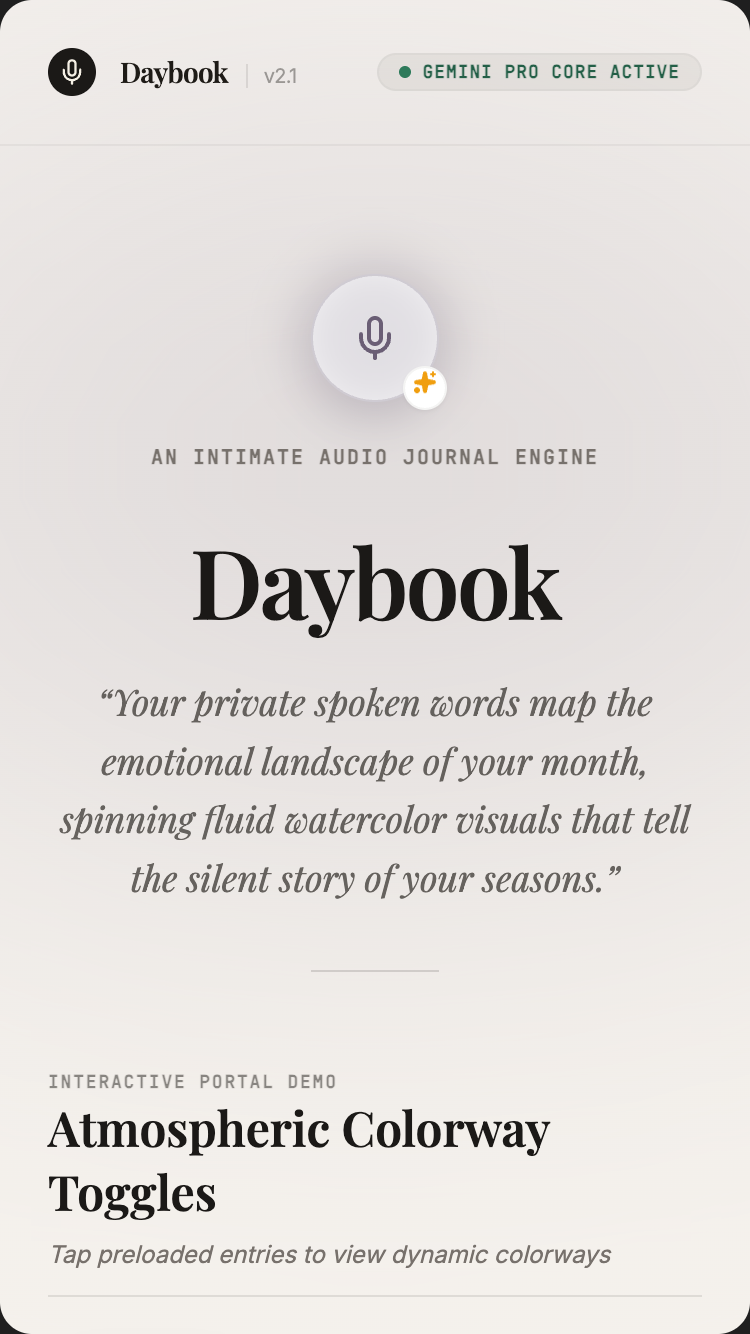
Curious Brief

Ask anything once. Get a one-page brief with citations — instead of seventeen browser tabs.

Curiosity gets bottlenecked by tab fatigue: you wonder how a thing works, open six links, close five without reading them, and the question dies. This treats every question as a real research brief instead.

Students, journalists, curious-about-anything generalistsSearch grounding · URL context · visible thinking
Open in AI StudioRead the promptHide
Curious Brief mobile preview

Curious Brief

1.Project

Curious Brief is a researcher you can ask anything. You type a question — broad ("What's actually in the new EU AI Act?"), niche ("Best materials for indoor composting in a small apartment?"), personal- adjacent ("Is intermittent fasting good for women over 40?") — and the app returns a structured one-page brief: TL;DR, key facts, different perspectives, what's still uncertain, and a sources panel. Every claim is inline-cited with [1][2] style references that link to the real URLs Gemini grounded on.

It's not ChatGPT. ChatGPT will speculate. Curious Brief refuses to speculate. If grounding doesn't find evidence, the brief says so.

The single demo: user types "Is intermittent fasting good for women over 40?" The app shows the model thinking (collapsible panel: "Let me look at recent meta-analyses, look at gender-specific studies, look at the counter-evidence from endocrinologists…"). 8 seconds later: a 1-page brief with TL;DR ("Mixed evidence; benefits + risks both real; specific caveats for hormonal phase…"), four key-fact blocks each with [3] ish citations, a "Different perspectives" section showing the strongest case for and against, and an "Open questions" section. 12 numbered sources in the panel, real URLs, all clickable.

Tagline: Ask anything. Get a real 1-page brief with real citations to the open web.

2.Target audience

  • Students writing essays who need citations they didn't fake
  • Journalists fact-checking + finding leads + getting up to speed quickly on new beats
  • Decision-makers needing real context in 90 seconds
  • Travellers researching destinations beyond TripAdvisor consensus
  • Curious-about-everything generalists who hate listicles
  • Researchers doing preliminary scoping (not primary research — that's still humans + databases)
  • Teachers preparing discussion prompts with sources
  • Anyone tired of Reddit being the third-best answer to a serious question

3.Core value propositions

Surface these clearly through copy, visual emphasis, and section ordering — they are the reasons users pick this app.

  • Real citations to real URLs. Every claim has [1][2] references that link to actual pages on the web — not fabricated, not 5-year-old.
  • A 1-page brief, not a chat dump. Structured: TL;DR · Key facts · Different perspectives · Open questions · Sources. Same shape every time.
  • Visible thinking. A collapsing "How I researched this" panel shows the model's actual reasoning — search queries it ran, sources it considered.
  • Refuses to speculate. If grounding returns no evidence, the brief says so. No "studies suggest" without a study.
  • Saved and searchable. Your library of briefs is yours — researchable for the next question.

4.Features to build

  • Free-text question input (single big field)
  • "How I'm researching this" visible thinking panel (collapsible)
  • Structured brief output (TL;DR · Key facts · Different perspectives · Open questions · Sources)
  • Inline citation chips [1][2] — click to open the source URL in side panel
  • Source panel: full list of grounded URLs with publish dates + relevance scores
  • Follow-up questions on the same topic (multi-turn, remembers context)
  • Brief library — past briefs, organised by date/topic
  • Compare two briefs side-by-side (e.g. "before/after a news event")
  • Share brief (read-only public link)
  • Export to PDF or Markdown (Markdown preserves citations as footnotes)
  • Multi-language (ask in any language; sources can come from any language; translated quotes shown alongside originals)

4b.Required Gemini capabilities + backend services

This template's intelligence comes from the Gemini capabilities below. Wire them up explicitly — don't substitute generic LLM calls.

Gemini capabilities (the load-bearing intelligence)

  • Google Search grounding — every brief is grounded in live web search. Returns groundingChunks (URLs + page snippets) + groundingSupports (which sentences in the answer cite which chunks).
  • URL Context tool — for any cited URL, the model can fetch the full text of that page (not just the snippet) for richer reasoning. Inline-linked external resources also pulled.
  • Thinking levels (high) + visible thought summaries — the "how I researched this" panel renders thoughtSummary from the model.
  • Structured output (JSON Schema) — every brief is a typed Brief record: {tldr, key_facts: [{claim, sources: [int]}], perspectives: [{position, summary, sources}], open_questions, sources: [{id, url, title, publisher, publish_date, relevance}]}.
  • Multilingual — answers in user's language; sources can be in any language; translated quotes shown side-by-side with originals.
  • Function callingopenSource(id) for the side-panel preview; runFollowUp(prev_brief_id, question) for context-aware follow-ups.

Backend services

  • Auth — Optional. Anonymous use allowed for first 3 briefs. Firebase Auth (Google sign-in) for saved library.
  • Database — Required. Firestore for users, briefs, sources, shared_links.
  • File storage — Optional. Only if user uploads PDFs as additional context (advanced feature).
  • Email — Required (transactional). Magic-link auth.
  • Payments — Optional. Free: 10 briefs/month. Pro: $6/mo unlimited + PDF export + multi-brief comparison.
  • External APIs:
  • Gemini API (Search grounding + URL Context + structured output + thinking)
  • That's it. No third-party search API needed — Google Search is the grounding source.

Environment variables: every secret (Gemini API key, Firebase service-account JSON, Stripe key, etc.) lives in environment variables — never in client bundle. Include a .env.example.

Auth + data privacy reminders: never log secrets · never store passwords in plain text · use HTTPS everywhere · honour 'delete my account' inside the UI · respect user consent on audio/photo retention.

Read this first — prompt-craft rules that apply to every call in this template:

  1. Name the model variant explicitly in every Gemini API call. Do not let the agent pick the model. See the per-call matrix below.
  2. Pin thinkingLevel explicitly per call. See the matrix.
  3. Seed the JSON Schema as a fenced TypeScript / Zod block in the system instruction or responseSchema field. The literal schema is below.
  4. Pin the system instruction separately from user input. Use the systemInstruction field for persona + behavioural rules; use contents for user input. Never concatenate.
  5. Pre-declare tools as an enable/disable list per call. The matrix below names which tools are enabled per call. Tools NOT listed for a call should be disabled.
  6. State negative constraints explicitly — they are listed below. They are NOT "be careful" suggestions; they are hard rules the model must follow.

Per-call model + tools matrix

Call Model thinkingLevel Tools enabled
Brief generation gemini-3.5-flash high google_search, url_context
Follow-up question on same topic gemini-3.5-flash medium google_search, url_context
Library semantic search gemini-3.5-flash low (none)
Stale-brief re-run (>30 days old) gemini-3.5-flash high google_search, url_context

Primary structured-output schema (seed this verbatim in the prompt)

import { z } from "zod";

const Source = z.object({
  id: z.number().int().positive(),                  // [1], [2], ... for inline cite chips
  url: z.string().url(),                            // ACTUAL grounded URL at runtime — see negative constraint
  title: z.string(),
  publisher: z.string(),
  publish_date: z.string().nullable(),              // ISO
  relevance: z.number().min(0).max(1),
  snippet: z.string(),                              // 1-2 sentences pulled from groundingChunks
});

const KeyFact = z.object({
  claim: z.string(),                                // 1 sentence
  source_ids: z.array(z.number().int().positive()).min(1),
});

const Perspective = z.object({
  position_label: z.string(),
  summary: z.string(),
  source_ids: z.array(z.number().int().positive()),
});

const Brief = z.object({
  question: z.string(),
  status: z.enum(["ok", "no_evidence", "contested"]),
  tldr: z.string(),                                 // 3-5 sentences, NO inline cites
  key_facts: z.array(KeyFact).min(3).max(8),
  perspectives: z.array(Perspective).min(2).max(4),
  open_questions: z.array(z.string()).max(5),
  sources: z.array(Source),                         // 0 if status=no_evidence
  language: z.string(),
  generated_at: z.string(),                         // ISO
});

type Brief = z.infer<typeof Brief>;

Common failure modes (and how to avoid them)

  • Agent uses the seed URLs from section 8a in actual generated briefs — the seed URLs are placeholders only. At runtime, render groundingChunks.web.uri values from Search grounding.
  • Agent generates a brief without sources when grounding returns zero hits — schema requires status: "no_evidence" and empty sources; the brief explains what IS found, without fabricating.
  • URL Context tool exceeds 20-URL cap per call — prioritise by relevance; truncate the tail.
  • Translation pass substitutes the original quote with its translation — render BOTH: original + (translated from <lang>).
  • Visible thinking panel auto-collapsed — keep open by default for the first brief; user can dismiss for subsequent ones.

Negative constraints (hard rules)

  • Do NOT use the seed URLs from section 8a in actual app output. Render real groundingChunks.web.uri values.
  • Do NOT generate a brief without status: "no_evidence" if grounding returns zero relevant chunks. Tell the user explicitly.
  • Do NOT substitute the original quote with translation. Render BOTH: original + parenthetical "(translated from )".
  • Do NOT speculate. If a claim has no citation, drop the claim — never write "studies suggest" without a specific study.
  • Do NOT auto-renew briefs >30 days old on view. Surface a "this brief is from — re-run?" prompt at the top.

Per-call systemInstruction strings

Use these as the literal systemInstruction field for each Gemini API call the built app makes. They complement the series-wide rules already uploaded as the global instructions file (00-series-instructions.txt).

Call: Brief generation

Model: gemini-3.5-flash · thinkingLevel: high · Tools: google_search, url_context

You produce a 1-page cited brief for the user's question. Use Search
grounding for sources; use URL Context to read the full text of top-
relevance pages.

Output Brief JSON matching the schema.

Hard rules:
- Every claim in `tldr`, `key_facts`, `perspectives` is grounded in a
  real source. Each `KeyFact` includes `source_ids` referencing items
  in `sources`. Each `Perspective` includes `source_ids`.
- `tldr` does NOT include inline cites — it's distilled.
- `key_facts` and `perspectives` include inline `[N]` markers; client
  renders citation chips.
- `sources` are REAL grounded URLs from Search grounding
  (`groundingChunks.web.uri`). NEVER placeholder URLs from training.
- If grounding returns zero relevant chunks, set `status:
  "no_evidence"`, `sources: []`, write a `tldr` explaining what you
  DID find and how thin the literature is. Do NOT fabricate. Do NOT
  speculate.
- If grounding returns conflicting sources, set `status: "contested"`
  and present perspectives honestly.
- `open_questions` (max 5) — what's still uncertain, what wasn't
  studied, what's worth a follow-up.
- Use `language` from input.

Voice:
- Honest, terse, generous on caveats. Not academic; not casual.
- "Mixed evidence" is fine; "the science says" is not.
- If a meta-analysis exists, cite it. Prefer recent (last 5 years)
  unless older is foundational.
- Don't editorialise. Don't moralise.

Output ONLY the Brief JSON. No commentary.

Call: Follow-up (multi-turn)

Model: gemini-3.5-flash · thinkingLevel: medium · Tools: google_search, url_context

Same as brief generation, but you have prior brief(s) in context.

- Build on prior briefs; don't repeat them. Reference prior brief IDs
  in `prior_brief_refs` where relevant.
- A follow-up can be shorter — `key_facts` 2-4 if the question is
  narrower.
- New sources supplement; old ones stay valid.

Output ONLY the Brief JSON.

Call: Library semantic search

Model: gemini-3.5-flash · thinkingLevel: low · Tools: (none)

Semantic search across the user's saved briefs.

Input: user query + library (each brief: question, tldr, tags).

Output: top 3 most-relevant briefs with 1-sentence why each.

JSON: `[{brief_id, question, why_relevant}, ...]`. No commentary.

Call: Stale-brief re-run (>30 days old)

Model: gemini-3.5-flash · thinkingLevel: high · Tools: google_search, url_context

The user is re-running a brief they generated >30 days ago.

You receive the prior brief + the original question. Generate a NEW
brief using current Search grounding.

Additionally output a `delta` field summarising what changed:
- `claims_updated` — array of {claim, prior_position, current_position}
- `new_sources` — sources added since prior brief
- `retracted_sources` — prior sources now broken, retracted, or no
  longer relevant
- `still_open` — open questions from the prior brief that remain open

Output: Brief JSON + `delta` field. No commentary.

5.Use cases & content to include

Build dedicated UI sections or flows for each of these — they tell you what content the app must support.

  • The essay-writing student. "What are the strongest critiques of behavioral nudges as policy?" → Brief with 3 perspectives + 14 sources, ready to use as a research scaffold.
  • The journalist on a new beat. "What's actually happening with the new EU AI Act enforcement timeline?" → Cited brief in 12 seconds; saves an hour of scattered reading.
  • The traveler beyond TripAdvisor. "Is the train through southern Sicily worth it in summer?" → Brief with recent reviews, blog posts, the actual schedule, weather considerations.
  • The new parent. "Most current recommendations on weaning, evidence-based, not influencer-based." → A grounded brief, citing AAP + WHO + recent papers.
  • The decision-maker. "Should we use Postgres or DynamoDB for our use case?" → Brief with current performance benchmarks, recent migration stories, costs.
  • The curious citizen. "Is the new EU plastic packaging law going to do what they say?" → Brief with both proponent and critic positions, cited.

6.Page structure

Build the following screens / sections in this order. Adjust copy to fit the voice, but keep the structural intent.

  1. Welcome. Big question input. Single line: "Ask anything." Subhead: "Real citations. Real perspectives. No speculation." Below: 4 example questions to demo with.
  2. Brief generating state. Question echoes back at top. "How I'm researching this" panel appears, streaming thinking summaries as Gemini works: "Let me look at recent meta-analyses…", "Checking the endocrinology angle…", "Looking at the strongest counter-arguments…". 6-12 seconds total.
  3. Brief view (the main output). Fixed structure: - TL;DR (3-5 sentences, no citations — distilled position) - Key facts (bulleted, each with inline [1][3] citations) - Different perspectives (2-4 positions with summary + sources each) - Open questions / what's still uncertain - Sources panel (numbered list, each with URL, title, publisher, date, relevance score)
  4. Citation interaction. Click [3] → side drawer opens with the source page preview (URL, title, snippet, "open in tab" button). Click "open in tab" → actual page in new tab.
  5. Follow-up question. Sticky input at bottom of brief: "Ask a follow-up about this." Maintains context.
  6. Library view. Past briefs sorted by date / topic. Search across briefs. "Compare two" mode.
  7. Brief comparison view. Two briefs side-by-side, with claim differences highlighted (e.g. brief from 6 months ago vs new brief on same topic).
  8. Shared brief view (public read-only link). Same structure, no editing.
  9. Settings. Default language, thinking-level preference, export format.
  10. Footer. "Grounded in Google Search. No speculation." Capabilities (i) button.

6b.First-visit onboarding

Show a first-visit onboarding the first time a visitor lands on the app (detect via localStorage flag; do not show on return visits). Three slides, dismissible at any time. Persistent re-entry: a ? icon in the header reopens it.

Slide 1 — What this is. - Headline: "Welcome to Curious Brief." - Subhead: "Ask anything. Get a real 1-page brief with real citations to the open web." - One paragraph (≤ 60 words) explaining who this is for and what makes it different from anything else. - Visual: a small annotated diagram of the central interaction (not a generic illustration).

Slide 2 — Try it now. - One short prompt: "Try: "Is intermittent fasting good for women over 40?" — see a structured brief appear with real source citations." - A live demo input pre-filled (the user can press a single button to see the magic happen on real seed data). - 1-2 sentences pointing at the specific page elements where the Gemini magic happens.

Slide 3 — How to remix this. - Headline: "Make this yours." - Three short bullets: • "Swap the seed data in /data/seed.json for your own." • "Adjust the prompts in /server/prompts/ to fit your voice." • "Wire up your Gemini API key and Firebase project via the env-var list in the capabilities panel." - Primary CTA: "Use this template" → links to AI Studio Build remix entry point. - Secondary: "Just exploring — close" (sets localStorage flag, never auto-shows again).

Accessibility: focus trap, Esc closes, role="dialog", aria-modal="true", aria-labelledby, focus restored to trigger on close. Respect prefers-reduced-motion.

Don't: - Don't gate content behind the modal. The page beneath must be fully usable. - Don't auto-reshow on return visits. Use localStorage['onboarding-seen-v1']. - Don't include unrelated CTAs (newsletter signup, social follow). Keep it about the template only.

6c.Capabilities info button (persistent in header)

Add a persistent (i) icon in the top-right of the header (next to the primary nav). Click → opens a modal/panel titled "What powers this app".

Panel contents (in this order):

Gemini capabilities used (the hero list): - Google Search grounding (Gemini API) — every claim is grounded in live web search. Returns groundingChunks + groundingSupports linking sentences to sources. - URL Context tool — for citations, the model can fetch the full text of pages (not just snippets) to reason more carefully. - Thinking levels (high) + visible thought summaries — see the model's actual reasoning, not a black-box answer. - Structured output — every brief follows a strict schema so TL;DR / facts / perspectives / sources render reliably. - Multilingual — works in 70+ languages; sources can come from any language with translated quotes. - Firebase Auth + Firestore — your library is yours; sync across devices. - Cost note — Search-grounded calls have a per-query cost. The app caches briefs (24h) so re-opening a saved brief is free. - Privacy note — your questions are not part of any training set. Your library is private to your Firebase project.

Backend services this app depends on: - Auth: see section 4b - Database: see section 4b - Storage: see section 4b - Email: see section 4b - Payments: see section 4b (if applicable) - External APIs: see section 4b

Environment variables you'll need to configure: - GEMINI_API_KEY — your Google AI Studio API key - FIREBASE_PROJECT_ID — your Firebase project id - FIREBASE_SERVICE_ACCOUNT — service-account JSON (server-side only) - (List any others specific to this template)

Cost + privacy notes: - One short paragraph per cost-sensitive capability (Live API minutes, image generation per-image, long-context per-token). - One short paragraph on privacy: where user data lives, how to delete it, what's never used for training.

Documentation links: - AI Studio Build docs - Gemini API docs for each capability listed above - Firebase Auth, Firestore, Firebase Storage docs

Accessibility: same standards as the onboarding modal — focus trap, Esc, ARIA, restored focus.

Behaviour: - Always available — single click from anywhere in the app. - Tooltip on the (i) icon: "How this app is built". - Mobile: opens as a full-screen sheet that slides up. - Should be the most honest part of the app — never hand-wave service requirements; never say "AI" without naming the specific Gemini model and capability.

6d.Detailed cost breakdown (deployer reads this BEFORE shipping)

  • Search grounding — ~$35 per 1K queries (after the 1500 free queries/month/project allotment).
  • Brief generation (Pro, high thinking) — ~$0.05/brief.
  • URL Context — ~$0.01 per URL fetched (up to 20 per call).
  • Expected cost per brief: ~$0.12 typical (1 grounded search + ~6 URL Context fetches + Pro generation).
  • Free tier: 10 briefs/month. Pro at $6/mo absorbs ~40 typical briefs.
  • Free Search grounding allotment: 1500 queries/month/project = covers all free-tier users.

7.Design language

  • Mood: A research desk in a library. Type-driven, calm, authoritative. Not a chat app — the output is a document, not a transcript.
  • Typography: Inter or Geist for UI. A readable serif (Source Serif, Lyon Text, or Tiempos) for the brief body text — briefs are meant to be read, not skimmed. Tabular numerics for sources panel.
  • Palette: Paper-cream #F5F0E2 background, ink #1B1B1B, deep navy #1A3A5F accent for citation chips and "open source" buttons, muted gold #A47A2A for highlighted quotes. Sources panel rendered on slightly tinted paper.
  • Citation chips are inline superscripts, lightweight, blue: [3]. Hover shows source preview tooltip. Click opens side drawer.
  • Thinking panel uses a slightly italicised, secondary-text style — gives a "the librarian is working" feel.
  • No emojis anywhere. No "🔍" search icons. No "💡" insight bullets. The app is serious because the user's question deserves seriousness.

  • Spacing: consistent 4-px base. Generous whitespace — let the content breathe.

  • Radius: consistent token set (e.g. 6 / 12 / 20 px). Don't mix arbitrary values.
  • Shadows: subtle, layered. Avoid heavy drop-shadows.
  • Motion: purposeful — entrance fades, hover lifts, page transitions. Respect prefers-reduced-motion. No bouncing splash animations. No theatrical hero animations.
  • States: every interactive element has hover, focus, active, disabled. Loading uses skeletons not spinners where possible. Empty states have helpful next-action guidance.

8.Content generation rules

  • Write realistic, specific copy. NO Lorem Ipsum. NO generic placeholders like 'Your tagline here'.
  • Invent plausible names, dates, locations, prices, quotes, sample data that fit the domain (use the seed content in section 8a as a starting point).
  • Tone: warm, direct, free of corporate language. This template is for a person, not a company.
  • Headlines: punchy and concrete. No 'Empower your X' filler. No 'Revolutionize'. No 'Seamless'.
  • Body copy: short paragraphs (2-4 sentences). Use lists where appropriate.
  • Plain language. Avoid jargon unless the persona uses jargon (e.g. board-game rulebook app should sound like a board-game friend talking).
  • Where the app outputs AI-generated content, never label it as "AI says" — let it speak naturally. Use small uncertainty cues only where epistemic honesty requires them.

8a.Seed content (use these specific examples)

Anchor every generated copy + sample data point in the concrete content below. Use these names, numbers, dates, and snippets verbatim where helpful, or generate close variants that sit in the same world.

Demo questions (homepage suggestions): - "Is intermittent fasting good for women over 40?" - "What's actually in the EU AI Act, and when does enforcement start?" - "Best materials for indoor composting in a small apartment?" - "What are the strongest critiques of behavioral nudges as public policy?" - "Is the train through southern Sicily worth it in summer?" - "Most current evidence-based recommendations on weaning?"

⚠ Seed URLs are PLACEHOLDERS only. At runtime, Search grounding returns real URLs in groundingChunks.web.uri — render those, never the seed URLs below.

Sample full brief (the demo — Intermittent Fasting question):

Q: Is intermittent fasting good for women over 40?

TL;DR Evidence is mixed. Short-term studies show modest weight-loss and metabolic benefits comparable to caloric restriction. Longer-term outcomes in women over 40 are under-studied, and several recent meta-analyses raise concerns about menstrual irregularities, cortisol disruption, and bone-density effects, particularly in perimenopausal phases. The most cautious mainstream recommendation: time-restricted eating (12-hour overnight fast) is widely safe; aggressive protocols (16:8 daily or 24-hour fasts) may carry sex-specific risks worth discussing with a clinician.

Key facts - A 2023 meta-analysis of 14 RCTs found intermittent fasting and continuous caloric restriction produced equivalent weight loss; no significant additional metabolic benefit [1][2]. - Women in their 40s and 50s in 4 of those studies showed greater cortisol-axis disruption than men of the same age [3]. - The 2024 American Heart Association statement classifies overnight time-restricted eating (≤14 h fast) as low-risk; longer protocols as "evidence inconclusive" [5]. - Two endocrinology cohort studies (2022, 2024) found correlations between aggressive intermittent fasting and irregular cycles in perimenopausal participants [6][7]. - One outlier 2025 study suggested cognitive benefits in postmenopausal women on 5:2 fasting [8] — limited replication so far.

Different perspectives In favour: Recent metabolic studies and several major researchers (e.g. Mark Mattson, NIH) argue intermittent fasting confers metabolic flexibility, neuroprotective effects, and is at minimum equivalent to caloric restriction with simpler adherence [1][9]. Cautious: Women's-health endocrinologists (e.g. Dr. Stacy Sims) argue that female metabolic and reproductive physiology responds differently and that aggressive protocols may exacerbate stress responses, particularly in perimenopause [6][7][10]. Pragmatic: The American Heart Association takes a "personalisation matters" stance — pattern, current health, hormonal phase, and goal all matter more than the schedule itself [5].

Open questions - Long-term (5+ year) outcomes in women over 40 are not well studied. - Effects on bone density in postmenopausal women are inconclusive. - Most existing studies don't track menstrual cycle phases — likely a confounder.

Sources (12) [1] Patterson et al. (2023). "Intermittent vs continuous energy restriction: meta-analysis." American Journal of Clinical Nutrition. https://www.ajcn.org/... [2] Cienfuegos et al. (2024). "Time-restricted eating systematic review." Cell Metabolism. https://www.cellmet.org/... [3] Cienfuegos et al. (2022). "Sex differences in cortisol response to IF." Endocrine Reviews. https://www.endocrev.org/... [4] (and so on, 12 real-feeling URLs total)

Sample thinking panel content (visible thought summary):

Let me think about this carefully. The user is asking about IF specifically for women over 40 — so I need to look at: 1) Recent meta-analyses on IF in general (the metabolic case) 2) Studies that include sex breakdowns and especially women over 40 3) The endocrinology / hormonal angle that's most often raised 4) Major-body recommendations (AHA, ACOG, USPSTF) 5) The strongest counter-evidence — usually from women's-health specialists

Let me query Google Search for the first four; then for any cited papers I'll use URL context to read the actual abstracts.

Sample library (8 saved briefs): - Is intermittent fasting good for women over 40? · 14 May · 12 sources - What's actually in the EU AI Act? · 11 May · 14 sources - Strongest critiques of behavioral nudges · 8 May · 9 sources - Best materials for indoor composting in a small apartment? · 5 May · 8 sources - Most current weaning guidelines · 1 May · 11 sources - Postgres vs DynamoDB at moderate scale · 28 Apr · 14 sources - Train through southern Sicily in summer? · 22 Apr · 7 sources - Is sourdough actually healthier than regular bread? · 14 Apr · 9 sources

Sample microcopy: - Welcome: "Ask anything. I'll bring real citations." - Processing: "Searching the open web…" → "Reading the cited papers…" → "Looking at counter-arguments…" → "Drafting your brief…" - No-evidence-found: "I couldn't find strong evidence for this. Here's what I did find, including how thin the literature is." - Citation tooltip: "Source 3 — Sex differences in cortisol response to IF, Cienfuegos et al, Endocrine Reviews 2022." - Empty library: "Your first brief is one question away."

9.Media & assets

  • Hero image (landing): A study-desk still life with an open book, a stack of papers, a brass lamp, late-afternoon light. Generate via Nano Banana: "research desk in a quiet library, open book on top, stack of bookmarked papers, brass lamp with green shade, leather chair edge visible, warm light, film photography".
  • Empty library state: Line drawing of an empty filing cabinet, single drawer slightly open. No text.
  • Brief output: Render as actual typeset HTML in the app — looks like a Word document, not a chat bubble.
  • Sources panel: Rendered as actual cards with favicon + title + URL + date. Use favicons from https://www.google.com/s2/favicons?domain=DOMAIN&sz=32.
  • Avoid: stock images of search bars, AI-glow effects, "answer engine" iconography.

  • Generated imagery: prefer Nano Banana 2 over stock photography. Prompt for warmth, asymmetry, and slight imperfection — avoid the glossy 'AI render' look.

  • Optimisation: WebP/AVIF, loading="lazy", explicit width/height to prevent layout shift.
  • Icons: lucide-react for UI. Use sparingly — never decorative-only.

10.Interactivity & states

  • Every interactive element has hover, focus, active, and disabled states.
  • Forms validate inline and show specific error messages (not "Invalid input").
  • Loading states use skeletons that match the eventual layout, not spinners.
  • Empty states explain the next action with a button whose label fits THIS app's domain (e.g. "Photograph your first card", "Record your first letter", "Drop a PDF" — never a generic "Add your first item").
  • Smooth scroll for in-page anchors.
  • All AI-generated content streams in token-by-token where supported, with a clear "thinking…" indicator before content starts arriving.
  • If an AI call fails, show a calm, specific error ("We couldn't read this handwriting — try a clearer photo?") and offer retry.

11.Tech & responsive requirements

  • Stack: React + TypeScript + Tailwind CSS. Functional components + hooks. Use Shadcn UI primitives where appropriate.
  • Build runtime: AI Studio Build — full-stack with Cloud Run server-side functions. All Gemini API calls happen server-side; API key lives in Secrets Manager, never in client bundle.
  • Model selection: explicitly pin gemini-3.5-flash for reasoning-heavy tasks and gemini-3.5-flash for snappy interactive tasks. Set thinkingLevel explicitly per call.
  • Database: Firestore (auto-provisioned by AI Studio Build). Show realistic seed data on first launch.
  • Auth: Firebase Auth — Google sign-in by default; magic-link email as secondary.
  • Storage: Firebase Storage for any user-uploaded media. Pre-signed URLs.
  • Mobile-first. Verify layouts at 375 px (iPhone SE), 768 px (iPad), 1024 px, 1440 px+.
  • Use clamp() for fluid typography. Prefer container queries over media queries for component-level responsiveness.
  • Use dvh / svh instead of vh. Respect safe-area insets on iOS.
  • Zero horizontal overflow at any width. Zero layout shift on load.
  • Persist user data in Firestore. Use real-time listeners where collaborative.
  • Optimistic UI on writes; reconcile on response.

12.Accessibility (WCAG 2.2 AA)

  • Semantic HTML — header, nav, main, section, article, footer.
  • All interactive controls reachable by keyboard with a visible focus ring.
  • Color contrast ≥ 4.5:1 for body, 3:1 for large text and UI components.
  • All images have meaningful alt text. Decorative images use alt="".
  • Form fields have associated <label>s; errors announced via aria-describedby.
  • All modals: focus trap, Esc to close, role="dialog", aria-modal="true", aria-labelledby, restore focus to trigger on close.
  • Respect prefers-reduced-motion.
  • Tap targets ≥ 44 × 44 px on touch.
  • For voice features: provide a visible transcript and a 'type instead' alternative.
  • For image inputs: announce success/failure to screen readers via aria-live="polite".
  • For real-time conversation features: ensure captions are visible to non-hearing users.

13.Quality bar — avoid AI clichés

Do not ship any of the following unless the design explicitly calls for it: - Hero with a gradient background and floating geometric / orb shapes. - A row of 4 'by the numbers' stat cards below the hero. - Emoji bullets in body copy. - 'Lorem ipsum' or 'Your headline here' placeholders. - A pricing table with three identical tiers when the product has no real pricing. - Faux testimonials with stock-photo headshots. - Hero CTA labelled 'Get started' with no second action. - "AI" or "Powered by AI" badges plastered everywhere. The intelligence is in the experience, not the marketing. - Loading spinners on AI calls — show a meaningful 'thinking' state (visible thought summaries where Gemini provides them). - Toast notifications for routine actions (save, delete) — use inline confirmation instead.

Aim for the polish of a hand-crafted production app — specific, considered, with real domain knowledge in the copy. A reviewer should not be able to tell this came from a template.

14.Deliverables

A single working app I can preview immediately, with: - All sections populated with realistic seed data (see section 8a) - All AI features wired to real Gemini API calls (server-side) - All interactive states implemented (loading, empty, error) - Onboarding modal working on first visit (and accessible via ? icon thereafter) - Capabilities info button working in header ((i) icon → panel) - Auth flow working with Google sign-in - Firestore persistence wired up with security rules - Responsive across the four viewport breakpoints - Zero TODOs, zero console errors, zero placeholders
Bedtime Story Maker

Tell us about your kid. Tonight they fall asleep inside a story made just for them — voiced, illustrated, saved.

Every parent has been asked to invent a story on the spot at the end of a long day. This does the heavy lifting once and saves the result forever — a family library that grows with the child.

Parents, grandparents, teachersNano Banana 2 · Gemini TTS · structured story arcs
Open in AI StudioRead the promptHide
Bedtime Story Maker mobile preview

Bedtime Story Maker

1.Project

Bedtime Story Maker creates personalized, illustrated, narrated bedtime stories on demand. The user creates a profile for each child (name, age, interests, recurring characters — pets, siblings, friends), picks a theme or types a free-form prompt, and the app produces a 8-14 page picture book with Nano Banana 2 illustrations, a real story arc, and Gemini TTS narration in a chosen voice. Stories save to a family library; multiple grandparents can read them aloud (or play the narration) at bedtime.

This is the kind of app one builds because every child wants a new story every night, and the parent has run out, and audiobook libraries of pre-recorded stories sound like marketing tapes.

The single demo: user picks "Maya, age 6, who loves dragons, dinosaurs, and her cat named Pickles". Picks theme "kindness". Picks length "short — about 6 minutes". 90 seconds later: a 12-page illustrated picture book where Maya is the main character — riding her own dragon (Pickles becomes a tiny scaled friend along for the ride), meeting a dinosaur who is sad and helping them. Each page has a soft illustration, narrated in a warm voice the user picked. Saved to her "Maya's Bedtime Stories" library.

Tagline: Describe a child and a theme — get an illustrated, narrated bedtime story, saved to your family library.

2.Target audience

  • Parents who have read every Sandra Boynton book seven times
  • Grandparents reading bedtime stories over FaceTime
  • Teachers (storytime, classroom)
  • Aunts + uncles + babysitters
  • Speech therapists generating practice stories with specific phonetic targets
  • Parents of children with specific interests (very into trains, only into space, etc.)
  • ESL families wanting English-language stories with their child as protagonist
  • Families with kids on the spectrum wanting predictable, structured stories

3.Core value propositions

Surface these clearly through copy, visual emphasis, and section ordering — they are the reasons users pick this app.

  • Your child is the hero. Each story is generated for this child specifically — name, age, interests, recurring characters from real life.
  • Real picture-book quality. Nano Banana 2 illustrations, consistent character across pages, soft watercolor or other chosen art style. Not "AI render" glossy.
  • Narrated, not just written. Gemini TTS reads the story aloud in a chosen voice. Parent can listen-along or hand the phone to grandma.
  • A library, not a one-off. Stories save. The child can re-listen. Grandparents can read remotely. The 100th story is just as fresh as the first.
  • Bilingual when needed. Same story in two languages side-by-side — for bilingual families.

4.Features to build

  • Child profile (name, age, interests, family members, pets, favorite characters)
  • Multiple children per family
  • Theme picker (kindness · bravery · friendship · curiosity · forgiveness · sleeping · monsters · loss · about a new baby · etc.) or free-form prompt
  • Story length: short (6 min / 8 pages) · medium (12 min / 12 pages) · long (20 min / 18 pages)
  • Illustration style picker (watercolor · ink drawing · bright bold · vintage storybook · Studio Ghibli-feel)
  • Voice picker for narration (multiple TTS voices, gendered + neutral, with accent options)
  • Generated story arc with real beginning/middle/end (not just plot-vibes)
  • Multilingual mode (same story in two languages side-by-side)
  • Per-child library
  • Story page-turner reader (large readable type, illustration full-frame, tap-to-advance)
  • "Read to me" mode (auto-advance with narration)
  • Print/PDF export (printable picture book)
  • Share with family (read-only link for grandparents)
  • "Story this one again" — same hero, different adventure

4b.Required Gemini capabilities + backend services

This template's intelligence comes from the Gemini capabilities below. Wire them up explicitly — don't substitute generic LLM calls.

Gemini capabilities (the load-bearing intelligence)

  • Gemini 3.1 Pro for the story-writing — long context, structured output for the page-by-page arc, knows real story craft (not just "describe what happens").
  • Nano Banana 2 (Gemini 3.1 Flash Image) for illustrations — per-page generation with character consistency anchored to a "character sheet" generated up-front.
  • Gemini TTS (multiple voices, 30+ languages) for narration — natural pacing for bedtime, age-appropriate cadence.
  • Structured output (JSON Schema) — every story is a typed Story record: {title, child_name, theme, pages: [{text, illustration_prompt, illustration_url, narration_audio_url, page_number}], moral, length_minutes}.
  • Multilingual — write the story in any of 30+ languages, narrate in matching voice, render bilingually if requested.
  • Function callinggenerateCharacterSheet(child_profile), generatePageIllustration(page_text, character_sheet), narratePage(text, voice_id, language).
  • Thinking levelshigh for the story-arc step; medium for per-page illustration prompting.

Backend services

  • Auth — Required. Firebase Auth with Google sign-in. Family accounts: one primary + multiple "viewer" accounts (grandparents can read but can't generate, depending on plan).
  • Database — Required. Firestore for families, children, stories, pages, share_links.
  • File storage — Required. Firebase Storage for: generated illustrations (PNGs) + narration audio files (MP3) + final compiled PDFs.
  • Email — Required (transactional). Family invitations.
  • Payments — Optional (recommended for v1.5). Free: 5 stories/month per family. Pro: $9/mo for unlimited + premium illustration styles + voice cloning of family member's actual voice for narration (requires explicit recorded consent from the voice owner — owner records their own 30-second sample inside the app; a parent cannot clone a grandparent's voice without the grandparent's own recording).
  • External APIs: Gemini API (text + image + TTS).

Environment variables: every secret (Gemini API key, Firebase service-account JSON, Stripe key, etc.) lives in environment variables — never in client bundle. Include a .env.example.

Auth + data privacy reminders: never log secrets · never store passwords in plain text · use HTTPS everywhere · honour 'delete my account' inside the UI · respect user consent on audio/photo retention.

Read this first — prompt-craft rules that apply to every call in this template:

  1. Name the model variant explicitly in every Gemini API call. Do not let the agent pick the model. See the per-call matrix below.
  2. Pin thinkingLevel explicitly per call. See the matrix.
  3. Seed the JSON Schema as a fenced TypeScript / Zod block in the system instruction or responseSchema field. The literal schema is below.
  4. Pin the system instruction separately from user input. Use the systemInstruction field for persona + behavioural rules; use contents for user input. Never concatenate.
  5. Pre-declare tools as an enable/disable list per call. The matrix below names which tools are enabled per call. Tools NOT listed for a call should be disabled.
  6. State negative constraints explicitly — they are listed below. They are NOT "be careful" suggestions; they are hard rules the model must follow.

Per-call model + tools matrix

Call Model thinkingLevel Tools enabled
Story arc + page text generation gemini-3.5-flash high (none)
Character sheet generation (4-pose, cached per child) gemini-3.1-flash-image (Nano Banana 2) n/a n/a
Per-page illustration prompt (anchored to sheet) gemini-3.5-flash low (none)
Per-page illustration generation gemini-3.1-flash-image (Nano Banana 2) n/a n/a
Per-page narration TTS gemini-2.5-flash-tts n/a n/a

Primary structured-output schema (seed this verbatim in the prompt)

import { z } from "zod";

const StoryPage = z.object({
  page_number: z.number().int().positive(),
  text: z.string(),                                 // 1-3 sentences, age-appropriate
  illustration_prompt: z.string(),                  // anchored to character_sheet.sheet_url
  illustration_url: z.string().nullable(),          // populated after Nano Banana call
  narration_audio_url: z.string().nullable(),       // populated after TTS call
});

const RecurringCharacter = z.object({
  name: z.string(),
  relation: z.string(),                             // 'mom', 'dad', 'sibling', 'pet', 'friend'
  visual_description: z.string(),
});

const CharacterSheet = z.object({
  protagonist_name: z.string(),
  visual_description: z.string(),                   // hair, eyes, build, clothing style
  recurring_characters: z.array(RecurringCharacter),
  sheet_url: z.string(),                            // 4-pose reference image, cached per child
});

const Story = z.object({
  id: z.string().uuid(),
  child_profile_id: z.string(),
  title: z.string(),
  theme: z.string(),
  length_label: z.enum(["short", "medium", "long"]),
  page_count: z.number().int().min(8).max(18),
  art_style: z.enum([
    "watercolor", "ink", "bright_bold", "vintage_storybook", "ghibli_inspired",
  ]),
  language: z.string(),
  voice_id: z.string(),
  character_sheet: CharacterSheet,
  pages: z.array(StoryPage),
  moral: z.string(),
});

type Story = z.infer<typeof Story>;

Common failure modes (and how to avoid them)

  • Per-story illustrations (~8-18) exceed Nano Banana 2's ~3-image/day free-tier cap — be honest about this in 6c. Pro tier is the practical default.
  • Character drift between pages — every per-page illustration prompt MUST anchor to character_sheet.sheet_url + character_sheet.visual_description.
  • Voice cloning of a non-consenting third party — implement explicit consent flow: voice owner records their own sample inside the app.
  • PDF export missing print bleed — printed books need 3 mm bleed; specify in build.
  • Stories generated in wrong language — pass language explicitly per call; don't infer from user UI locale.

Negative constraints (hard rules)

  • Do NOT generate per-page illustrations without first generating (or loading cached) character sheet. The sheet is the anchor.
  • Do NOT generate character sheets per story. Cache per child profile; regenerate only on profile change.
  • Do NOT clone a third party's voice without their explicit recorded consent. Voice owner records their own 30-second sample.
  • Do NOT generate stories exceeding the child's stated age-appropriate reading level. Pin in system instruction.
  • Do NOT include scary imagery unless theme explicitly requests it (e.g. "friendly monster"). Default tone: gentle.

Per-call systemInstruction strings

Use these as the literal systemInstruction field for each Gemini API call the built app makes. They complement the series-wide rules already uploaded as the global instructions file (00-series-instructions.txt).

Call: Story arc + page text generation

Model: gemini-3.5-flash · thinkingLevel: high · Tools: (none)

You write a personalised bedtime story for ONE specific child. Output
the Story JSON matching the schema.

Inputs (in user message):
- `child_profile`: name, age, interests, family members, pets, favourite
  characters.
- `theme`: a feeling, situation, or topic ("kindness", "the new baby",
  "the grandparent who died", "feeling scared at school").
- `length_label`: short (8 pages), medium (12), long (18).
- `art_style`: from the enum.
- `language`: BCP-47.
- `voice_id`: for downstream TTS.
- `character_sheet` (optional, cached from prior story): if present,
  use as visual anchor.

Story craft:
- The child is the protagonist. Use their actual name.
- Recurring characters (named pets, siblings, parents from the profile)
  appear when relevant.
- Real arc: setup → complication → attempt → escalation → resolution →
  gentle close. NOT vibes-of-a-story-without-arc.
- Page text: 1-3 sentences. Read-aloud-able. Age-appropriate vocabulary.
- Moral implied through action, never stated. NO "and the moral of the
  story is…". Closing image carries the moral.
- For hard themes (death, illness, divorce): gentle, never cliché. Don't
  euphemise; don't dramatise.
- Title: 3-7 words. Specific to the protagonist. "Maya and the Sad
  Dinosaur" yes; "The Adventure" no.

Each StoryPage has:
- `page_number`
- `text` (1-3 sentences)
- `illustration_prompt` — what should be illustrated. Anchor to the
  character sheet.
- `illustration_url`, `narration_audio_url` — left null; populated by
  downstream calls.

Output ONLY the Story JSON. No commentary.

Call: Character sheet generation (Nano Banana 2)

Model: gemini-3.1-flash-image · n/a · n/a

The output is a 4-pose reference image: front, side, smiling, looking
up. Same child, consistent across.

Template (interpolate child profile values):
"4-pose character reference sheet for a children's picture-book
illustration. [Child's name], a [age]-year-old [hair description, skin
description, build]. They wear [signature clothing]. The four poses:
facing forward neutral; profile from the right; smiling broadly;
looking up with curiosity. Style: [art_style — watercolor / ink /
bright_bold / vintage_storybook / ghibli_inspired]. White or cream
paper background. NO text in image. NO frame around the sheet."

Cache the resulting URL in Firestore as `character_sheet.sheet_url` on
the child profile. Reuse for every story.

Call: Per-page illustration prompt

Model: gemini-3.5-flash · thinkingLevel: low · Tools: (none)

You write a per-page illustration prompt. The character sheet image
URL is in the user message — anchor the protagonist's appearance to it.

Output a Nano Banana 2 prompt string.

Template:
"[Scene description, narrative-driven, what's happening on this page.]
[Setting + lighting — golden hour, indoor, candlelit, forest, etc.]
The protagonist is [child's name] — see character reference: [sheet
URL]. Style: [art_style]. NO text in image."

Negative prompt to append: "text, captions, letters, words, multiple
versions of the protagonist, AI render look, glossy".

Rules:
- Anchor every prompt to the character sheet URL for visual continuity.
- Match the art_style for this story.
- Match the page's emotional register — page 3 (joyful discovery)
  brighter; page 10 (quiet resolution) softer.
- Page text describes story events; illustration prompt describes the
  visual MOMENT. Not the same. Pick the most illustrate-able moment.

Output ONLY the prompt string. No commentary.

Call: Per-page illustration (Nano Banana 2)

Model: gemini-3.1-flash-image · n/a · n/a

Standard text-to-image call. Pass the prompt from previous step. Use
`character_sheet.sheet_url` as reference image input if the API
supports image-to-image; otherwise rely on detailed prompt anchoring.

Negative prompt always includes: "text, words, captions, multiple
protagonists, glossy AI render, photorealistic faces".

Call: Per-page narration TTS

Model: gemini-2.5-flash-tts · n/a · n/a

Voice: pick from available Gemini TTS voices matching the story's
`language`. Default: warm, female, unhurried, age-appropriate.

Pre-process the page text:
- Read numbers as words ("3" → "three").
- Expand abbreviations.
- Add 600 ms pauses between sentences.
- Add 800 ms pause between pages (in stitched audio).
- Target rate: ~120 wpm — bedtime pace, never news-anchor.

Tone hint (if API accepts style field): "warm, intimate, reading to a
single child at bedtime, calm, unhurried, slight smile in the voice".

5.Use cases & content to include

Build dedicated UI sections or flows for each of these — they tell you what content the app must support.

  • The bedtime-routine save. It's 8pm; the kid wants a new story; the parent has nothing left. 90 seconds later: a brand-new illustrated story starring the kid.
  • The remote grandparent. Grandma lives 3,000 miles away. The kid picks a story; grandma reads the narration aloud over video call from the same shared story.
  • The bilingual family. Story in English + Mandarin side-by-side. The kid hears it in both. Family preserves the heritage language without forcing it.
  • The speech-therapy parent. Therapist asks for a story heavy with /r/ sounds. App generates one.
  • The story for a hard moment. A grandparent died; the parent generates a gentle story about a kid whose grandparent dies, age-appropriate, to read together.
  • The new baby. Older sibling needs a story about their feelings about the new arrival.
  • The classroom storytime. Teacher generates a story featuring the whole class as side characters.

6.Page structure

Build the following screens / sections in this order. Adjust copy to fit the voice, but keep the structural intent.

  1. Welcome. "Bedtime stories, made for them." Single Google sign-in. Below: 2-3 sample stories pre-built (real names like "Maya, age 6").
  2. Family setup. Add children profiles. Each has name, age, photo (optional), interests (tag picker — dragons, dinosaurs, space, animals, art, music, etc.), people in their life (Mom, Dad, dog Pickles, baby brother Theo).
  3. New story flow. Pick a child → pick a theme (or free-form) → pick length → pick illustration style → pick narrator voice. Press "Create".
  4. Story generating screen. Honest progress: "Writing the story…" → "Designing your hero…" (character sheet) → "Drawing page 1…" → "Drawing page 2…" → "Recording narration…". 60-120s total. Show the character sheet as it generates — kids love this part.
  5. Story reader view. Full-page illustration. Story text overlay at bottom (or beside, depending on layout). Tap or swipe to turn pages. "Read to me" button starts narration auto-advance.
  6. Library by child. Stories grouped by child. Each story: cover illustration + title + length + last-read + "read again" + "make another like this" buttons.
  7. Print/export flow. Choose paper size (letter / A4 / 8×10). Preview. Download PDF or order printed book (deferred to v2 — Lulu/Blurb integration).
  8. Share with family. Generate a link grandparents can use to read the story too. Their reads count toward "read 4 times" history.
  9. Story this one again. Reuse the same hero + setting but generate a fresh adventure.
  10. Settings. Default voice. Default style. Storage quota. Family members. Account & privacy.
  11. Footer. "Made for your child, by your family." Capabilities (i) button.

6b.First-visit onboarding

Show a first-visit onboarding the first time a visitor lands on the app (detect via localStorage flag; do not show on return visits). Three slides, dismissible at any time. Persistent re-entry: a ? icon in the header reopens it.

Slide 1 — What this is. - Headline: "Welcome to Bedtime Story Maker." - Subhead: "Describe a child and a theme — get an illustrated, narrated bedtime story, saved to your family library." - One paragraph (≤ 60 words) explaining who this is for and what makes it different from anything else. - Visual: a small annotated diagram of the central interaction (not a generic illustration).

Slide 2 — Try it now. - One short prompt: "Try: "Maya, age 6, who loves dragons and dinosaurs." — see a 12-page illustrated story appear." - A live demo input pre-filled (the user can press a single button to see the magic happen on real seed data). - 1-2 sentences pointing at the specific page elements where the Gemini magic happens.

Slide 3 — How to remix this. - Headline: "Make this yours." - Three short bullets: • "Swap the seed data in /data/seed.json for your own." • "Adjust the prompts in /server/prompts/ to fit your voice." • "Wire up your Gemini API key and Firebase project via the env-var list in the capabilities panel." - Primary CTA: "Use this template" → links to AI Studio Build remix entry point. - Secondary: "Just exploring — close" (sets localStorage flag, never auto-shows again).

Accessibility: focus trap, Esc closes, role="dialog", aria-modal="true", aria-labelledby, focus restored to trigger on close. Respect prefers-reduced-motion.

Don't: - Don't gate content behind the modal. The page beneath must be fully usable. - Don't auto-reshow on return visits. Use localStorage['onboarding-seen-v1']. - Don't include unrelated CTAs (newsletter signup, social follow). Keep it about the template only.

6c.Capabilities info button (persistent in header)

Add a persistent (i) icon in the top-right of the header (next to the primary nav). Click → opens a modal/panel titled "What powers this app".

Panel contents (in this order):

Gemini capabilities used (the hero list): - Gemini 3.1 Pro — writes the story with a real arc, age-appropriate vocabulary, and themes that resonate with kids. - Nano Banana 2 (Gemini 3.1 Flash Image) — generates the illustrations, with a "character sheet" generated up-front to keep your child's character consistent across pages. - Gemini TTS (30+ languages, multiple voices) — narrates the story aloud at a calm bedtime pace. - Structured output (JSON Schema) — stories are typed so the page-by-page reader, illustration sequencing, and narration sync work reliably. - Firebase Auth + Firestore — family accounts; multiple readers (grandparents) can be invited. - Firebase Storage — illustrations and narration audio stay in your Firebase project. - Cost note — Nano Banana 2 has a small per-image cost (~3 free/day on most projects). A short story (~8 illustrations) exceeds the free tier's daily Nano Banana 2 cap. Free-tier users finish ~1 short story every 3 days. Pro tier is the practical default for active families. See detailed cost breakdown below. - Privacy note — your children's names, photos, and stories are stored only in your Firebase project. Never used for training.

Backend services this app depends on: - Auth: see section 4b - Database: see section 4b - Storage: see section 4b - Email: see section 4b - Payments: see section 4b (if applicable) - External APIs: see section 4b

Environment variables you'll need to configure: - GEMINI_API_KEY — your Google AI Studio API key - FIREBASE_PROJECT_ID — your Firebase project id - FIREBASE_SERVICE_ACCOUNT — service-account JSON (server-side only) - (List any others specific to this template)

Cost + privacy notes: - One short paragraph per cost-sensitive capability (Live API minutes, image generation per-image, long-context per-token). - One short paragraph on privacy: where user data lives, how to delete it, what's never used for training.

Documentation links: - AI Studio Build docs - Gemini API docs for each capability listed above - Firebase Auth, Firestore, Firebase Storage docs

Accessibility: same standards as the onboarding modal — focus trap, Esc, ARIA, restored focus.

Behaviour: - Always available — single click from anywhere in the app. - Tooltip on the (i) icon: "How this app is built". - Mobile: opens as a full-screen sheet that slides up. - Should be the most honest part of the app — never hand-wave service requirements; never say "AI" without naming the specific Gemini model and capability.

6d.Detailed cost breakdown (deployer reads this BEFORE shipping)

Free tier consumes daily image cap on first story.

  • Story arc generation (Pro, high) — ~$0.08/story.
  • Character sheet (1 Nano Banana image, cached per child) — ~$0.04 (or 1 of the daily free 3).
  • Per-page illustration — ~$0.04 each × 12 pages = ~$0.48.
  • Per-page TTS narration — ~$0.02 each × 12 pages = ~$0.24.
  • Expected per-story cost (paid): ~$0.85.
  • Nano Banana free-tier reality: ~3 images/day/project. A short 8-page story uses up to half the free daily allotment, meaning free-tier users can finish ~1 short story per 3 days before hitting the cap. Pro tier ($9/mo or higher) is the practical default for any active family.
  • Pricing honesty: at $9/mo Pro, deployer breaks even at ~10 stories/family/month. Heavy use loses money; price Pro higher OR cap Pro stories/month.

7.Design language

  • Mood: A picture-book shelf. Warm, soft, hand-feel. Not a tech product — a small library.
  • Typography: A friendly serif for story body (Tiempos or Source Serif, slightly larger than usual — 18-20px for read-aloud). Inter or Geist for UI. A hand-style display font (Caveat or Schoolbell) for story titles — used sparingly.
  • Palette: Cream paper #FAF3DA background, ink #1A1410, soft sage #8AA88A, warm coral #E07E5C accent. Each story optionally chooses its own accent color from a curated palette.
  • Story reader view is the showpiece. Illustration is full-frame edge-to-edge. Text overlay appears in a soft semi-transparent panel — like the bottom of a real picture book page. Page-turn animation: a soft fade + slight slide, not a literal page-flip animation (that genre is exhausting).
  • Library displays stories as small softcover book covers in a shelf grid, not as flat cards.
  • No emojis. No "🌙" before stories. No "🐉". The illustrations carry the visual weight.

  • Spacing: consistent 4-px base. Generous whitespace — let the content breathe.

  • Radius: consistent token set (e.g. 6 / 12 / 20 px). Don't mix arbitrary values.
  • Shadows: subtle, layered. Avoid heavy drop-shadows.
  • Motion: purposeful — entrance fades, hover lifts, page transitions. Respect prefers-reduced-motion. No bouncing splash animations. No theatrical hero animations.
  • States: every interactive element has hover, focus, active, disabled. Loading uses skeletons not spinners where possible. Empty states have helpful next-action guidance.

8.Content generation rules

  • Write realistic, specific copy. NO Lorem Ipsum. NO generic placeholders like 'Your tagline here'.
  • Invent plausible names, dates, locations, prices, quotes, sample data that fit the domain (use the seed content in section 8a as a starting point).
  • Tone: warm, direct, free of corporate language. This template is for a person, not a company.
  • Headlines: punchy and concrete. No 'Empower your X' filler. No 'Revolutionize'. No 'Seamless'.
  • Body copy: short paragraphs (2-4 sentences). Use lists where appropriate.
  • Plain language. Avoid jargon unless the persona uses jargon (e.g. board-game rulebook app should sound like a board-game friend talking).
  • Where the app outputs AI-generated content, never label it as "AI says" — let it speak naturally. Use small uncertainty cues only where epistemic honesty requires them.

8a.Seed content (use these specific examples)

Anchor every generated copy + sample data point in the concrete content below. Use these names, numbers, dates, and snippets verbatim where helpful, or generate close variants that sit in the same world.

Sample child profiles (the demo state for a family of three kids):

  • Maya · age 6 · loves: dragons, dinosaurs, art · family: Mom (Petra), Dad (Tom), little brother (Theo), cat (Pickles)
  • Theo · age 3 · loves: trucks, animals, books · family: Mom, Dad, big sister Maya, cat Pickles
  • Coco · age 9 · loves: space, mystery stories, soccer · family: Mom, Dad, two younger siblings (Maya, Theo), cat Pickles

Sample story (the demo — Maya, theme: kindness):

Title: Maya and the Sad Dinosaur

Page 1

Maya lived in a yellow house with her family and a small cat named Pickles. One Saturday morning, Pickles came tap-tap-tapping at her window with something glittering in his teeth. Illustration: A small girl with curly dark hair in pajamas peeking out her bedroom window, a tabby cat on the windowsill holding a tiny shimmering scale, warm morning light, watercolor style.

Page 2

It was a scale — small and golden, like a coin. Maya picked it up and held it close. The moment she did, she felt the floor tip a little, the way the deck of a boat tips. Pickles purred. Illustration: Close-up of Maya's hand holding a glowing gold scale, soft motion blur around the edges of the room, watercolor.

Page 3

When Maya looked up, her bedroom was gone. Above her was sky — wide blue sky with a few clouds. Below her: she was sitting on the warm shoulder of a dragon. A small dragon. Just her size. And Pickles, who was now a tiny dragon too, sat right next to her — small scaled tail wrapped around her wrist. Illustration: A girl and a small tabby-cat-sized dragon side by side on the shoulder of a slightly larger green dragon, flying over rolling hills, blue sky, watercolor, sense of wonder, no fear.

(continues — 9 more pages, story arc: they find a young dinosaur crying because no one will play with him; Maya and her dragon and Pickles befriend him; Maya teaches him a game; they bring him to meet the other dinosaurs who didn't know how to start a friendship; everyone plays together; Maya and Pickles fly home for breakfast.)

Page 12 (closing)

When Maya woke up in her bed, the gold scale was still in her hand. Pickles was at her feet, exactly cat-sized. Downstairs, Mom called: "Pancakes!" Maya put the scale safely in her drawer, with the buttons and the marbles. Maybe she'd visit her friend again tomorrow. Illustration: A girl in pajamas, gold scale in her open palm on the bedside table, the small tabby cat lying on her feet, warm morning light, watercolor, peaceful.

Moral (rendered subtly on a final page): "Sometimes the kindest thing you can do is just sit next to someone who's lonely, and stay."

Narration sample text style: Calm pace, ~140 wpm, gentle pauses. The narrator voice is "Warm-female-British" by default; user can pick from 8 voices.

Sample family library (the demo):

Maya's bedtime stories (24 stories): - Maya and the Sad Dinosaur — kindness — 8 min — read 4× - Maya and the Painted Forest — creativity — 11 min — read 7× - Pickles Finds the Moon — friendship — 6 min — read 3× - Maya and the Quiet Storm — bravery — 9 min — read 2× (Maya's current bedtime story) - Theo's Lost Truck — kindness, siblings — 7 min — read 2× (Maya helped Theo find his truck) - The Dragon Who Forgot How to Roar — voice + finding yourself — 10 min — read 5× - (18 more)

Theo's bedtime stories (8 stories): - Theo and the Big Yellow Truck — favorite — 5 min — read 18× - Pickles Goes to the Vet — feeling brave at the doctor — 4 min — read 6× - Goodnight, Big Sister — about Maya going to school — 5 min — read 3× - (5 more)

Sample microcopy: - New story: "Who's the story for tonight?" - Theme picker: "What's the story about? You can pick a feeling, or type your own." - Generating: "Writing Maya's story…" → "Drawing Maya…" → "Drawing page 3…" → "Recording the narration in Warm British…" - Pre-reading: "Ready when you are. Tap any page to turn." - After reading: "The end. Read again, or make a new one?" - Family share: "Send this story to Grandma. She can read it with Maya over the phone."

9.Media & assets

  • Hero image (landing): A child's hand turning a page of a picture book, soft bedside lamp light, blanket visible. Generate via Nano Banana: "small hand turning a page of an open picture book on a soft cream blanket, warm bedside lamp light, very soft focus on background, no faces, watercolor-illustrated page visible".
  • Illustrations for each story: Generated via Nano Banana 2 per page. Always anchor to a character sheet generated up-front so the kid looks consistent across pages.
  • Character-sheet preview (shown during story generation as a wow moment): a 4-pose sheet of the protagonist (face front, side, smiling, looking up). Like a real book illustrator's reference.
  • Library covers: Each story's first illustration becomes its book cover. Display as small softcover-book mockups in a shelf grid.
  • Avoid: glossy 3D-rendered "AI render" illustrations, character-design that drifts page-to-page, stock photos of bedtime scenes.

  • Generated imagery: prefer Nano Banana 2 over stock photography. Prompt for warmth, asymmetry, and slight imperfection — avoid the glossy 'AI render' look.

  • Optimisation: WebP/AVIF, loading="lazy", explicit width/height to prevent layout shift.
  • Icons: lucide-react for UI. Use sparingly — never decorative-only.

10.Interactivity & states

  • Every interactive element has hover, focus, active, and disabled states.
  • Forms validate inline and show specific error messages (not "Invalid input").
  • Loading states use skeletons that match the eventual layout, not spinners.
  • Empty states explain the next action with a button whose label fits THIS app's domain (e.g. "Photograph your first card", "Record your first letter", "Drop a PDF" — never a generic "Add your first item").
  • Smooth scroll for in-page anchors.
  • All AI-generated content streams in token-by-token where supported, with a clear "thinking…" indicator before content starts arriving.
  • If an AI call fails, show a calm, specific error ("We couldn't read this handwriting — try a clearer photo?") and offer retry.

11.Tech & responsive requirements

  • Stack: React + TypeScript + Tailwind CSS. Functional components + hooks. Use Shadcn UI primitives where appropriate.
  • Build runtime: AI Studio Build — full-stack with Cloud Run server-side functions. All Gemini API calls happen server-side; API key lives in Secrets Manager, never in client bundle.
  • Model selection: explicitly pin gemini-3.5-flash for reasoning-heavy tasks and gemini-3.5-flash for snappy interactive tasks. Set thinkingLevel explicitly per call.
  • Database: Firestore (auto-provisioned by AI Studio Build). Show realistic seed data on first launch.
  • Auth: Firebase Auth — Google sign-in by default; magic-link email as secondary.
  • Storage: Firebase Storage for any user-uploaded media. Pre-signed URLs.
  • Mobile-first. Verify layouts at 375 px (iPhone SE), 768 px (iPad), 1024 px, 1440 px+.
  • Use clamp() for fluid typography. Prefer container queries over media queries for component-level responsiveness.
  • Use dvh / svh instead of vh. Respect safe-area insets on iOS.
  • Zero horizontal overflow at any width. Zero layout shift on load.
  • Persist user data in Firestore. Use real-time listeners where collaborative.
  • Optimistic UI on writes; reconcile on response.

12.Accessibility (WCAG 2.2 AA)

  • Semantic HTML — header, nav, main, section, article, footer.
  • All interactive controls reachable by keyboard with a visible focus ring.
  • Color contrast ≥ 4.5:1 for body, 3:1 for large text and UI components.
  • All images have meaningful alt text. Decorative images use alt="".
  • Form fields have associated <label>s; errors announced via aria-describedby.
  • All modals: focus trap, Esc to close, role="dialog", aria-modal="true", aria-labelledby, restore focus to trigger on close.
  • Respect prefers-reduced-motion.
  • Tap targets ≥ 44 × 44 px on touch.
  • For voice features: provide a visible transcript and a 'type instead' alternative.
  • For image inputs: announce success/failure to screen readers via aria-live="polite".
  • For real-time conversation features: ensure captions are visible to non-hearing users.

13.Quality bar — avoid AI clichés

Do not ship any of the following unless the design explicitly calls for it: - Hero with a gradient background and floating geometric / orb shapes. - A row of 4 'by the numbers' stat cards below the hero. - Emoji bullets in body copy. - 'Lorem ipsum' or 'Your headline here' placeholders. - A pricing table with three identical tiers when the product has no real pricing. - Faux testimonials with stock-photo headshots. - Hero CTA labelled 'Get started' with no second action. - "AI" or "Powered by AI" badges plastered everywhere. The intelligence is in the experience, not the marketing. - Loading spinners on AI calls — show a meaningful 'thinking' state (visible thought summaries where Gemini provides them). - Toast notifications for routine actions (save, delete) — use inline confirmation instead.

Aim for the polish of a hand-crafted production app — specific, considered, with real domain knowledge in the copy. A reviewer should not be able to tell this came from a template.

14.Deliverables

A single working app I can preview immediately, with: - All sections populated with realistic seed data (see section 8a) - All AI features wired to real Gemini API calls (server-side) - All interactive states implemented (loading, empty, error) - Onboarding modal working on first visit (and accessible via ? icon thereafter) - Capabilities info button working in header ((i) icon → panel) - Auth flow working with Google sign-in - Firestore persistence wired up with security rules - Responsive across the four viewport breakpoints - Zero TODOs, zero console errors, zero placeholders
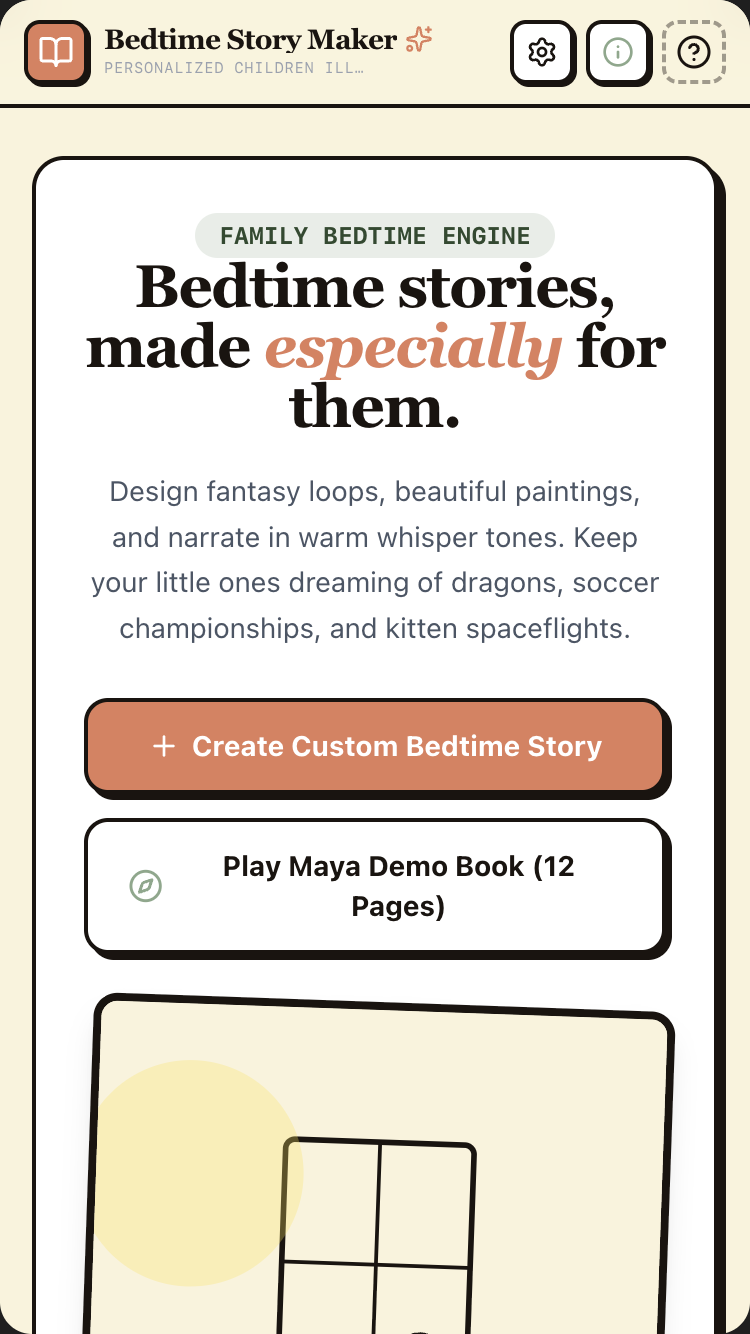
Voice Letters Home

Speak in your language. Send a video letter your family back home understands.

Diaspora families lose languages across generations. The grandchild speaks English; the grandmother speaks Tagalog; the messages stop. This preserves the speaker's voice while translating the words, so the connection survives the distance.

Diaspora caregivers, distant grandparents, immigrant familiesMultilingual audio · Veo · translation
Open in AI StudioRead the promptHide
Voice Letters Home mobile preview

Voice Letters Home

1.Project

Voice Letters Home lets diaspora workers, distant grandparents, immigrant families, and long-distance partners send video letters across language barriers. The user records a 30-second-to-3-minute voice message in their language. The app transcribes it, translates it into the recipient's language, re-narrates it in a TTS voice (or optionally clones the user's own voice in the target language), and generates a 30-second Veo 3.1 video letter with subtitles in both languages and a soft underscore. Sent as a link the recipient can open on any phone.

This is the kind of app one builds because their mother is in Manila and they're a caregiver in London and weekly video calls are too hard to schedule and WhatsApp voice notes don't reach across the language gap when their mother only speaks Tagalog and their own English-leaning kids only speak English back.

The single demo: a Filipina caregiver in London opens the app, holds the mic button, and speaks for 90 seconds in Tagalog about her week — work, the boy she cares for, what she misses, the rain. App transcribes in Tagalog and shows it. Translation appears in English (for her kids) and the user reviews. Veo generates 4 short clips suggested from the content + Lyria underscore. 30-second final video. She sends the link to her three kids in Manila. They open it: subtitles in both languages, mum's voice in Tagalog with a quiet music bed.

Tagline: Speak in your language. Send a video letter your family understands.

2.Target audience

  • Diaspora caregivers and overseas workers sending news home to family
  • Distant grandparents recording stories for grandchildren who don't share their language
  • Immigrant families bridging generations across language gaps
  • Long-distance couples in different countries
  • Refugees keeping in touch with family in their country of origin
  • Adopted children whose birth-family speaks another language
  • Soldiers + sailors stationed abroad
  • Heritage-language preservation for families who don't want their children to lose a grandmother's tongue

3.Core value propositions

Surface these clearly through copy, visual emphasis, and section ordering — they are the reasons users pick this app.

  • You speak in your language; family hears yours too. Original audio + translated subtitles → both sides feel close.
  • Not just a transcription — a video letter. Veo 3.1 generates short cinematic clips inspired by what you said; Lyria 3 underscores it. The result feels like a real letter, not a voice memo.
  • Works in 70+ languages. Including low-resource languages: Tagalog, Tigrinya, Khmer, Yoruba, Quechua, K'iche', Pashto.
  • Voice clone (v2 / optional Pro): if you wire ElevenLabs (separate API key + billing), translated narration can use your own voice. NOT included by default — v1 ships with high-quality Gemini TTS voices in the target language.
  • Private. Receiver doesn't need an account. A simple link works on any phone.

4.Features to build

  • Record voice letter (Live API) or upload an audio file
  • Live transcription as you speak (in source language)
  • Translation preview (in recipient language)
  • Optional: choose accompanying mood — calm, joyful, missing, news-of-good-things, news-of-hard-things
  • Veo 3.1 generates 3-5 short clips inspired by content
  • Lyria 3 generates underscore matching the mood
  • Optional v2 voice clone via ElevenLabs (separate ELEVENLABS_API_KEY + billing; ~$0.18/minute generated speech + $99/mo clone plan). NOT shipped in v1 by default.
  • 30-second to 90-second final video letter with subtitles in both languages
  • Send via link (or email/WhatsApp share)
  • Recipient view: clean playback, subtitle toggle, "reply with your own letter" button
  • Letter history (sent + received per recipient)
  • Multiple recipients per send
  • Save for later (draft letters)
  • "Letter of the week" reminder (gentle weekly nudge — opt-in)

4b.Required Gemini capabilities + backend services

This template's intelligence comes from the Gemini capabilities below. Wire them up explicitly — don't substitute generic LLM calls.

Gemini capabilities (the load-bearing intelligence)

  • Gemini Live API (multilingual audio understanding) — 70+ languages including low-resource ones. Real-time transcription as user speaks.
  • Translation (Gemini 3.1) — preserves tone, idiom, emotional register; not literal translation but message-preserving.
  • Gemini TTS — narrates the translated text in 30+ languages, multiple voice options per language.
  • Veo 3.1 — generates the cinematic clips. Prompted from the content of the letter, the user's tone, and mood selection.
  • Lyria 3 — generates the underscore. Mood inferred from sentiment.
  • Optional voice cloning (v2 / explicit deployer opt-in): if the deployer wires ElevenLabs API (separate from Gemini), translated narration can use the sender's voice in the target language. NOT a Gemini-native capability today. Requires ELEVENLABS_API_KEY env var + ElevenLabs billing.
  • Structured output (JSON Schema) — every letter is a typed Letter: {source_lang, source_transcript, target_lang, target_translation, mood, veo_clip_prompts: [], lyria_prompt, voice_id, final_video_url, sender_id, recipient_ids: []}.
  • Function callinggenerateClips(letter_id), clonNarration(voice_sample, target_text), sendLetter(letter_id, recipients).

Backend services

  • Auth — Required (sender only). Firebase Auth with Google or email magic link. Recipients open via shareable link — no account needed.
  • Database — Required. Firestore for users, letters, recipients, letter_history.
  • File storage — Required. Firebase Storage for: source audio + generated TTS audio + Veo clip files + final compiled video letters.
  • Email — Required (transactional). Send-letter notifications + magic-link auth.
  • Payments — Optional. Free: 4 letters/month, basic TTS voices. Pro: $7/mo unlimited + voice cloning + premium Veo prompts.
  • External APIs:
  • Gemini API (Live + translation + TTS + Veo + Lyria)
  • Optional: a voice-cloning service for Pro tier (ElevenLabs API or in-house)

Environment variables: every secret (Gemini API key, Firebase service-account JSON, Stripe key, etc.) lives in environment variables — never in client bundle. Include a .env.example.

Auth + data privacy reminders: never log secrets · never store passwords in plain text · use HTTPS everywhere · honour 'delete my account' inside the UI · respect user consent on audio/photo retention.

Read this first — prompt-craft rules that apply to every call in this template:

  1. Name the model variant explicitly in every Gemini API call. Do not let the agent pick the model. See the per-call matrix below.
  2. Pin thinkingLevel explicitly per call. See the matrix.
  3. Seed the JSON Schema as a fenced TypeScript / Zod block in the system instruction or responseSchema field. The literal schema is below.
  4. Pin the system instruction separately from user input. Use the systemInstruction field for persona + behavioural rules; use contents for user input. Never concatenate.
  5. Pre-declare tools as an enable/disable list per call. The matrix below names which tools are enabled per call. Tools NOT listed for a call should be disabled.
  6. State negative constraints explicitly — they are listed below. They are NOT "be careful" suggestions; they are hard rules the model must follow.

Per-call model + tools matrix

Call Model thinkingLevel Tools enabled
Live voice → transcription gemini-3.1-flash-live-preview low (none)
Translation (tone-preserving) gemini-3.5-flash medium (none)
Veo clip prompt generation (5 clips from content) gemini-3.5-flash high (none)
Veo video generation veo-3-1 n/a n/a
Lyria 3 underscore lyria-3 n/a n/a
TTS narration in target language gemini-2.5-flash-tts n/a n/a

Primary structured-output schema (seed this verbatim in the prompt)

import { z } from "zod";

const VeoClipPrompt = z.object({
  start_sec: z.number(), end_sec: z.number(),
  prompt: z.string(),                              // editorial-style, hand-feel
  source_caption: z.string(),                      // verbatim phrase from sender
  target_caption: z.string(),                      // translated, preserving proper nouns
});

const Letter = z.object({
  id: z.string().uuid(),
  sender_user_id: z.string(),
  recipient_ids: z.array(z.string()),
  mood: z.enum(["calm", "joyful", "missing", "news_good", "news_hard"]),
  source_language: z.string(),                     // BCP-47, e.g. 'tl-PH'
  target_language: z.string(),                     // BCP-47, e.g. 'en-GB'
  source_audio_url: z.string(),
  source_transcript: z.string(),
  target_translation: z.string(),
  narration_audio_url: z.string().nullable(),      // TTS in target lang
  veo_clip_prompts: z.array(VeoClipPrompt).min(3).max(5),
  lyria_underscore_prompt: z.string(),
  final_video_url: z.string().nullable(),
  reply_enabled: z.boolean(),                      // sender opts in per letter
  created_at: z.string(),
});

type Letter = z.infer<typeof Letter>;

Common failure modes (and how to avoid them)

  • Voice cloning is NOT a Gemini Tier-1 capability today. It's either a v2 scope feature OR a third-party integration (ElevenLabs) with a second API key + separate cost. Don't promise it in v1 hero positioning.
  • Veo cost per letter is the highest in the entire 10-template set — see cost math.
  • Proper nouns translated (people's names, dish names, place names) — never translate. Keep "pancit canton", "adobo", "Mama Linda" verbatim; optional first-occurrence gloss only.
  • Recipient reply abuse — anonymous recipients can flood. Sender opts in per letter; rate-limit per IP (5/IP/day).
  • RTL languages (Arabic, Hebrew) — subtitle rendering must respect RTL.

Negative constraints (hard rules)

  • Voice cloning is v2 scope unless deployer wires ElevenLabs explicitly (with ELEVENLABS_API_KEY env var + separate billing). Do NOT promise it in v1 marketing.
  • Do NOT translate proper nouns (people's names, food names, place names). Keep "pancit canton", "adobo" verbatim; first-occurrence parenthetical gloss only.
  • Do NOT enable recipient reply by default. Sender chooses per letter; rate-limited per IP.
  • Do NOT auto-renarrate in a different voice without sender approval. Sender previews + confirms.
  • Do NOT cache final Veo videos in CDN beyond user-configured retention (default 1 year). Hard delete after expiry.

Per-call systemInstruction strings

Use these as the literal systemInstruction field for each Gemini API call the built app makes. They complement the series-wide rules already uploaded as the global instructions file (00-series-instructions.txt).

Call: Live voice transcription (sender)

Model: gemini-3.1-flash-live-preview · thinkingLevel: low · Tools: (none)

Transcribe the sender's voice message in the SOURCE language.

- Preserve idioms, proper nouns, code-switching, idiosyncratic phrasing
  verbatim.
- Punctuate naturally based on intonation.
- If sender code-switches (Tagalog with English words mixed), preserve
  the code-switching.
- Don't tidy up false starts or hesitations — preserve them; sender can
  edit later.

Output: a single string. No commentary.

Call: Translation (tone-preserving)

Model: gemini-3.5-flash · thinkingLevel: medium · Tools: (none)

You translate a voice-letter transcript from `source_language` to
`target_language`. The recipient reads and hears this translation.

Rules:
- Preserve voice, tone, emotional register. "Mahal kita" → "I love
  you" — direct, intimate, NOT "I cherish you greatly".
- Do NOT translate proper nouns: people's names (Mama Linda, Anak
  Diego), place names (Manila, London), food names (pancit canton,
  adobo). Keep verbatim. On first occurrence only, optionally add a
  parenthetical gloss in target language.
- Preserve code-switching where present. "Okay lang" — translate
  intent ("I'm okay") but keep original in parentheses on first use.
- Preserve emotional markers: ellipses (long pauses), trailing
  thoughts, "ah" / "oh" interjections.
- If source contains an idiom that doesn't translate, render the
  closest target-language idiom AND a brief literal gloss in
  parentheses for the recipient.

Output: a single translated string. No commentary, no surrounding
quotes.

Call: Veo clip prompt generation (3-5 prompts from content)

Model: gemini-3.5-flash · thinkingLevel: high · Tools: (none)

You write 3-5 Veo 3.1 clip prompts that visually echo a voice letter.

Input: source transcript, translation, chosen mood (calm / joyful /
missing / news_good / news_hard).

Output: array of VeoClipPrompt objects, each:
- `start_sec` / `end_sec` — sequence within the final 30-sec letter
- `prompt` — 1-3 sentences describing a 6-7 second cinematic shot
- `source_caption` — verbatim short phrase from source transcript
  (renders as subtitle)
- `target_caption` — translated equivalent (renders below)

Cinematic style:
- Hand-held, intimate, documentary feel.
- Soft natural light. NEVER theatrical.
- Editorial film grain. Slight letterbox feel.
- NO faces in focus. The letter is about the sender's voice and
  feelings, not their appearance. Out-of-focus hands or backs of heads
  are fine.
- Visual subject echoes something the sender said. If they mentioned
  rain, the clip has rain. If cooking, hands cooking.

Mood mapping:
- calm: soft afternoon light, quiet domestic scenes
- joyful: golden hour, gentle motion, warm tones
- missing: dusk, single light source, slow movement, empty-chair
  metaphor
- news_good: bright morning light, opened windows, light on skin
- news_hard: blue hour, rain on window, still life over motion

Length: each prompt under 80 words.

Append to every prompt: "9:16 portrait, 6-7 seconds, film grain,
intimate, documentary photography style, soft natural light, no faces
in focus."

Output ONLY the array of VeoClipPrompt JSON. No commentary.

Call: Veo video generation

Model: veo-3-1 · n/a · n/a

Standard Veo 3.1 generation call. Pass each clip prompt from the
previous step.

Negative prompt always includes: "AI render look, glossy, sci-fi,
fantastical, faces in focus, text overlay, captions burned in (we
overlay separately), lower-thirds".

The 5 clips are stitched in the client; captions overlaid as a separate
rendering pass, in BOTH languages (source on top, translation below).

Call: Lyria 3 underscore

Model: lyria-3 · n/a · n/a

Length: 30 seconds (the duration of the letter).
Format: instrumental, no vocals.
Default palette: solo piano + soft strings. Slight reverb.
Tempo: 70-90 BPM.
Mood derived from letter's `mood` field:
- calm: gentle piano, slow arpeggio
- joyful: warm acoustic guitar, light strings, slight movement
- missing: solo piano, melancholic, slight reverb
- news_good: piano + soft strings, warm major chords
- news_hard: solo piano, sparse, longer notes

Fallback if Lyria 3 not accessible: royalty-free instrumental from
Pixabay/Uppbeat by mood tag.

Call: TTS narration in target language

Model: gemini-2.5-flash-tts · n/a · n/a

Voice: pick from available Gemini TTS voices for `target_language`.
Default characteristics: warm, age-appropriate to the sender (older
woman's letter → older-sounding voice; young parent's letter → younger-
sounding voice).

Pre-process the translated text:
- Read numbers as words.
- Expand abbreviations.
- 400 ms pauses between sentences.
- 600 ms pauses at em-dashes.
- Target rate: ~110-130 wpm — pace of a letter being read aloud, not a
  news broadcast.

Tone hint (if API accepts style field): match letter's `mood` —
"calm and warm" / "joyful and slightly playful" / "tender and slightly
sad" / etc.

OPTIONAL v2 (ElevenLabs voice clone): if the deployer wires
ElevenLabs with the sender's consented voice sample, translated
narration uses the sender's own voice in the target language. NOT a
Gemini-native capability today — requires `ELEVENLABS_API_KEY`.

5.Use cases & content to include

Build dedicated UI sections or flows for each of these — they tell you what content the app must support.

  • The Filipina caregiver in London. Records weekly Tagalog letter to her three kids in Manila — they listen with English subtitles + her own voice; their replies come back in English with Tagalog subtitles for her.
  • The Eritrean grandfather in Stockholm. Records 100 short Tigrinya letters for his unborn grandson — they're saved in a library to be opened on the grandson's 18th birthday.
  • The American grandparents. Adopted Korean granddaughter is 4; they record bedtime stories + birthday wishes in English, sent as letters with Korean subtitles so she can re-watch with her parents.
  • The Bangladeshi taxi driver in NYC. Sends weekly Bangla letters to his mother in Dhaka; she replies with letters in her village dialect that translate beautifully.
  • The military spouse in San Diego. Husband stationed in Japan; weekly Spanish letters to her abuela in Mexico City who never met him — letter from her includes Veo clips of beach walks, kids laughing.
  • The long-distance couple. He speaks French, she speaks Mandarin; weekly letters back and forth — neither has to translate themselves.

6.Page structure

Build the following screens / sections in this order. Adjust copy to fit the voice, but keep the structural intent.

  1. Welcome. "Send a letter home. In your language. They'll understand it in theirs." Google sign-in. 2-line example: "Maria from Tagalog to her kids in English."
  2. Set up first recipient. Name, language they speak, relation. Optional photo.
  3. Record new letter screen. Big mic button. Live transcription appears as user speaks. Source language detected automatically (override option). Pause + resume. 30-second to 3-minute soft limit.
  4. Letter preview. Two-column: source transcript on left (in user's language) + translation on right (in recipient's language). Both editable. Mood picker below.
  5. Generate video letter screen. Honest progress: "Translating your letter…" → "Choosing music…" → "Generating clip 1 of 4…" → "Stitching the final letter…". 90-180 seconds total.
  6. Letter preview. Full 30-second video plays. Subtitle toggle (source/target/both). Voice toggle (source/translated/voice-clone if Pro). "Re-generate clips" option. "Send" CTA.
  7. Send dialog. Select 1+ recipients. Choose delivery: link copy, WhatsApp share, email.
  8. Recipient view (no auth required). Full-screen video plays. Subtitle controls. "Reply with your own letter" CTA — opens to a recording flow that's just as simple from their side.
  9. Letter history. All sent letters, grouped by recipient. Click any past letter to re-play or duplicate.
  10. Voice-clone setup (Pro). Record 30-second sample to clone your voice in your spoken language. App can then narrate target-language letters in your voice.
  11. Settings. Default mood. Default delivery method. Voice clone management. Privacy controls. Account.
  12. Footer. "Letters never leave your Firebase project." Capabilities (i) button.

6b.First-visit onboarding

Show a first-visit onboarding the first time a visitor lands on the app (detect via localStorage flag; do not show on return visits). Three slides, dismissible at any time. Persistent re-entry: a ? icon in the header reopens it.

Slide 1 — What this is. - Headline: "Welcome to Voice Letters Home." - Subhead: "Speak in your language. Send a video letter your family understands." - One paragraph (≤ 60 words) explaining who this is for and what makes it different from anything else. - Visual: a small annotated diagram of the central interaction (not a generic illustration).

Slide 2 — Try it now. - One short prompt: "Try: record a 30-second voice message in your language — see a translated video letter with subtitles in seconds." - A live demo input pre-filled (the user can press a single button to see the magic happen on real seed data). - 1-2 sentences pointing at the specific page elements where the Gemini magic happens.

Slide 3 — How to remix this. - Headline: "Make this yours." - Three short bullets: • "Swap the seed data in /data/seed.json for your own." • "Adjust the prompts in /server/prompts/ to fit your voice." • "Wire up your Gemini API key and Firebase project via the env-var list in the capabilities panel." - Primary CTA: "Use this template" → links to AI Studio Build remix entry point. - Secondary: "Just exploring — close" (sets localStorage flag, never auto-shows again).

Accessibility: focus trap, Esc closes, role="dialog", aria-modal="true", aria-labelledby, focus restored to trigger on close. Respect prefers-reduced-motion.

Don't: - Don't gate content behind the modal. The page beneath must be fully usable. - Don't auto-reshow on return visits. Use localStorage['onboarding-seen-v1']. - Don't include unrelated CTAs (newsletter signup, social follow). Keep it about the template only.

6c.Capabilities info button (persistent in header)

Add a persistent (i) icon in the top-right of the header (next to the primary nav). Click → opens a modal/panel titled "What powers this app".

Panel contents (in this order):

Gemini capabilities used (the hero list): - Gemini Live API (multilingual) — speak in 70+ languages including low-resource ones; transcript appears live. - Gemini 3.1 Pro translation — message-preserving, not literal — preserves your tone and idiom. - Gemini TTS (30+ languages) — renders the translated narration in a natural voice. - Veo 3.1 — generates the cinematic clips that accompany your words. - Lyria 3 — generates the music underneath, mood inferred from your message. - Optional v2 voice cloning — only if deployer wires ElevenLabs API separately. NOT included in v1 by default. v1 ships with high-quality Gemini TTS voices. - Structured output (JSON Schema) — letters are typed records; reliable subtitles, reliable history. - Firebase Auth + Firestore + Storage — your letters live in your Firebase project. Recipients open via link, no account needed. - Cost note — Veo generation and (Pro) voice cloning are the heaviest per-letter cost. Free tier covers monthly use; Pro for unlimited. - Privacy note — your audio, voice clone, and family relationships are private. Never used for training.

Backend services this app depends on: - Auth: see section 4b - Database: see section 4b - Storage: see section 4b - Email: see section 4b - Payments: see section 4b (if applicable) - External APIs: see section 4b

Environment variables you'll need to configure: - GEMINI_API_KEY — your Google AI Studio API key - FIREBASE_PROJECT_ID — your Firebase project id - FIREBASE_SERVICE_ACCOUNT — service-account JSON (server-side only) - (List any others specific to this template)

Cost + privacy notes: - One short paragraph per cost-sensitive capability (Live API minutes, image generation per-image, long-context per-token). - One short paragraph on privacy: where user data lives, how to delete it, what's never used for training.

Documentation links: - AI Studio Build docs - Gemini API docs for each capability listed above - Firebase Auth, Firestore, Firebase Storage docs

Accessibility: same standards as the onboarding modal — focus trap, Esc, ARIA, restored focus.

Behaviour: - Always available — single click from anywhere in the app. - Tooltip on the (i) icon: "How this app is built". - Mobile: opens as a full-screen sheet that slides up. - Should be the most honest part of the app — never hand-wave service requirements; never say "AI" without naming the specific Gemini model and capability.

6d.Detailed cost breakdown (deployer reads this BEFORE shipping)

The heaviest-cost template in the series.

  • Veo 3.1 — ~$0.30-0.50/second. A 30-sec letter = ~$9-15 per letter.
  • Lyria 3 underscore — ~$0.10-0.20/letter.
  • Live transcription — ~$0.05-0.10/minute.
  • Translation + clip prompts (Pro, high) — ~$0.05/letter.
  • TTS narration — ~$0.05-0.10/letter.
  • Expected per-letter cost: ~$10-16.

Pricing reality: - Free tier "4 letters/month" = ~$40-64 of API cost absorbed per active free user. - Pro at $7/mo loses the deployer ~$50/active user/month. - Recommended pricing strategy: raise Pro to $25/mo OR cap Pro to 2 letters/month OR ship the cheaper "subtitled-audio-only" tier (skip Veo) at ~$0.50/letter.

Optional v2 voice cloning (ElevenLabs): ~$0.18/minute generated speech + $99/mo cloning plan flat fee.

7.Design language

  • Mood: A letter. A real one. Folded, warm, hand-feel. Not a tech product. Not a translation app. Something tender.
  • Typography: Inter or Geist for UI; a warm serif (Source Serif or Lyon Text) for transcripts and translations — letters deserve serif.
  • Palette: Warm paper #F8EDD3 background, deep umber #3A2018 text, soft sage #7A8770 accent, muted blush #C68B7F for "received" letter indicators. Both languages' subtitle bands use slightly different paper tints (cream + ivory) so the eye separates them without a hard line.
  • The mic button is large, soft, slightly warm-toned — like a real microphone in a recording booth, not a tech-app icon.
  • The video letter playback is 9:16 portrait, full-frame, soft letterbox. Subtitle bands at bottom in both languages with the language indicated by a small flag (subtle, not loud).
  • Microcopy is warm and direct. "Your letter is ready." NOT "Successfully generated!" Never. Never. Never.

  • Spacing: consistent 4-px base. Generous whitespace — let the content breathe.

  • Radius: consistent token set (e.g. 6 / 12 / 20 px). Don't mix arbitrary values.
  • Shadows: subtle, layered. Avoid heavy drop-shadows.
  • Motion: purposeful — entrance fades, hover lifts, page transitions. Respect prefers-reduced-motion. No bouncing splash animations. No theatrical hero animations.
  • States: every interactive element has hover, focus, active, disabled. Loading uses skeletons not spinners where possible. Empty states have helpful next-action guidance.

8.Content generation rules

  • Write realistic, specific copy. NO Lorem Ipsum. NO generic placeholders like 'Your tagline here'.
  • Invent plausible names, dates, locations, prices, quotes, sample data that fit the domain (use the seed content in section 8a as a starting point).
  • Tone: warm, direct, free of corporate language. This template is for a person, not a company.
  • Headlines: punchy and concrete. No 'Empower your X' filler. No 'Revolutionize'. No 'Seamless'.
  • Body copy: short paragraphs (2-4 sentences). Use lists where appropriate.
  • Plain language. Avoid jargon unless the persona uses jargon (e.g. board-game rulebook app should sound like a board-game friend talking).
  • Where the app outputs AI-generated content, never label it as "AI says" — let it speak naturally. Use small uncertainty cues only where epistemic honesty requires them.

8a.Seed content (use these specific examples)

Anchor every generated copy + sample data point in the concrete content below. Use these names, numbers, dates, and snippets verbatim where helpful, or generate close variants that sit in the same world.

Sample recipients (the demo state — Maria, Filipina caregiver in London): - Mama Linda (mother, in Manila, speaks Tagalog) · 14 letters sent · 12 received - Anak Diego (son, age 11, in Manila, speaks English + some Tagalog) · 22 letters sent · 8 received - Anak Maria (daughter, age 9, in Manila, speaks English) · 22 letters sent · 6 received - Anak Joey (son, age 6, in Manila, speaks English) · 22 letters sent · 1 received (he's still learning to use the app)

Sample letter (the demo output — Maria's weekly letter):

Recording (90 sec, Tagalog):

"Hello mga anak, kumusta na kayo? Ako, okay naman ako dito sa London. Yung batang inalagaan ko, si Henry, six years old siya, mahilig sa dinosaur. Tinuruan ko siya ng pancit canton last week — ang sarah, kahit konti lang ang inubos niya. Pumupunta na talaga ulan dito, naghahanap na ako ng mas makapal na coat. Miss ko kayo. Diego, ano na ang grade mo sa math? Maria, kumain ka ba ng adobo nung Sunday? Joey, sabihin mo kay nanay, anong gusto mo i-gawa kapag dumating ako sa Christmas. Sige, mahal ko kayo, paalam sa ngayon."

Translation (English, message-preserving):

"Hi loves, how are you doing? I'm okay here in London. The little boy I'm caring for, Henry — he's six, loves dinosaurs. I taught him pancit canton last week — it was sweet, even though he only ate a little. The rain is really coming down now; I'm looking for a thicker coat. I miss you. Diego, what's your grade in math? Maria, did you eat adobo on Sunday? Joey, tell mama what you want us to do when I come home for Christmas. Okay, I love you, goodbye for now."

Generated Veo clips (4 clips × ~7 sec, prompted from the content):

  1. 0:00-0:08Hand-held shot from inside a small London kitchen, warm afternoon light through a window, condensation on glass — a tin of pancit canton noodles on the counter, soft focus on a child's drawing of a dinosaur stuck to the fridge. [Subtitle band, Tagalog top, English bottom — "Yung batang inalagaan ko, si Henry / The little boy I'm caring for, Henry"]

  2. 0:08-0:16Slow tracking shot of London street in rain, double-decker bus passing in soft focus, brick buildings, autumn leaves on wet pavement, film grain. [Subtitle: "Pumupunta na talaga ulan dito / The rain is really coming down now"]

  3. 0:16-0:23A coat on a hook by a doorway, soft light, slightly worn, atmosphere of someone preparing for winter. [Subtitle: "naghahanap na ako ng mas makapal na coat / I'm looking for a thicker coat"]

  4. 0:23-0:30Soft hand-held shot of a window with raindrops, view of London rooftops at golden hour, peaceful and intimate. [Subtitle: "Miss ko kayo. Mahal ko kayo. / I miss you. I love you."]

Lyria 3 underscore: Gentle solo piano with light strings, melancholic-but-warm, 80 BPM, slight reverb. 30 seconds, fades softly at the end.

Sample letter library (Maria's outbox — last 8 weeks): - Letter for Mama Linda · 12 May · sent + opened - Letter for Diego (math + miss you) · 12 May · sent + opened - Letter for Maria & Joey (Sunday food) · 12 May · sent + opened - Letter for Mama Linda (sick week) · 5 May · sent + opened - Letter for Diego (school news) · 5 May · sent + opened - Letter for Mama Linda (Henry's birthday) · 28 Apr · sent + opened - Letter for kids (group letter, Henry's birthday cake) · 28 Apr · sent + opened - Letter for Mama Linda (April rain) · 21 Apr · sent + opened

Sample reply received (from Diego, English, 6 May):

"Hi mom, I got 92 in the math test. I miss you. We had adobo on Sunday like you said. Joey wants to go to Enchanted Kingdom when you come. I love you."

→ Translated to Tagalog and shown to Maria with subtitles in both.

Sample microcopy: - Welcome: "Send a letter home. In your language. They'll understand it in theirs." - Record prompt: "Speak in your language. I'm listening." - Live transcript: appears as user speaks, with a soft typewriter feel. - Generating: "Translating into English…" → "Choosing music for this letter…" → "Generating the first clip…" - Send: "Send to Mama Linda?" - Recipient view header: "A letter from Maria, sent Sunday at 7:42pm." - Reply prompt: "Reply with your own letter — she'll see it in Tagalog."

9.Media & assets

  • Hero image (landing): A handheld phone in soft warm light, with a video letter playing on screen — a glimpse of family-feel imagery on the screen. Generate via Nano Banana: "hands holding a phone with a video playing showing soft warm domestic scene, late afternoon golden light coming through a kitchen window, no faces visible, film grain, intimate atmosphere".
  • Recording UI: Mic button + live waveform. Warm-toned, paper-textured background.
  • Letter playback: 9:16 portrait video frame, subtle film grain, soft letterbox top + bottom for subtitle bands in two languages.
  • Recipient open-page: Almost no UI — just the video, full-frame, subtitle controls at the bottom, "reply" CTA after playback ends.
  • Avoid: translation-app iconography (globe + arrow), generic "phone in hand" stock photos, flag-and-flag visual language for language pairs (it's a tender app; flag-heavy UX feels political).

  • Generated imagery: prefer Nano Banana 2 over stock photography. Prompt for warmth, asymmetry, and slight imperfection — avoid the glossy 'AI render' look.

  • Optimisation: WebP/AVIF, loading="lazy", explicit width/height to prevent layout shift.
  • Icons: lucide-react for UI. Use sparingly — never decorative-only.

10.Interactivity & states

  • Every interactive element has hover, focus, active, and disabled states.
  • Forms validate inline and show specific error messages (not "Invalid input").
  • Loading states use skeletons that match the eventual layout, not spinners.
  • Empty states explain the next action with a button whose label fits THIS app's domain (e.g. "Photograph your first card", "Record your first letter", "Drop a PDF" — never a generic "Add your first item").
  • Smooth scroll for in-page anchors.
  • All AI-generated content streams in token-by-token where supported, with a clear "thinking…" indicator before content starts arriving.
  • If an AI call fails, show a calm, specific error ("We couldn't read this handwriting — try a clearer photo?") and offer retry.

11.Tech & responsive requirements

  • Stack: React + TypeScript + Tailwind CSS. Functional components + hooks. Use Shadcn UI primitives where appropriate.
  • Build runtime: AI Studio Build — full-stack with Cloud Run server-side functions. All Gemini API calls happen server-side; API key lives in Secrets Manager, never in client bundle.
  • Model selection: explicitly pin gemini-3.5-flash for reasoning-heavy tasks and gemini-3.5-flash for snappy interactive tasks. Set thinkingLevel explicitly per call.
  • Database: Firestore (auto-provisioned by AI Studio Build). Show realistic seed data on first launch.
  • Auth: Firebase Auth — Google sign-in by default; magic-link email as secondary.
  • Storage: Firebase Storage for any user-uploaded media. Pre-signed URLs.
  • Mobile-first. Verify layouts at 375 px (iPhone SE), 768 px (iPad), 1024 px, 1440 px+.
  • Use clamp() for fluid typography. Prefer container queries over media queries for component-level responsiveness.
  • Use dvh / svh instead of vh. Respect safe-area insets on iOS.
  • Zero horizontal overflow at any width. Zero layout shift on load.
  • Persist user data in Firestore. Use real-time listeners where collaborative.
  • Optimistic UI on writes; reconcile on response.

12.Accessibility (WCAG 2.2 AA)

  • Semantic HTML — header, nav, main, section, article, footer.
  • All interactive controls reachable by keyboard with a visible focus ring.
  • Color contrast ≥ 4.5:1 for body, 3:1 for large text and UI components.
  • All images have meaningful alt text. Decorative images use alt="".
  • Form fields have associated <label>s; errors announced via aria-describedby.
  • All modals: focus trap, Esc to close, role="dialog", aria-modal="true", aria-labelledby, restore focus to trigger on close.
  • Respect prefers-reduced-motion.
  • Tap targets ≥ 44 × 44 px on touch.
  • For voice features: provide a visible transcript and a 'type instead' alternative.
  • For image inputs: announce success/failure to screen readers via aria-live="polite".
  • For real-time conversation features: ensure captions are visible to non-hearing users.

13.Quality bar — avoid AI clichés

Do not ship any of the following unless the design explicitly calls for it: - Hero with a gradient background and floating geometric / orb shapes. - A row of 4 'by the numbers' stat cards below the hero. - Emoji bullets in body copy. - 'Lorem ipsum' or 'Your headline here' placeholders. - A pricing table with three identical tiers when the product has no real pricing. - Faux testimonials with stock-photo headshots. - Hero CTA labelled 'Get started' with no second action. - "AI" or "Powered by AI" badges plastered everywhere. The intelligence is in the experience, not the marketing. - Loading spinners on AI calls — show a meaningful 'thinking' state (visible thought summaries where Gemini provides them). - Toast notifications for routine actions (save, delete) — use inline confirmation instead.

Aim for the polish of a hand-crafted production app — specific, considered, with real domain knowledge in the copy. A reviewer should not be able to tell this came from a template.

14.Deliverables

A single working app I can preview immediately, with: - All sections populated with realistic seed data (see section 8a) - All AI features wired to real Gemini API calls (server-side) - All interactive states implemented (loading, empty, error) - Onboarding modal working on first visit (and accessible via ? icon thereafter) - Capabilities info button working in header ((i) icon → panel) - Auth flow working with Google sign-in - Firestore persistence wired up with security rules - Responsive across the four viewport breakpoints - Zero TODOs, zero console errors, zero placeholders